PC Making a Loud Grinding Noise? Here Are The Prime Suspects
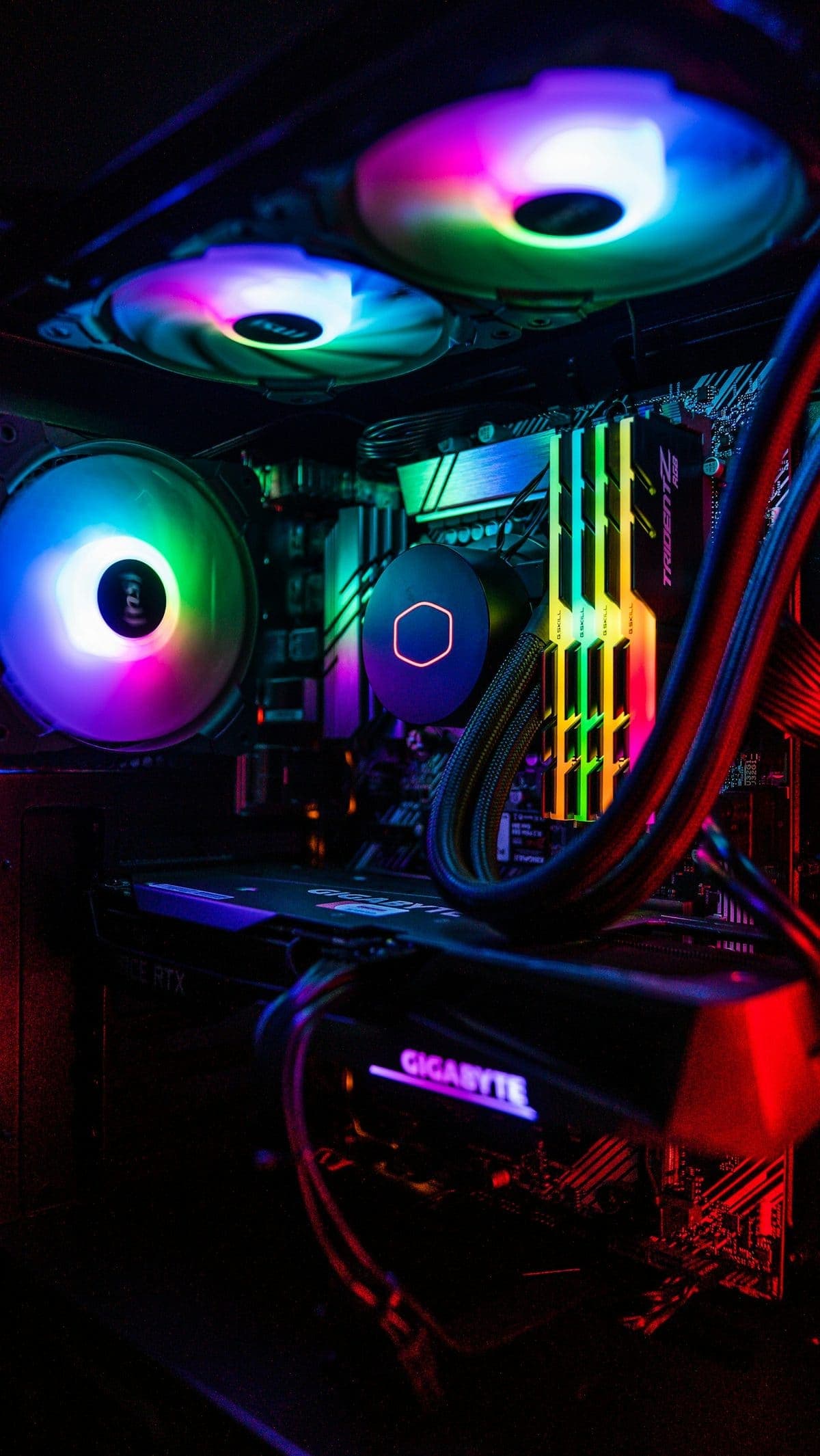
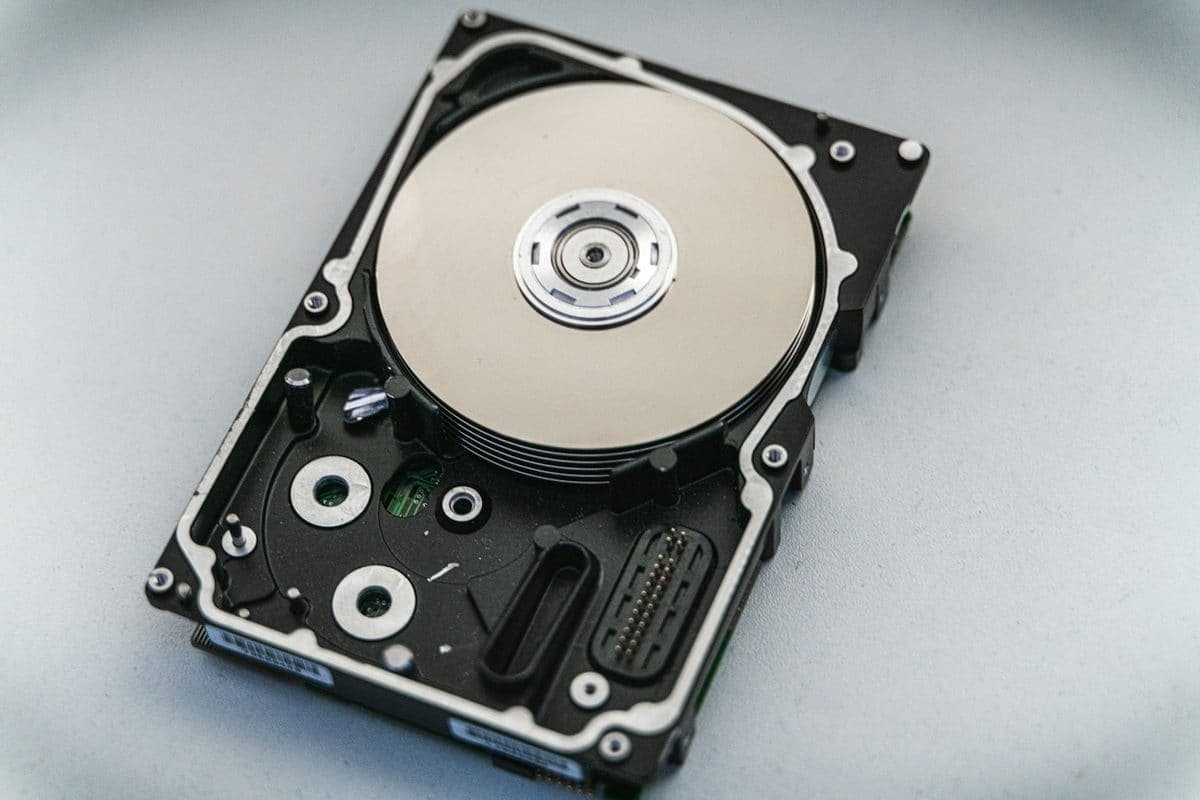
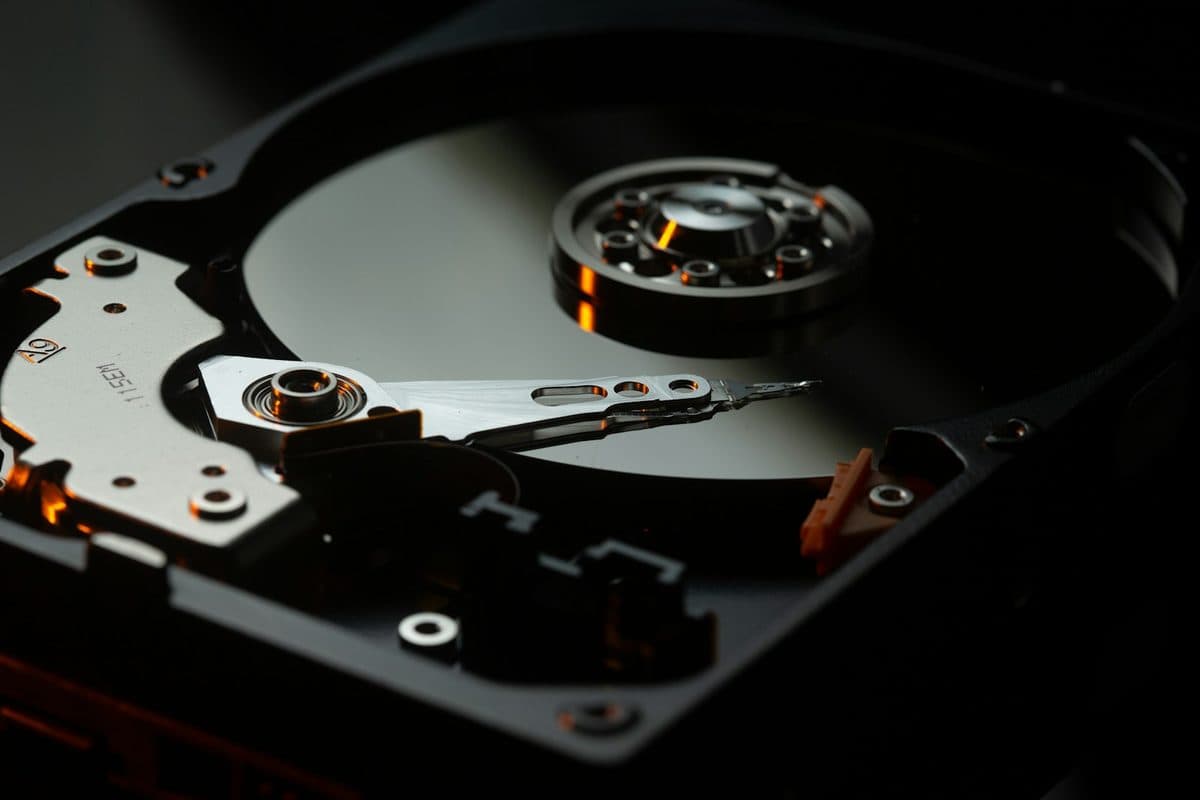
Is your computer suddenly sounding like a lawnmower? It is usually a mechanical failure involving a fan or a dying hard drive.
Read moreNew articles publish automatically every 2 days, covering Mac, laptop, PC, PlayStation, Xbox, Nintendo Switch, data recovery, and practical fault-finding tips for London customers.
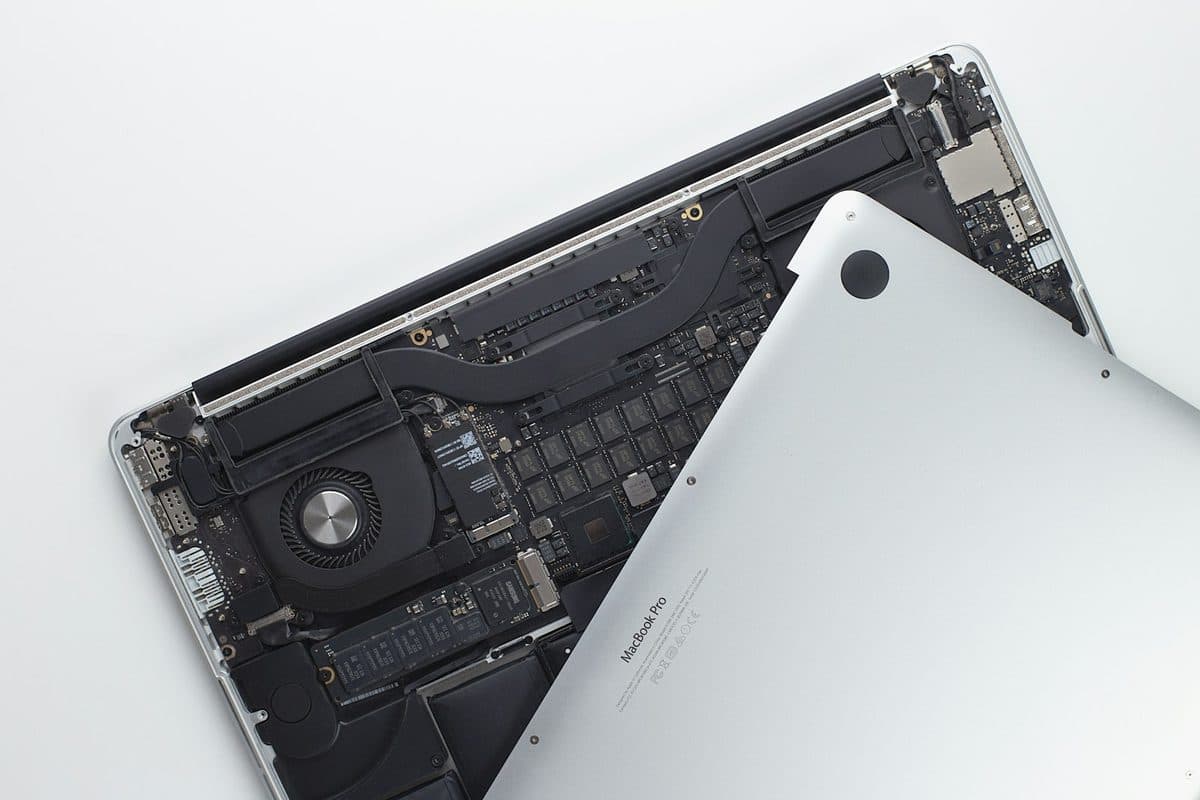
Loud fans and a hot aluminum chassis can indicate thermal throttling. Here is how to keep your MacBook Pro cool.
Read the article

Is your computer suddenly sounding like a lawnmower? It is usually a mechanical failure involving a fan or a dying hard drive.
Read more
A sticky MacBook keyboard often points to trapped crumbs or dried liquid underneath the butterfly or scissor mechanisms.
Read more
Disc-read errors can come from the drive mechanism, rollers, laser issues, or software trouble. The symptom pattern helps narrow it down.
Read more
Charging problems can come from the battery, charger, USB-C ports, MagSafe, or the board itself. The symptoms usually leave clues.
Read more
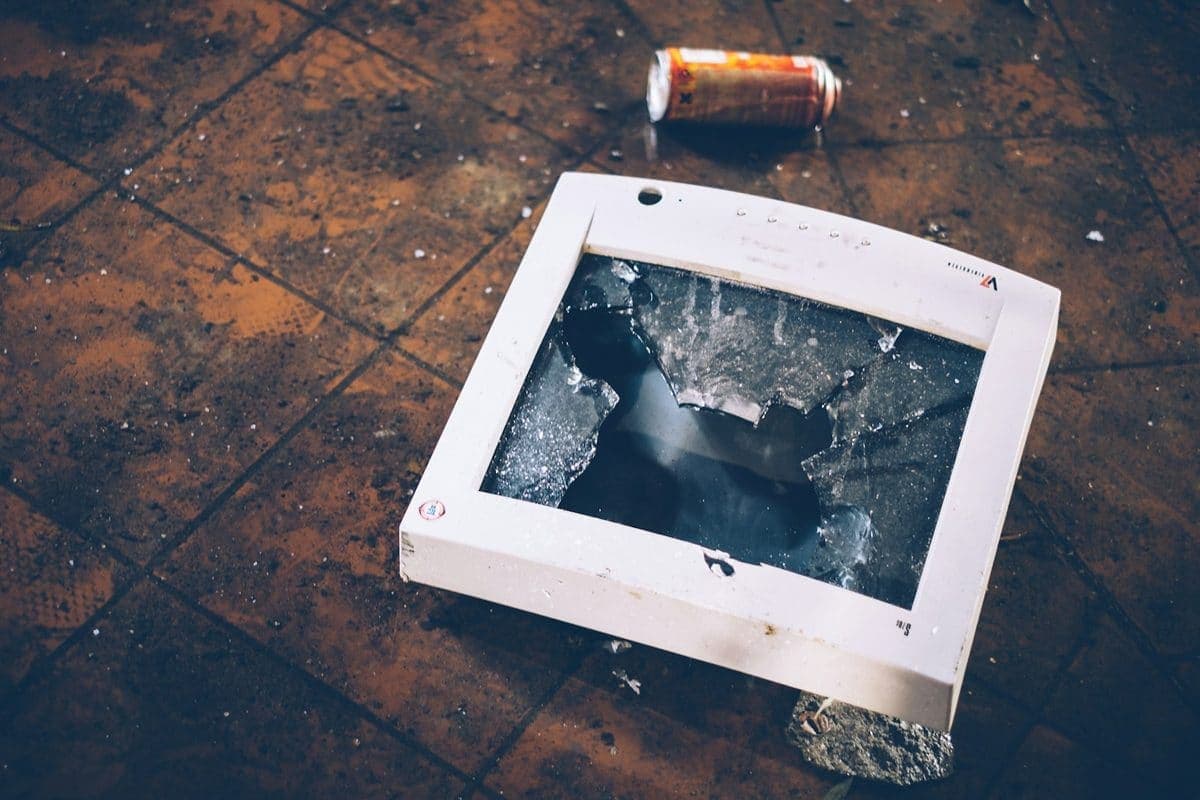
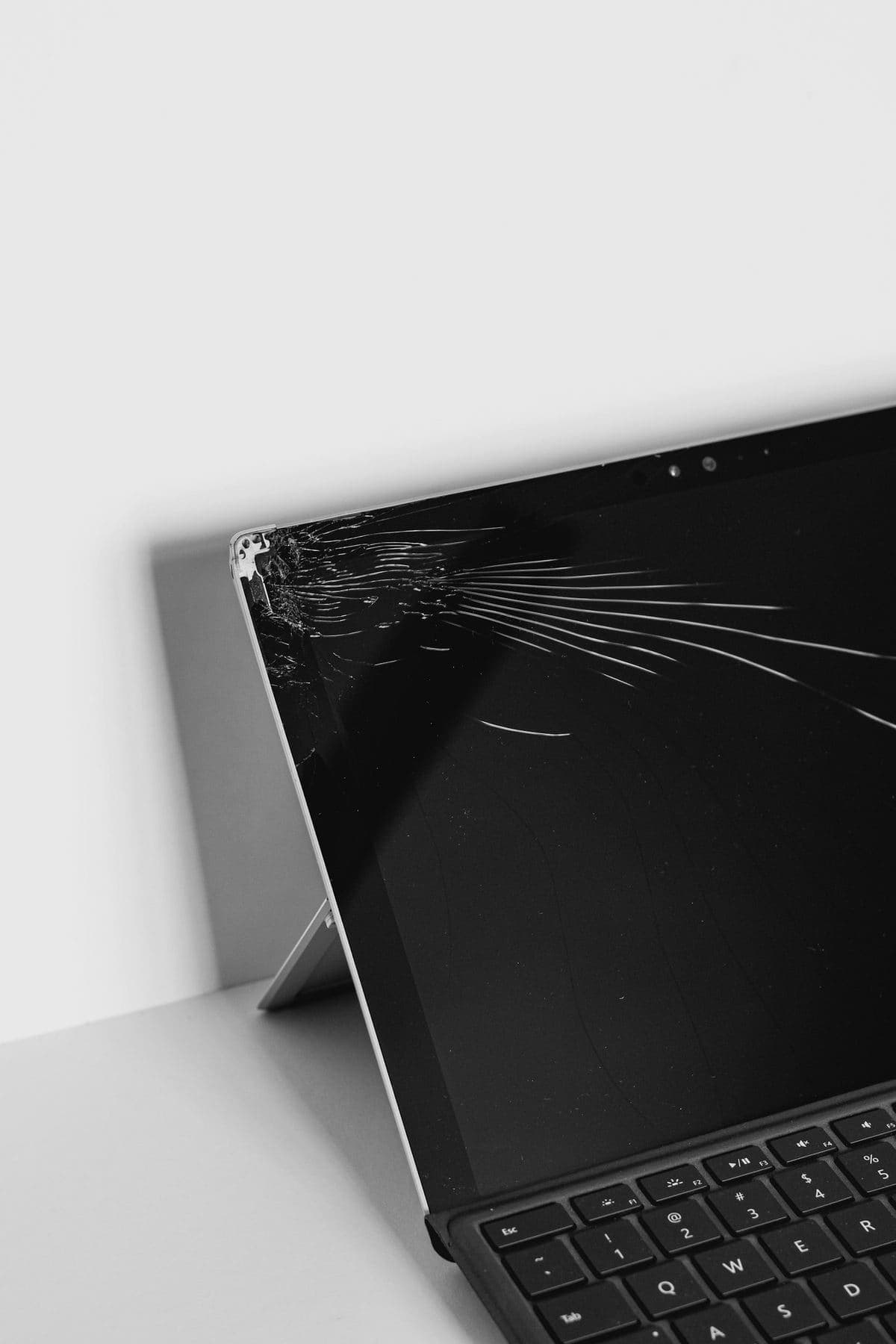
A cracked display looks expensive, but the screen is often the only part that needs attention. The key is confirming the rest of the laptop is healthy.
Read more
A drive that suddenly disappears is not a good place for random trial-and-error. These first steps protect the best recovery options.
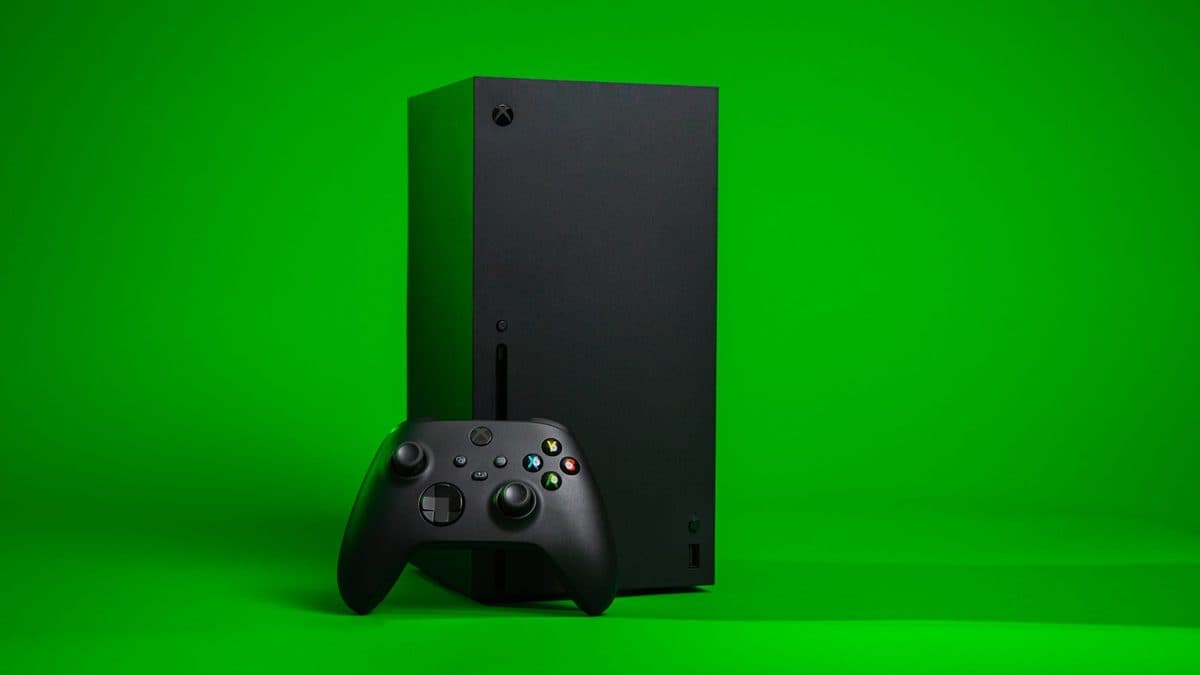
Read moreA black screen on an Xbox can be a cable issue, HDMI damage, resolution confusion, or a deeper board fault.
Read moreCharging issues on a Switch can come from the USB-C port, the battery, the dock, or the charging circuit itself.
Read moreUnexpected shutdowns, loud fans, and heat warnings are often a maintenance problem before they become a hardware failure.
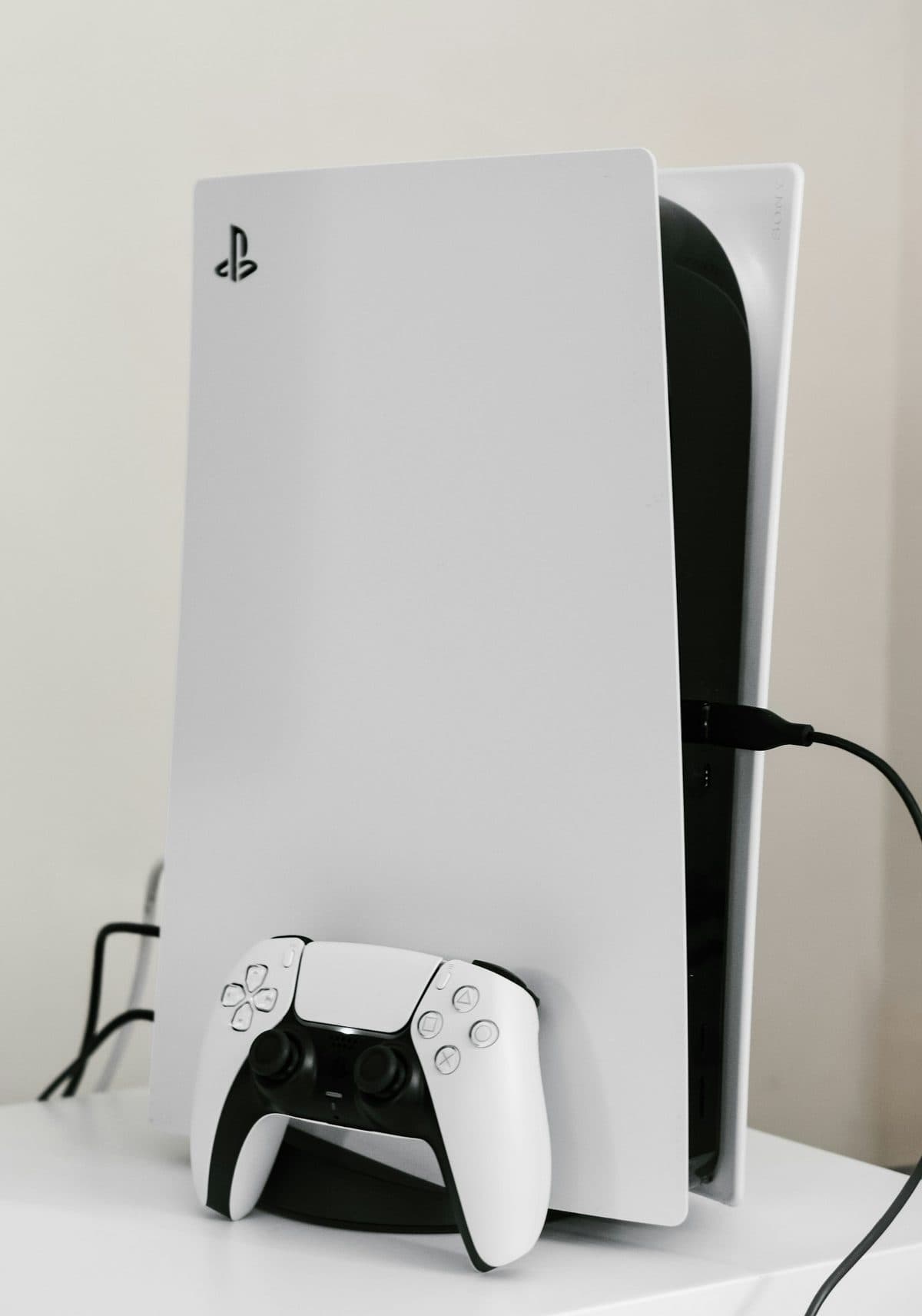
Read moreIf a PS5 powers on but shows no picture, the HDMI port is one of the first things worth checking.
Read more
Not every scary pop-up is real, but every compromised machine deserves a careful cleanup and password review.
Read more
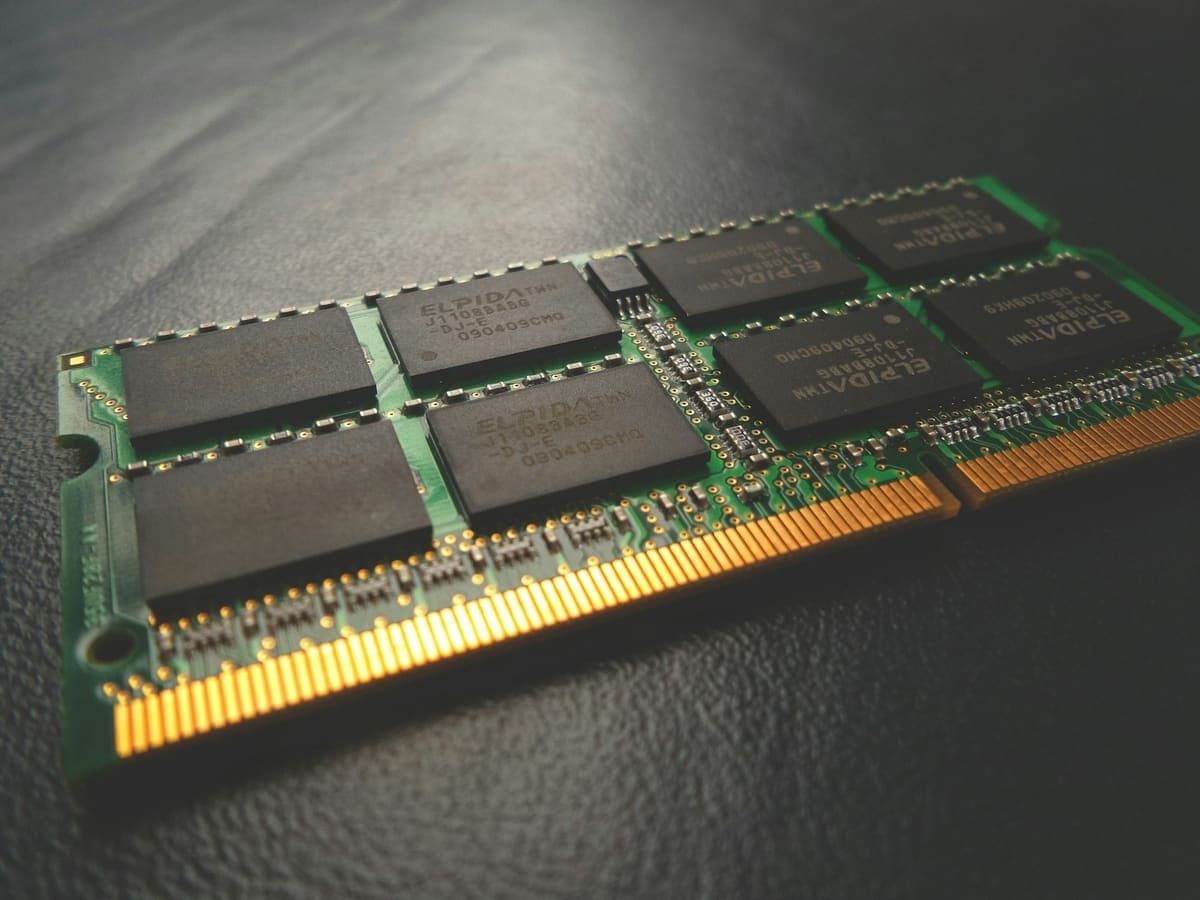
Game crashes can come from heat, RAM instability, GPU faults, power issues, or corrupt drivers. The trick is isolating them properly.
Read more
If your drive has failed, the right first move is not always to keep plugging it in. Here is what usually helps most.
Read more
A sluggish laptop is usually a combination of storage, heat, startup apps, and age rather than one single problem.
Read more
The best decision after a spill is usually what you stop doing. Here is the safest response after liquid gets into a laptop.
Read more
Display faults are not all the same. Some point to panel damage, some to flex cables, and some to board issues.
Read more
Fast battery drain, random shutdowns, and service warnings usually follow a pattern. Here is what to watch for.
Read more
A dead MacBook does not always mean a dead logic board. These are the first checks worth making before you assume the worst.
Read more