8 September 2026
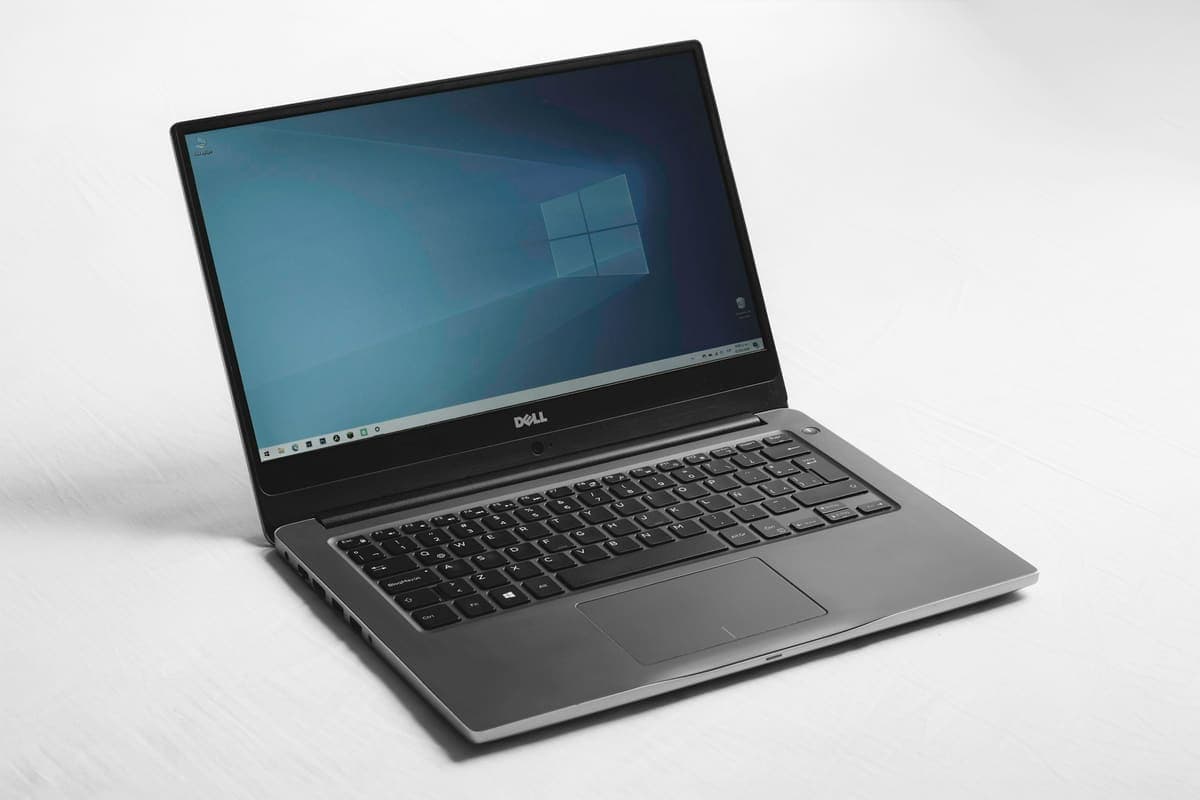
Windows Laptop Blue Screen? Read The Stop Code First
A blue screen is Windows stopping deliberately to avoid damage. The stop code it shows is the most useful clue you get, and most people scroll past it.

Not every scary pop-up is real, but every compromised machine deserves a careful cleanup and password review.
A browser hijack or malware infection usually reveals itself through intrusive pop-ups, fake support warnings, slow performance, or unauthorised logins. The safest response is controlled cleanup, not random clicking.
The longer a compromised machine stays online, the more chance there is of stolen passwords, browser session theft, and wider account compromise.
Need help right now? Our Virus Removal engineers can come directly to your home or office anywhere in Greater London to diagnose and fix this for you.
A cleanup is only half the work. The other half is establishing what the malware had access to, so you know which passwords and accounts genuinely need attention.
Nearly every infection we clean arrived through a browser prompt, a fake update, or a password reused from somewhere else.
We come to your home or office anywhere in Greater London for virus removal.
A blue screen is Windows stopping deliberately to avoid damage. The stop code it shows is the most useful clue you get, and most people scroll past it.
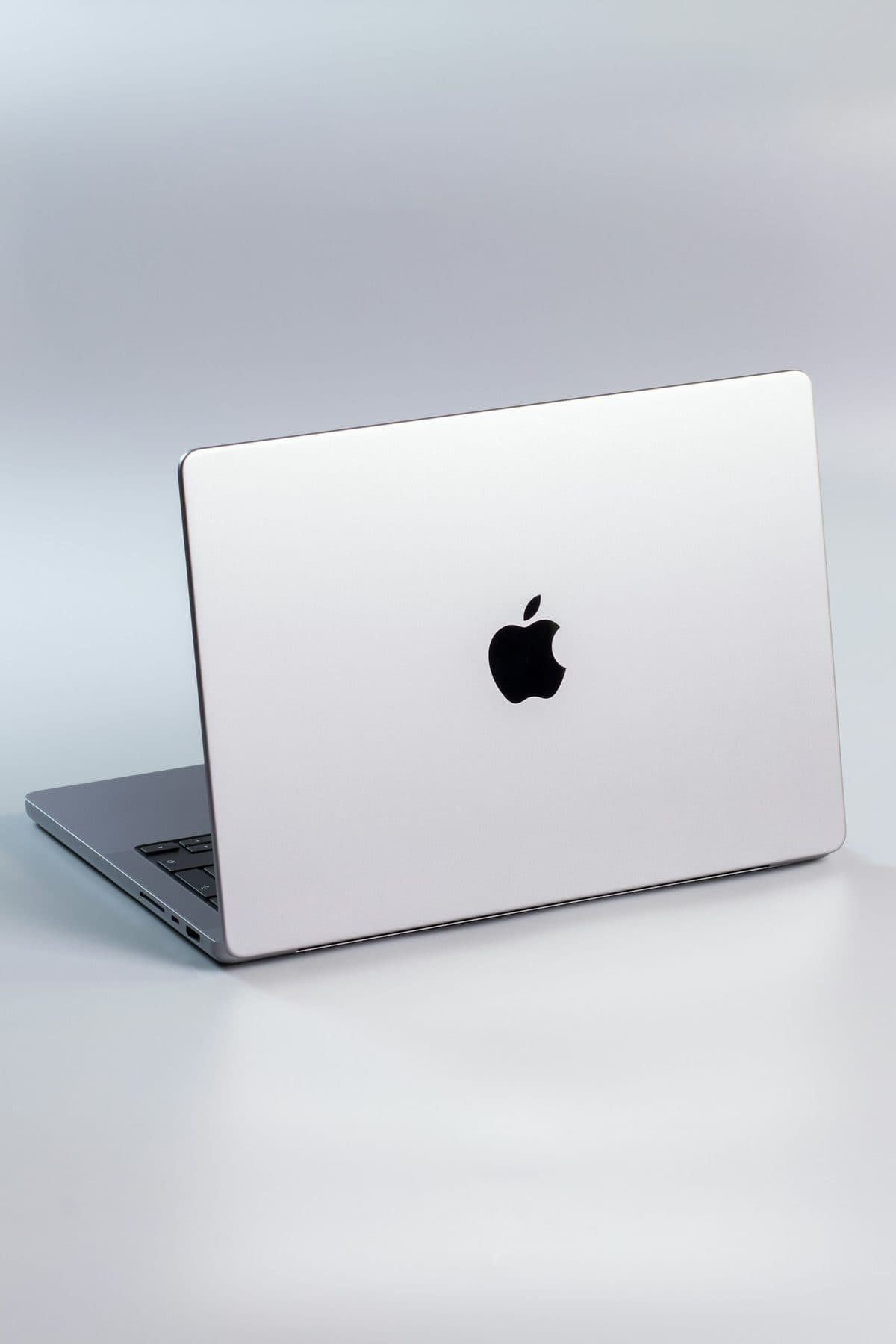
When a MacBook trackpad stops clicking or feels stuck, the trackpad itself is rarely at fault. It is usually the battery swelling underneath it.
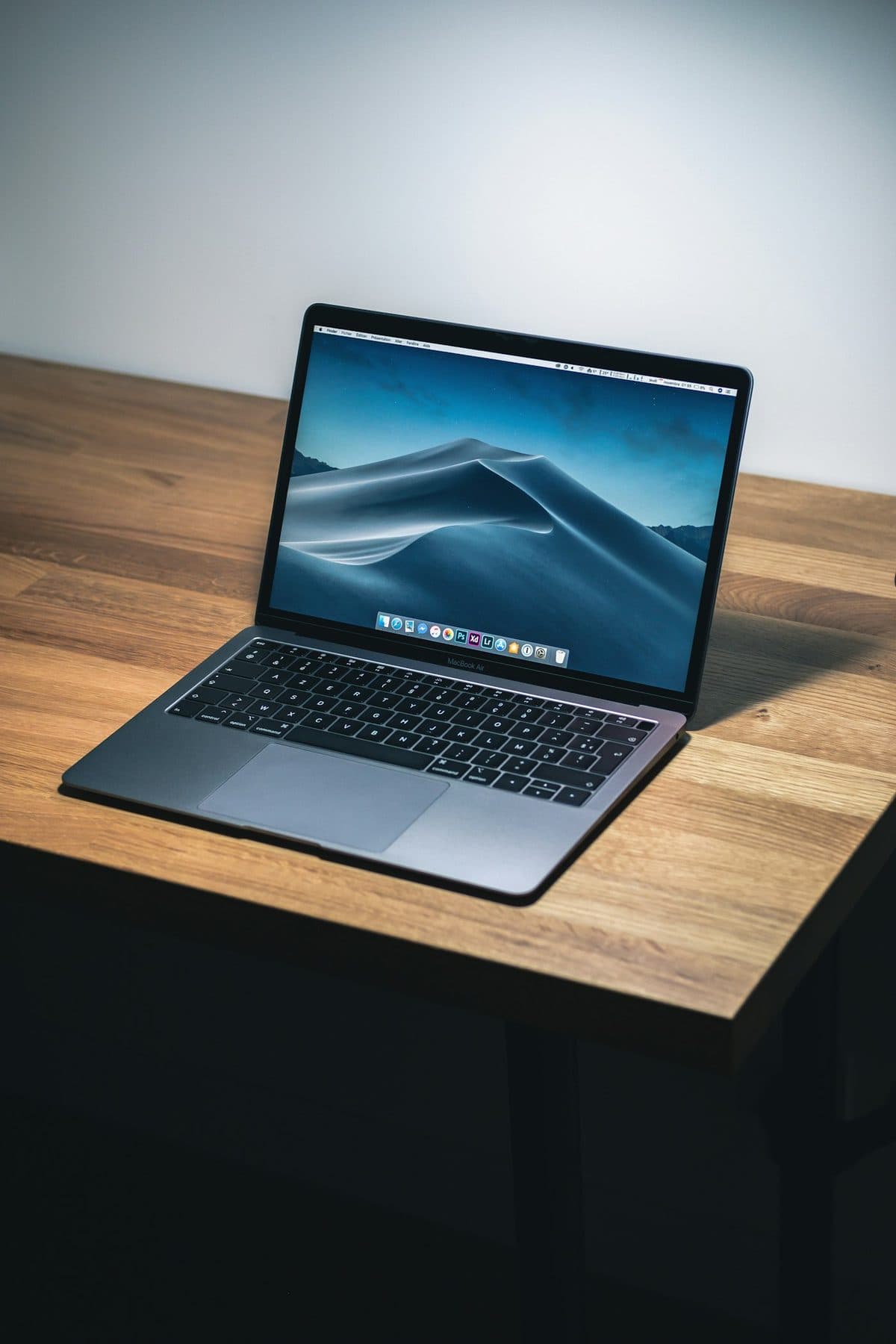
Loud fans and a hot aluminum chassis can indicate thermal throttling. Here is how to keep your MacBook Pro cool.