Mobile Repair Service · London
Gaming PC Repair London
We fix gaming PCs, desktops and gaming laptops. Whether it's an Alienware, ASUS ROG, Razer Blade, MSI or custom-built PC - we diagnose and repair GPU faults, PSU failures, overheating, and Windows gaming issues.
No Fix, No Fee Same Day Visit 90-Day Warranty
Common Gaming PC Repair faults
- GPU crashing or no display
- PC shutting down during games
- BIOS not posting / black screen
- PSU fan noise or failure
- RAM errors and crashes
- Overheating - thermal paste & cooling
- Windows game optimisation
- Custom PC build and upgrades
We Come To You
No shop visit - we travel to your door
Same-Day Callout
Book before 2pm - we come today
No Fix, No Fee
Pay nothing if we can't fix it
Free Callout
No travel or visit charges
Fixed On-Site
Repaired in front of you, under an hour
All of London
Every borough, 7 days a week
What to expect with Gaming PC Repair
A gaming PC that is stable on the desktop and falls over in games is telling you something specific, and it is worth reading that signal properly before anyone spends money on parts. Games are the only thing most machines do that loads the graphics card, the processor and the power supply hard at the same time, which is why they surface faults that ordinary use never touches. The three usual culprits are heat, power delivery and memory, and they are cheap to tell apart: we watch the actual core and hotspot temperatures under load, check whether clocks are being pulled back as things get warm, and read the Windows event log for the reset signatures that point at a driver crash rather than a hardware fault.
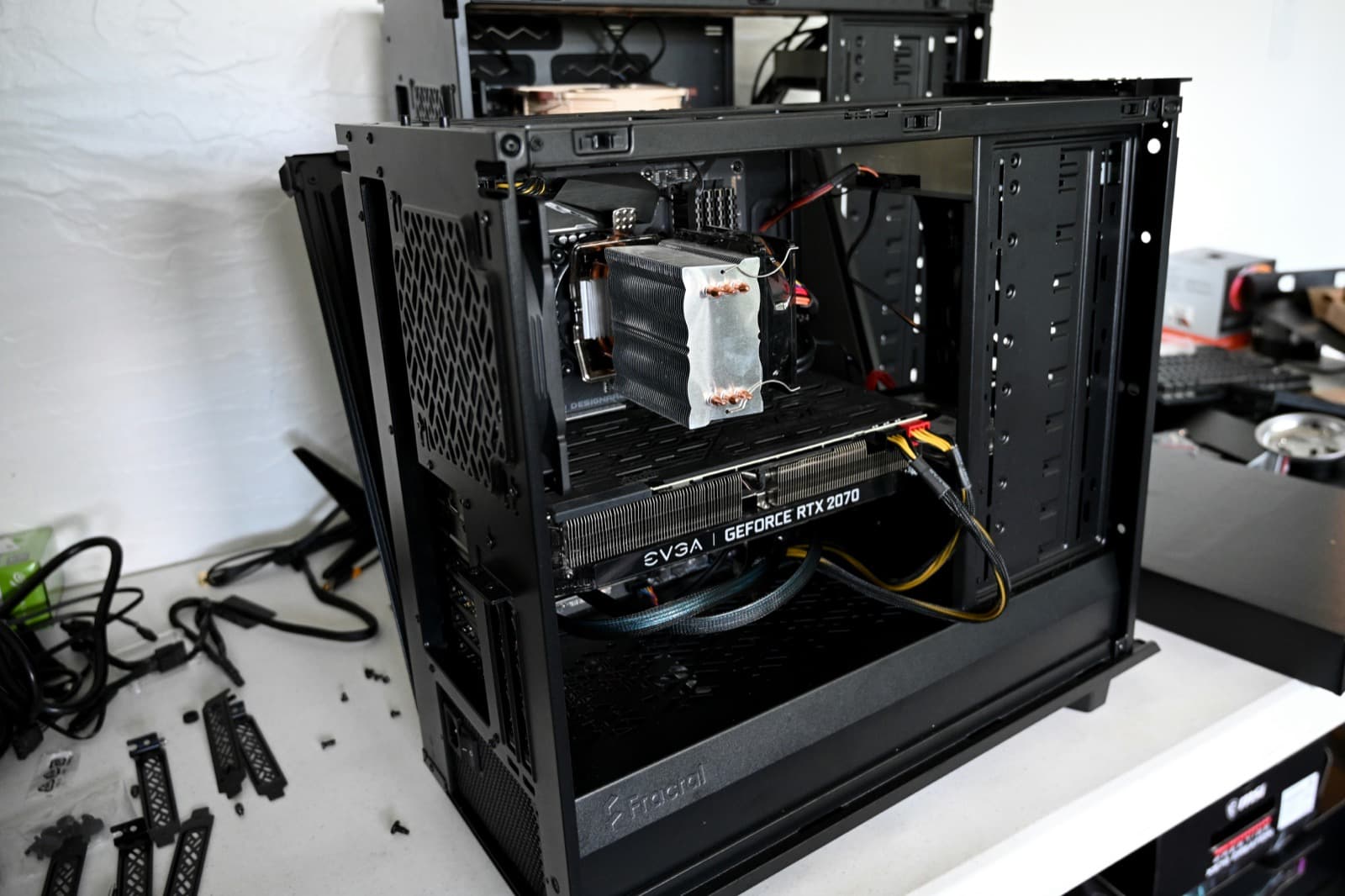
Heat is the most common and the least expensive to fix. Dust in the intake filters and heatsink fins is the obvious version, but the one people miss is thermal paste that has dried or pumped out after three or four years, which lets a processor hit its limit within seconds of a game loading. A strip-down, clean and repaste often returns a machine to the frame rates it had when it was new. The power supply is the second suspect and the one most often misdiagnosed as a dying graphics card: a unit that was adequate when the PC was built can sag under the sharp transient loads a modern GPU pulls, and the symptom is an instant reboot with no blue screen and nothing in the logs. Unstable memory, particularly a machine running an XMP profile it was never really stable on, gives the third pattern — random crashes that move around rather than repeating in the same place.
We work on desktops in your home, which matters more for a tower than a laptop. A gaming PC is heavy, it is plugged into a monitor, peripherals and a specific network socket, and half the value of the diagnosis comes from testing it in the setup it actually fails in rather than on a bench somewhere else. Custom builds, water-cooled loops and pre-builts from Alienware, ASUS ROG, MSI and Razer are all familiar. Where a repair is not the sensible answer — an older platform where a new part would be held back by everything around it — we will tell you that, and say plainly what an upgrade would and would not buy you.
Related repairs
What gaming PC repair costs
Agreed upfront before we touch your device. No surprises.
£120
per hour labour
minimum 1 hour · no hidden extras
Parts
quoted separately
agreed before any work starts
No fix → you pay £0
No diagnostic fee, no callout charge if we cannot repair
No callout charge
We travel anywhere in Greater London at no extra cost
90-day warranty
Parts and labour covered if the same fault returns
Software-only repairs with no parts are just the hourly labour charge. For screen replacements, batteries and board work, we confirm the parts cost with you before starting.
Why Choose We Repair Mac?
We Come to You
No need to visit a shop. We travel across all Greater London to your home or office. No extra charge for travel.
Same-Day Repairs
Most repairs are completed on-site within an hour. Book before 2pm and we will do our best to visit the same day.
Genuine Parts & Warranty
We use quality replacement parts and back every repair with a 90-day parts and labour warranty.
Fixed Price Quotes
We quote before we start. No surprise bills, no hidden charges - only pay when you are satisfied.
Experienced Engineers
Our engineers are experienced technicians with years of Mac, Windows PC, laptop and gaming repair expertise.
No Fix, No Fee
If we cannot fix your device, you pay absolutely nothing. That is our guarantee to every customer.
Gaming PC Repair problems we fix most often
- GPU crashing or no display
- PC shutting down during games
- BIOS not posting / black screen
- PSU fan noise or failure
- RAM errors and crashes
- Overheating - thermal paste & cooling
- Windows game optimisation
- Custom PC build and upgrades
What gaming PC repair usually costs
Typical all-in costs for desktop and gaming PC work, including the thermal jobs that cause most in-game crashing and throttling.
Won't turn on / no display
£120 – £300
Overheating / cleaning / repaste
£120 – £180
Upgrade (SSD / RAM / GPU)
Parts quoted to your budget and needs.
£120 – £400
New build / BIOS tuning
£120 – £250
Slow / virus / Windows reinstall
Often fixable remotely the same day, with no visit needed.
£120 – £180
All-in figures covering labour at £120/hour (one-hour minimum) plus the parts a typical job needs. They are a guide, not a quote: the exact price is confirmed with you on site before anything is opened, and under our no fix, no fee guarantee you pay nothing if we cannot put it right. See full repair costs or get a closer estimate for your fault.
The gaming PC repair faults we see most, and what we do about them
What each fault usually turns out to be, what we actually do about it, and roughly what it comes to. Where there is something worth trying yourself first, each one links to it — some of these you will fix in five minutes without us, and we would rather you did.
It is making a loud whirring, grinding or rattling noise
£120 – £180·Fixed at your door
It is making a loud whirring, grinding or rattling noise
£120 – £180·Fixed at your door
What it usually turns out to be
A fan, in one of three states: choked with dust so it has to spin far harder than it should, running a worn bearing, or catching on a cable. All three are noisy rather than dangerous. The one noise that is not a fan — a rhythmic click with a pause, unrelated to how hard the machine is working — is a mechanical hard drive failing, and that is a different problem entirely.
What we do about it
We strip and clean the cooling assembly, replace the fan where the bearing has gone, and repaste the chip while it is open, then give you before-and-after temperatures rather than an assurance. Done at your desk. If it turns out to be a drive rather than a fan, we stop and treat it as a recovery job first — your files matter more than the noise.
There are a few things worth checking yourself before booking anything — the safe checks for this fault are on our fault finder, and they solve it often enough to be worth five minutes.
A guide range, not a quote — the exact figure is confirmed on site before anything is opened, and you pay nothing if we cannot fix it.
Games stutter, crash to desktop, or the PC reboots mid-game
£120 – £180·Fixed at your door
Games stutter, crash to desktop, or the PC reboots mid-game
£120 – £180·Fixed at your door
What it usually turns out to be
Heat and power, in that order. A desktop that has been running three or four years accumulates enough dust to push the graphics card into thermal throttling, which shows up as stutter first and crashes later. Sudden reboots under load, with no error, are more often a power supply that can no longer deliver peak current.
What we do about it
We work on desktops in your home rather than taking them away, which matters here — half the value of the diagnosis is testing it in the setup it actually fails in. We clean and repaste, check power delivery under load, and give you before-and-after temperatures. Where the platform is genuinely the limit, we will say what an upgrade would and would not buy you.
There are a few things worth checking yourself before booking anything — the safe checks for this fault are on our fault finder, and they solve it often enough to be worth five minutes.
A guide range, not a quote — the exact figure is confirmed on site before anything is opened, and you pay nothing if we cannot fix it.
Gaming PC Repair FAQs
Related Repair Advice
Practical guides from our engineers covering gaming PC repair.

Book Your Gaming PC Repair Today
Same-day visits across Greater London. No fix, no fee. No callout charge.