Based in New Malden · Serving all of Greater London
Battery Replacement
Mobile Repair Service · London

MacBook Battery Replacement London

A failing MacBook battery drains fast, shuts down unexpectedly or shows "Service Recommended". We replace genuine-spec batteries on all MacBook Pro and MacBook Air models, including glued-in batteries on newer Retina models.

No Fix, No Fee Same Day Visit 90-Day Warranty
We Come To You
No shop visit - we travel to your door
Same-Day Callout
Book before 2pm - we come today
No Fix, No Fee
Pay nothing if we can't fix it
Free Callout
No travel or visit charges
Fixed On-Site
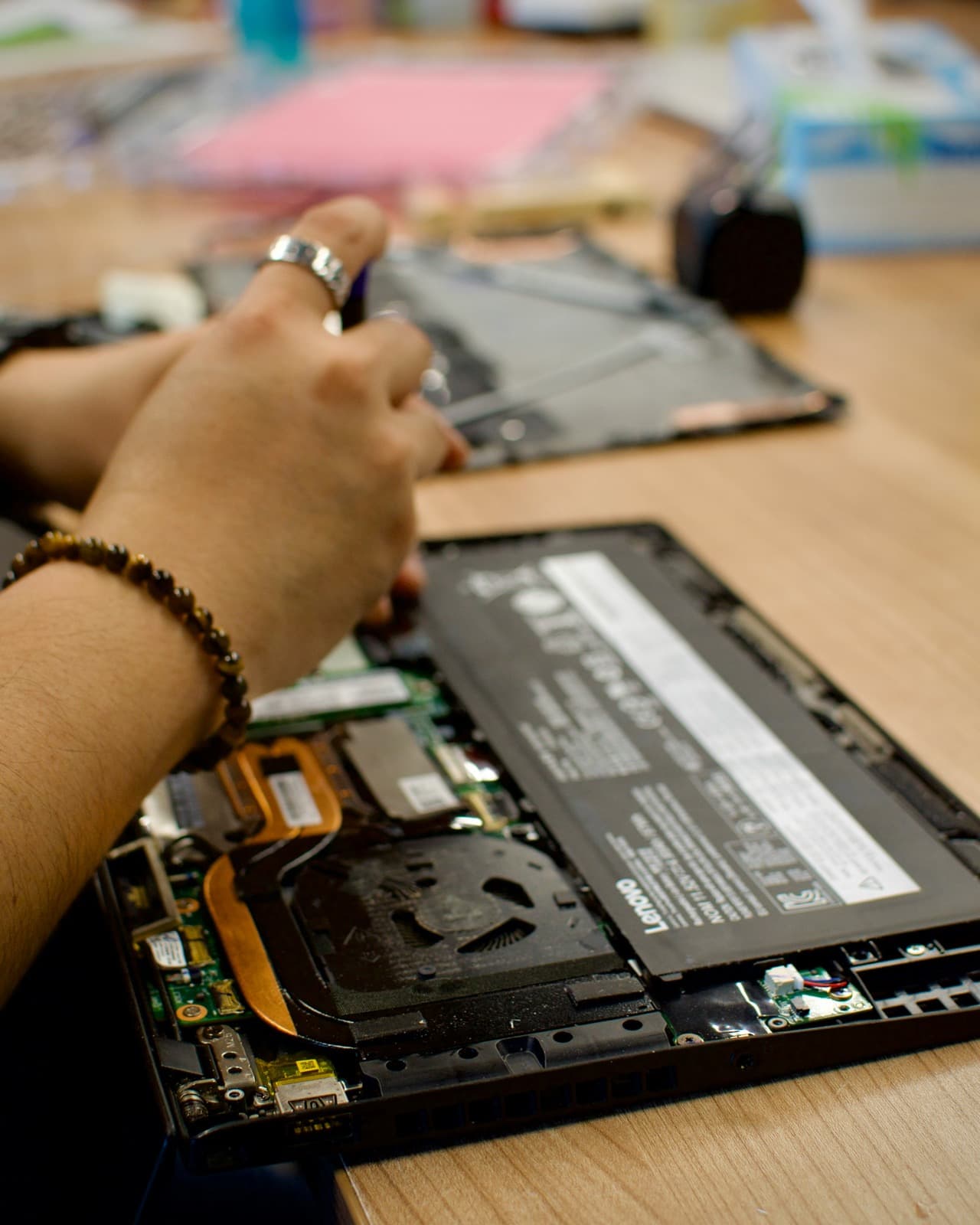
Repaired in front of you, under an hour
All of London
Every borough, 7 days a week

What to expect with Battery Replacement

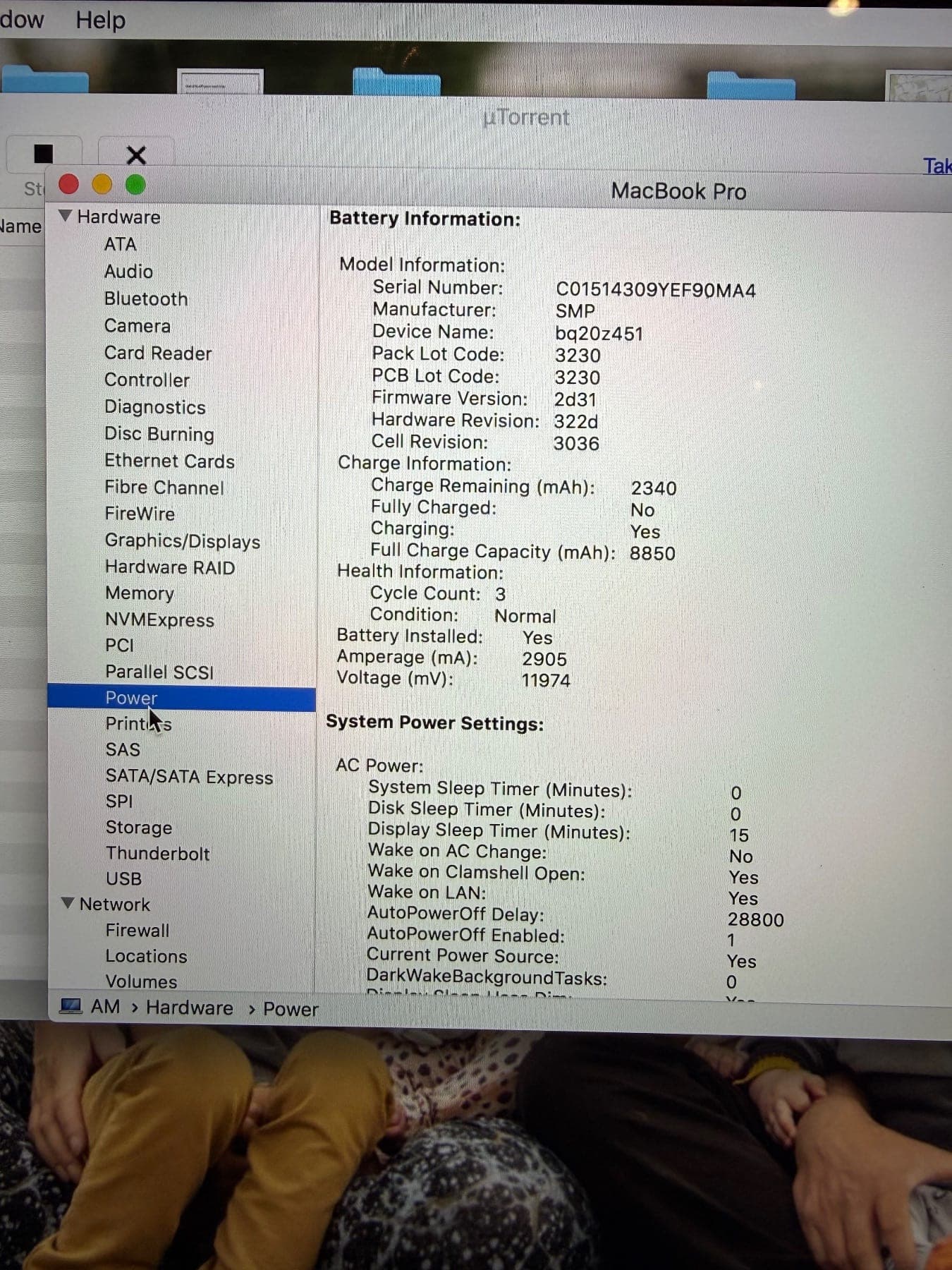
Before replacing anything we check whether the battery is genuinely the problem, because fast drain has three common causes and only one of them is a worn cell. macOS reports cycle count, current maximum capacity and condition, and that tells us most of what we need. Sometimes the cell is fine and the charging circuit is no longer negotiating power properly; sometimes it is software holding the machine awake so it drains overnight while the lid is shut. We measure rather than assume, and the diagnosis is free.

When the battery is the answer, this is one of the most satisfying repairs we do — a MacBook that has been tethered to a wall socket for months goes back to a full day of real use. Most battery replacements are completed at your home or office while you wait, and we bring genuine-specification cells rather than the cheapest thing available, because a bargain battery that fails in eight months is not a saving.

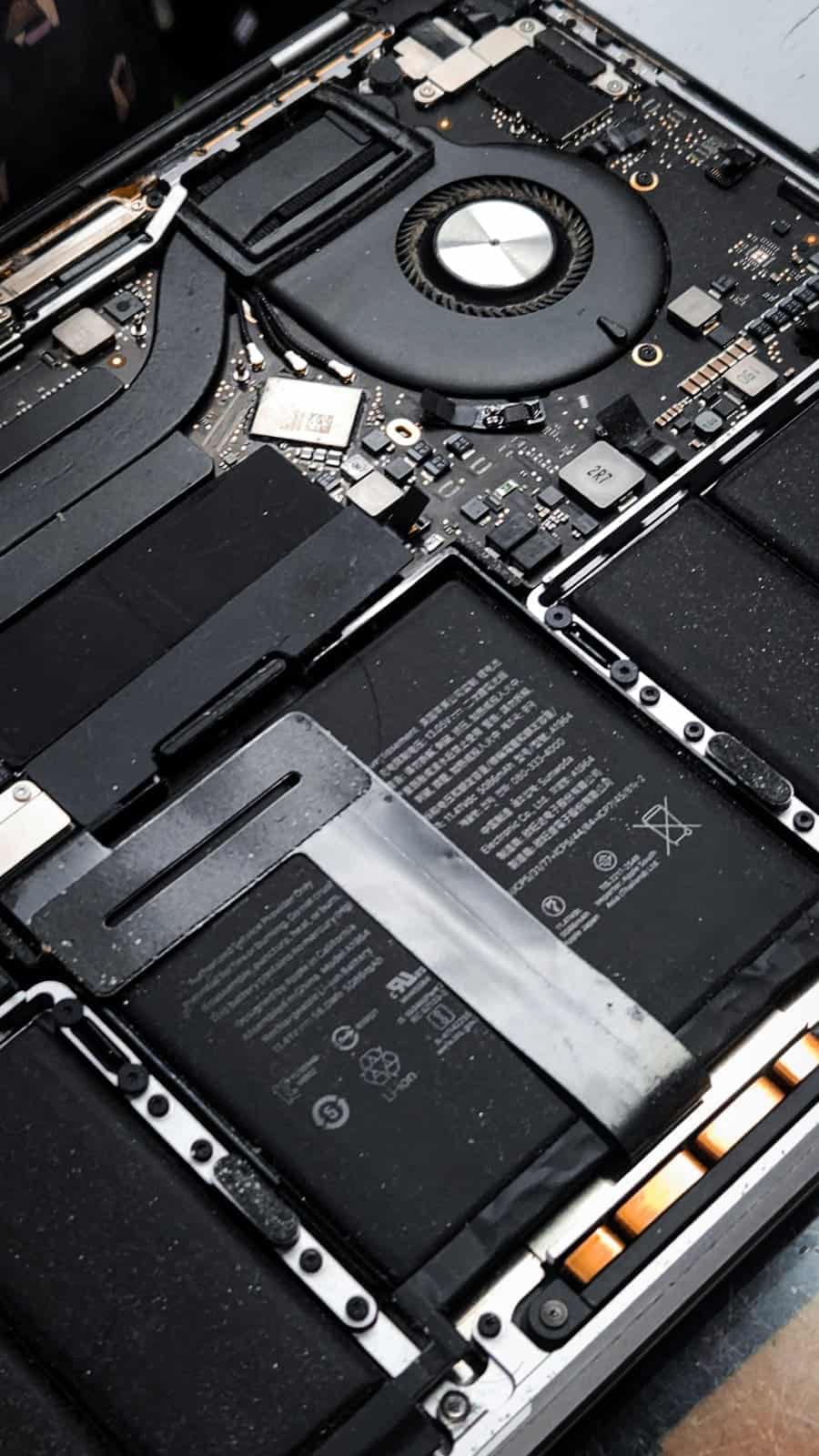
A swollen battery is different, and it is the one fault we would ask you to treat as urgent. If the trackpad has started to lift, the case no longer sits flat, or the bottom panel is visibly bowed, stop charging the Mac and call us the same day. A swelling cell is a genuine fire and rupture risk, and it will eventually damage the trackpad and case around it — a cheap repair becomes an expensive one by waiting.

On price, the honest answer is that it depends on the model, and the spread is narrower than people expect. A MacBook Air cell is the cheapest of the range; a 13-inch Pro sits a little above it; the 15 and 16-inch Pro batteries are physically much larger and cost accordingly. Where Apple differs from us is not usually the battery itself but what goes with it — on many models Apple replaces the whole top case, taking the keyboard and trackpad with it, which is why an out-of-warranty quote can land two or three times higher than the cell alone warrants. We replace the battery. You get the figure for your exact model before anything is opened.

You can check whether you actually need one before calling. Hold Option and click the Apple menu, then System Information, then Power — that shows cycle count and condition. Apple rates most modern MacBook batteries for 1,000 cycles, so a machine at 300 cycles reporting poor health has a different problem from one at 1,100 that is simply worn out. macOS also flags "Service Recommended" or "Replace Soon" in Battery settings, and that flag is reliable enough to act on. If your numbers look healthy and the Mac still dies at lunchtime, tell us — that points at software or a power-management fault, not the cell, and replacing the battery would not have fixed it.

Older machines are worth asking about rather than assuming. We still fit batteries to Intel MacBooks going back over a decade, and to the older unibody MacBook Pros where the cell is a simple screw-in job — often the cheapest repair in this whole list. On a machine that age the question is usually whether it is worth spending anything at all, and we will give you a straight view: a 2015 Pro with an SSD and a fresh battery is a perfectly good writing and email machine, while a 2012 that also needs a screen probably is not.

We quote the cell and the labour together before we start, your data is untouched throughout, and the replacement carries our 90-day parts-and-labour warranty. There is no callout charge anywhere in Greater London, and nothing to pay at all if we cannot fix it.
What battery replacement costs

Agreed upfront before we touch your device. No surprises.

£120
per hour labour
minimum 1 hour · no hidden extras
Parts
quoted separately
agreed before any work starts
No fix → you pay £0
No diagnostic fee, no callout charge if we cannot repair
No callout charge
We travel anywhere in Greater London at no extra cost
90-day warranty
Parts and labour covered if the same fault returns

Software-only repairs with no parts are just the hourly labour charge. For screen replacements, batteries and board work, we confirm the parts cost with you before starting.

Why Choose We Repair Mac?

We Come to You

No need to visit a shop. We travel across all Greater London to your home or office. No extra charge for travel.

Same-Day Repairs

Most repairs are completed on-site within an hour. Book before 2pm and we will do our best to visit the same day.

Genuine Parts & Warranty

We use quality replacement parts and back every repair with a 90-day parts and labour warranty.

Fixed Price Quotes

We quote before we start. No surprise bills, no hidden charges - only pay when you are satisfied.

Experienced Engineers

Our engineers are experienced technicians with years of Mac, Windows PC, laptop and gaming repair expertise.

No Fix, No Fee

If we cannot fix your device, you pay absolutely nothing. That is our guarantee to every customer.

Battery Replacement problems we fix most often

  • MacBook dies within an hour
  • "Battery Service Recommended" warning
  • MacBook only works when plugged in
  • Battery swollen - urgent safety issue
  • MacBook shutting off at 20–30%
  • Cycle count over 1000
  • MacBook discharging overnight
  • macOS showing reduced battery capacity

What battery replacement usually costs

What a MacBook battery replacement typically comes to, fitted at your home or office in a single visit.

Battery not holding charge
£120 – £220

All-in figures covering labour at £120/hour (one-hour minimum) plus the parts a typical job needs. They are a guide, not a quote: the exact price is confirmed with you on site before anything is opened, and under our no fix, no fee guarantee you pay nothing if we cannot put it right. See full repair costs or get a closer estimate for your fault.

The battery replacement faults we see most, and what we do about them

What each fault usually turns out to be, what we actually do about it, and roughly what it comes to. Where there is something worth trying yourself first, each one links to it — some of these you will fix in five minutes without us, and we would rather you did.

The battery drains in an hour, or macOS says "Service Recommended"

£120 – £220·Fixed at your door

What it usually turns out to be

A battery at the end of its life. Apple rates most MacBook cells for around 1,000 charge cycles, and after roughly four to five years of daily use the chemistry simply will not hold what it used to. "Service Recommended" is macOS telling you the cell has degraded past its threshold, not that anything has broken.

What we do about it

We confirm the cycle count and health readings before recommending anything, because a fair number of "battery" callouts turn out to be a software process eating power on a perfectly good cell. Where the battery genuinely is spent, we fit a replacement at your desk and recalibrate it, usually inside the hour.

There are a few things worth checking yourself before booking anything — the safe checks for this fault are on our fault finder, and they solve it often enough to be worth five minutes.

A guide range, not a quote — the exact figure is confirmed on site before anything is opened, and you pay nothing if we cannot fix it.

See every fault we are called out for

MacBook Battery Replacement London: jobs we have done

Real repairs of this kind, with the fault, what we found, the parts fitted and the result.

Battery Replacement FAQs

Battery Replacement

Book Your Battery Replacement Today

Same-day visits across Greater London. No fix, no fee. No callout charge.

Call NowGet a Quote