iMac Repair London
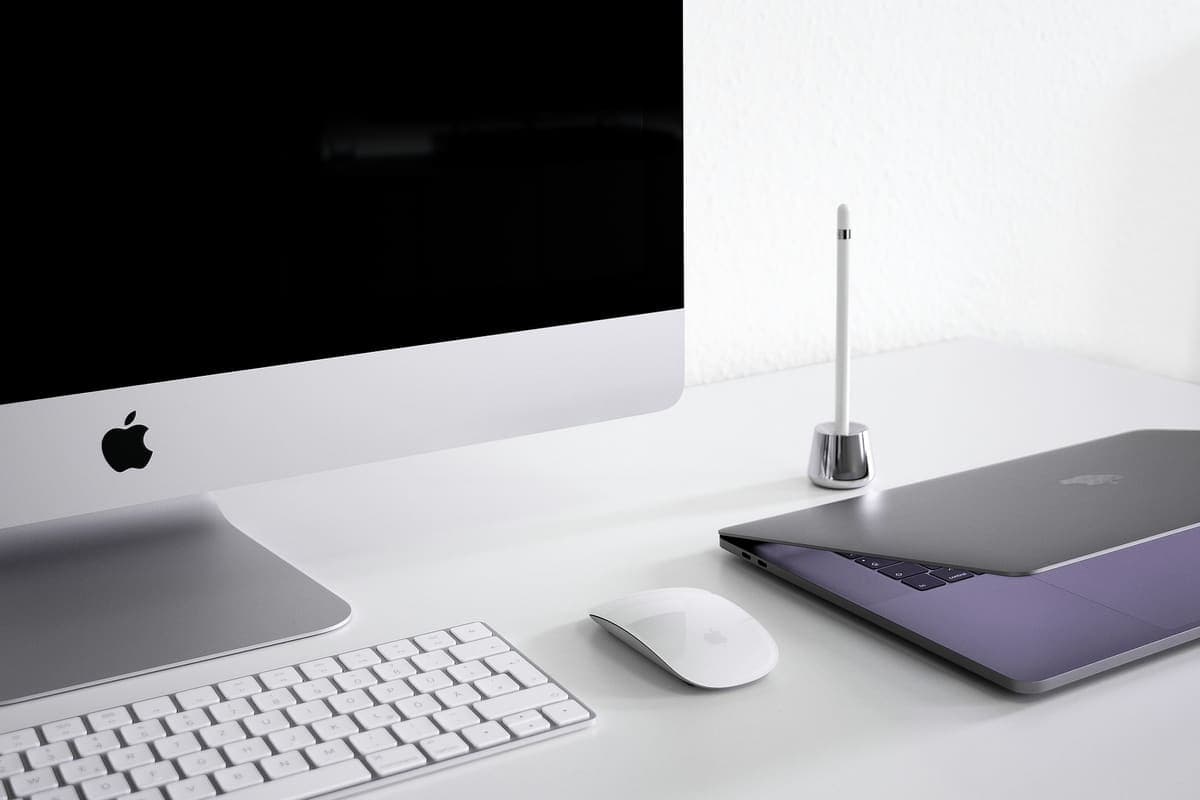
Desktop Mac repair across London, at your home or office. We work on every iMac generation — the 24-inch M1 and M3 machines, the 21.5-inch and 27-inch Intel iMacs, and the 5K Retina models — plus Mac Mini, Mac Studio and Mac Pro. A desktop Mac is the one machine nobody wants to carry into a shop, which is exactly why we come to you: a 27-inch iMac is awkward, heavy and expensive to move, and most of what goes wrong with one can be diagnosed and often fixed where it already sits.
Common iMac Repair faults
- iMac stuck on the Apple logo or a grey screen
- Fusion Drive failure — the hard-disk half has died
- iMac slowed to a crawl on an ageing hard drive
- Vertical lines, dark patches or a dead display
- Loud fans and dust-related overheating
- iMac will not power on at all
- Mac Mini not booting, or running slowly
- RAM and SSD upgrades on upgradeable models
What to expect with iMac Repair
Desktop Macs fail differently from laptops, so the diagnosis looks different too. There is no battery to blame and nothing gets dropped or spilled on in a rucksack; instead the usual suspects are storage, heat and dust, and age. The single most common iMac fault we are called to is a machine that has become unusably slow or will not boot past the Apple logo, and the cause is very often a mechanical hard drive that is on its way out. The diagnosis is free and happens at your desk.
If your iMac has a Fusion Drive, that is worth understanding, because it explains a lot of otherwise baffling behaviour. A Fusion Drive is a small SSD and a spinning hard disk stitched together by macOS to look like one volume — and when the hard-disk half starts failing, the whole volume becomes unreliable even though the SSD part is perfectly healthy. Machines like this often limp along for months, freezing and beachballing, before they stop booting entirely. Replacing the mechanical half with an SSD and moving your data across usually transforms the machine, and it costs a fraction of a replacement.
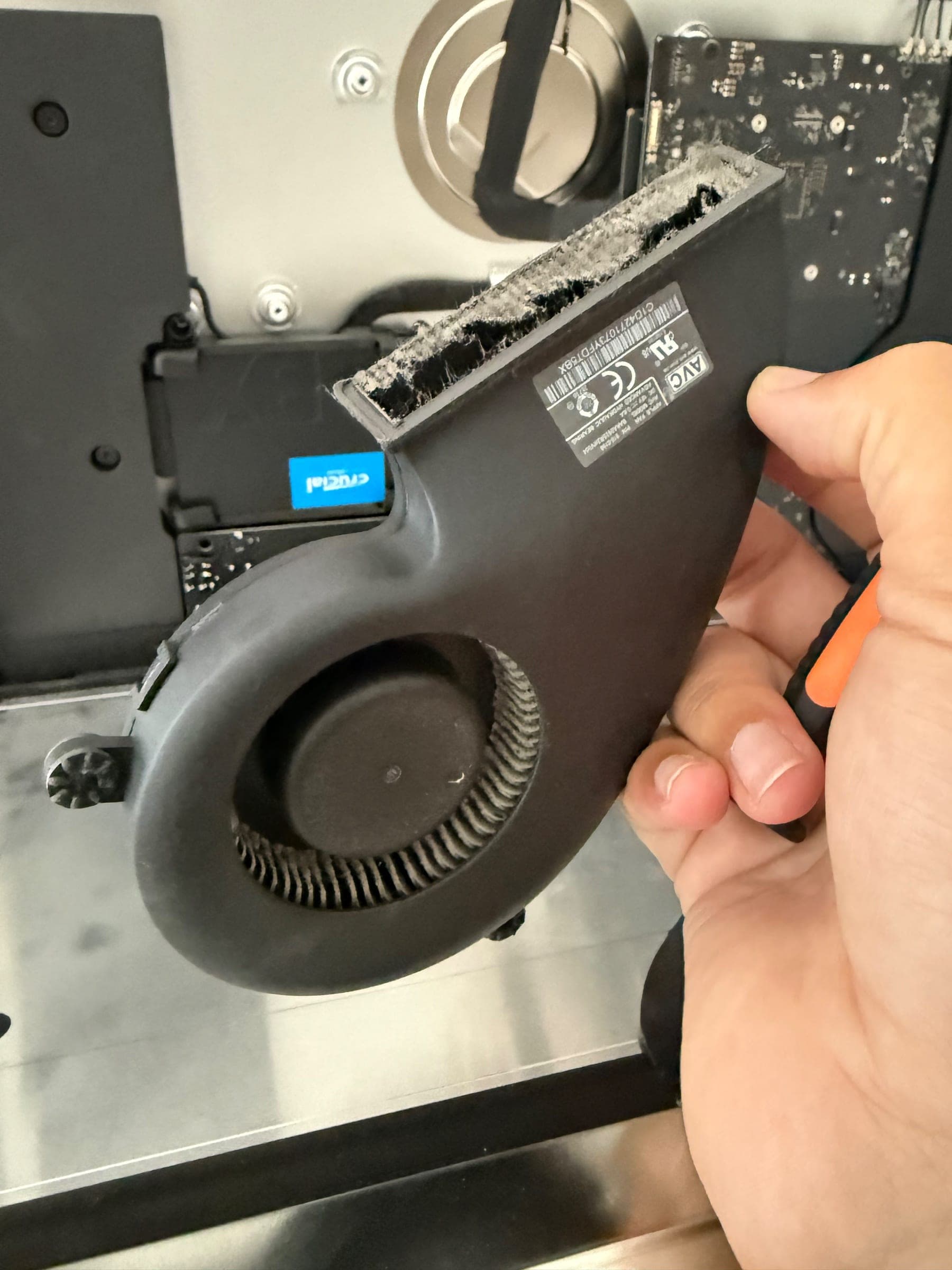
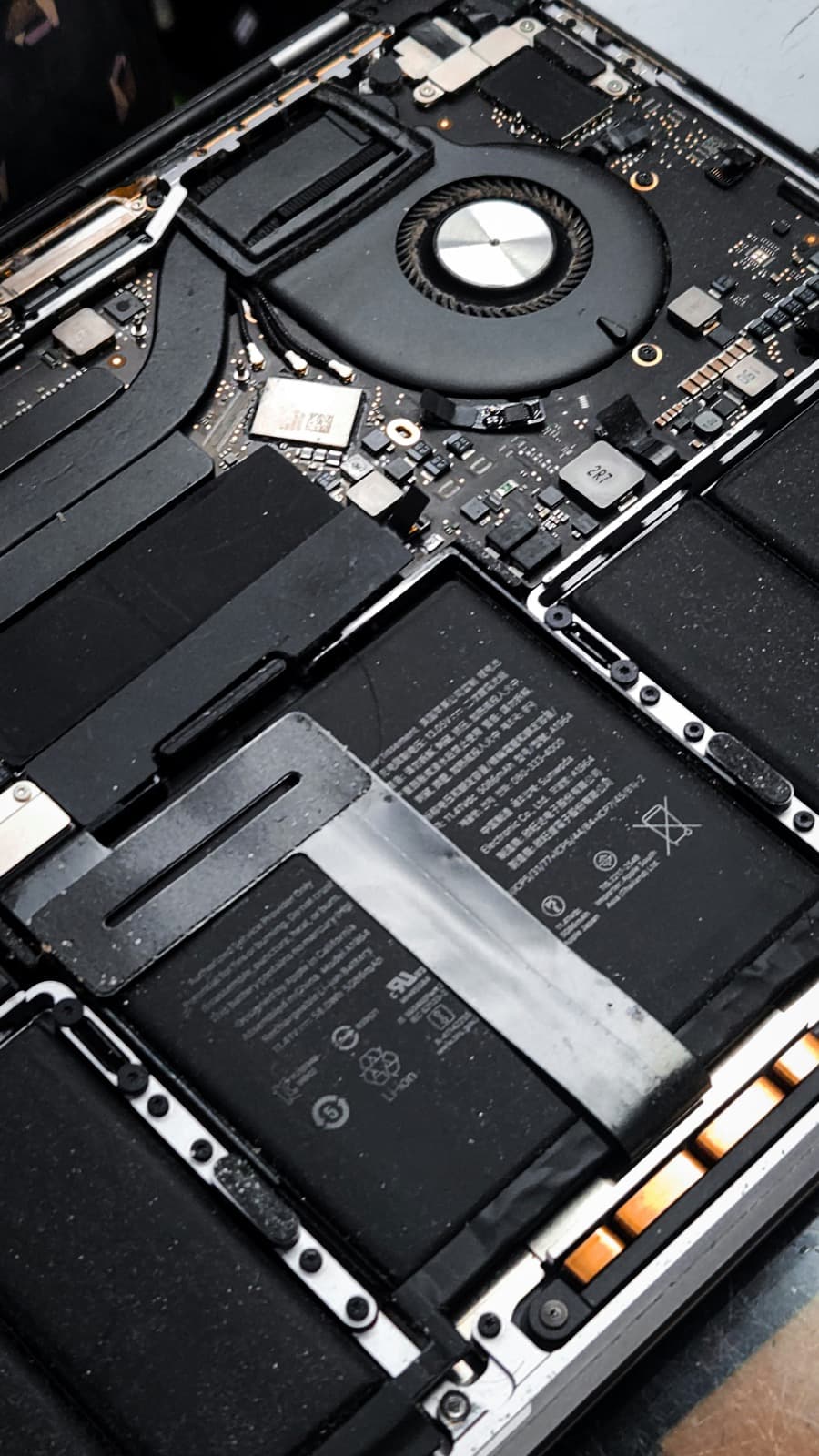
Dust and heat are the other big one, and they build up quietly over years. An iMac pulls air through a narrow vent and eventually the internal fan and heatsink clog, at which point it gets loud, gets hot, and throttles itself slow. A full internal clean and fresh thermal paste brings a surprising amount of performance back on an older machine. Software work, RAM upgrades on the models with an accessible hatch, macOS reinstalls and new-machine setup are also done on-site while you watch.
One thing we will always be straight about: anything that means opening the display. From 2012 onwards the screen is glued to the chassis with adhesive strips rather than screwed on, so opening one properly is a workshop job with the right tools and fresh adhesive — not something to attempt on a kitchen table. Display panels themselves are expensive, and on an older iMac the honest answer is sometimes that the screen costs more than the machine is worth. We will tell you that rather than quote you for it. Every repair carries our 90-day parts-and-labour warranty, there is no callout charge, and nothing to pay if we cannot fix it.

Related repairs
What iMac repair costs
Agreed upfront before we touch your device. No surprises.
Software-only repairs with no parts are just the hourly labour charge. For screen replacements, batteries and board work, we confirm the parts cost with you before starting.
Why Choose We Repair Mac?
We Come to You
No need to visit a shop. We travel across all Greater London to your home or office. No extra charge for travel.
Same-Day Repairs
Most repairs are completed on-site within an hour. Book before 2pm and we will do our best to visit the same day.
Genuine Parts & Warranty
We use quality replacement parts and back every repair with a 90-day parts and labour warranty.
Fixed Price Quotes
We quote before we start. No surprise bills, no hidden charges - only pay when you are satisfied.
Experienced Engineers
Our engineers are experienced technicians with years of Mac, Windows PC, laptop and gaming repair expertise.
No Fix, No Fee
If we cannot fix your device, you pay absolutely nothing. That is our guarantee to every customer.
iMac Repair problems we fix most often
- iMac stuck on the Apple logo or a grey screen
- Fusion Drive failure — the hard-disk half has died
- iMac slowed to a crawl on an ageing hard drive
- Vertical lines, dark patches or a dead display
- Loud fans and dust-related overheating
- iMac will not power on at all
- Mac Mini not booting, or running slowly
- RAM and SSD upgrades on upgradeable models
iMac Repair FAQs
Related Repair Advice
Practical guides from our engineers covering iMac repair.

Book Your iMac Repair Today
Same-day visits across Greater London. No fix, no fee. No callout charge.