8 September 2026
Upgrade The RAM Or The SSD? Which One Actually Helps
The two upgrades fix completely different problems, and buying the wrong one is the most common way to spend money on a slow computer and notice nothing.
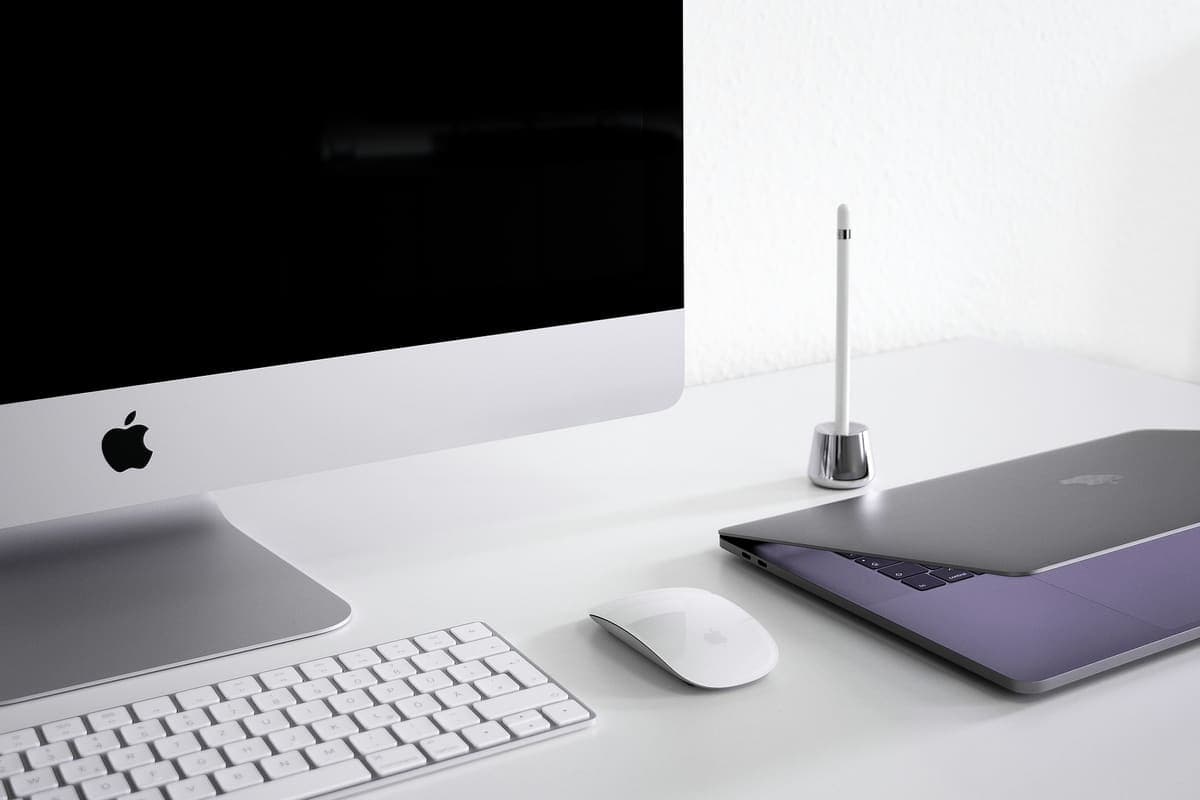
An iMac that takes minutes to boot and beachballs on every click is rarely short of power. It is usually still running on its original spinning drive.
Intel iMacs were sold for years with a 5400rpm laptop hard drive inside them, or a Fusion Drive that pairs a small SSD with the same slow disk. That was tolerable when the machine was new. It is not tolerable now: modern macOS writes to the disk constantly, and on a spinning drive that turns into a machine which takes two or three minutes to reach the desktop and beachballs every time you open Mail. The processor in a 2015 or 2017 iMac is still perfectly capable. The drive is what is holding it up.
A drive that is slowing down is often a drive that is failing, and the two feel identical from the outside. Bad sectors make macOS retry reads over and over, which reads as sluggishness long before anything says the word "error". If it is a Fusion Drive, the SSD half can fail on its own and leave the whole volume limping. Either way, the window where your data can be copied off cleanly is while the machine is slow — not after it stops booting.
Need help right now? Our iMac Repair engineers can come directly to your home or office anywhere in Greater London to diagnose and fix this for you.
Slow and failing look the same to the person using the machine, so the first job is to separate them. Most of this we can do at your desk; the SSD fit itself usually means taking the iMac away, because opening the display without damaging it is bench work.
An SSD will not slow down the way the old disk did, but a few habits keep it quick and keep your data safe.
We come to your home or office anywhere in Greater London for iMac repair.
The two upgrades fix completely different problems, and buying the wrong one is the most common way to spend money on a slow computer and notice nothing.
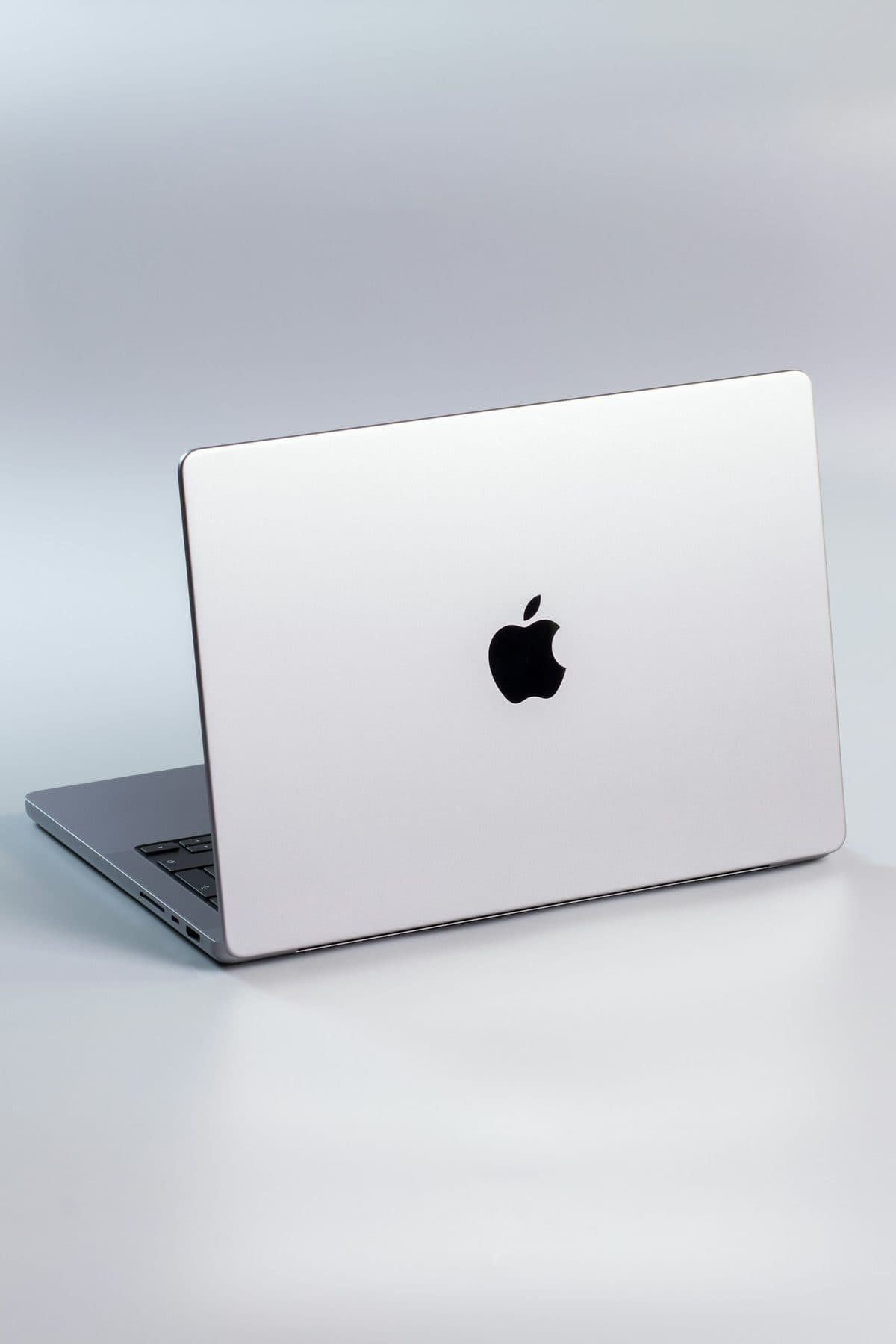
When a MacBook trackpad stops clicking or feels stuck, the trackpad itself is rarely at fault. It is usually the battery swelling underneath it.
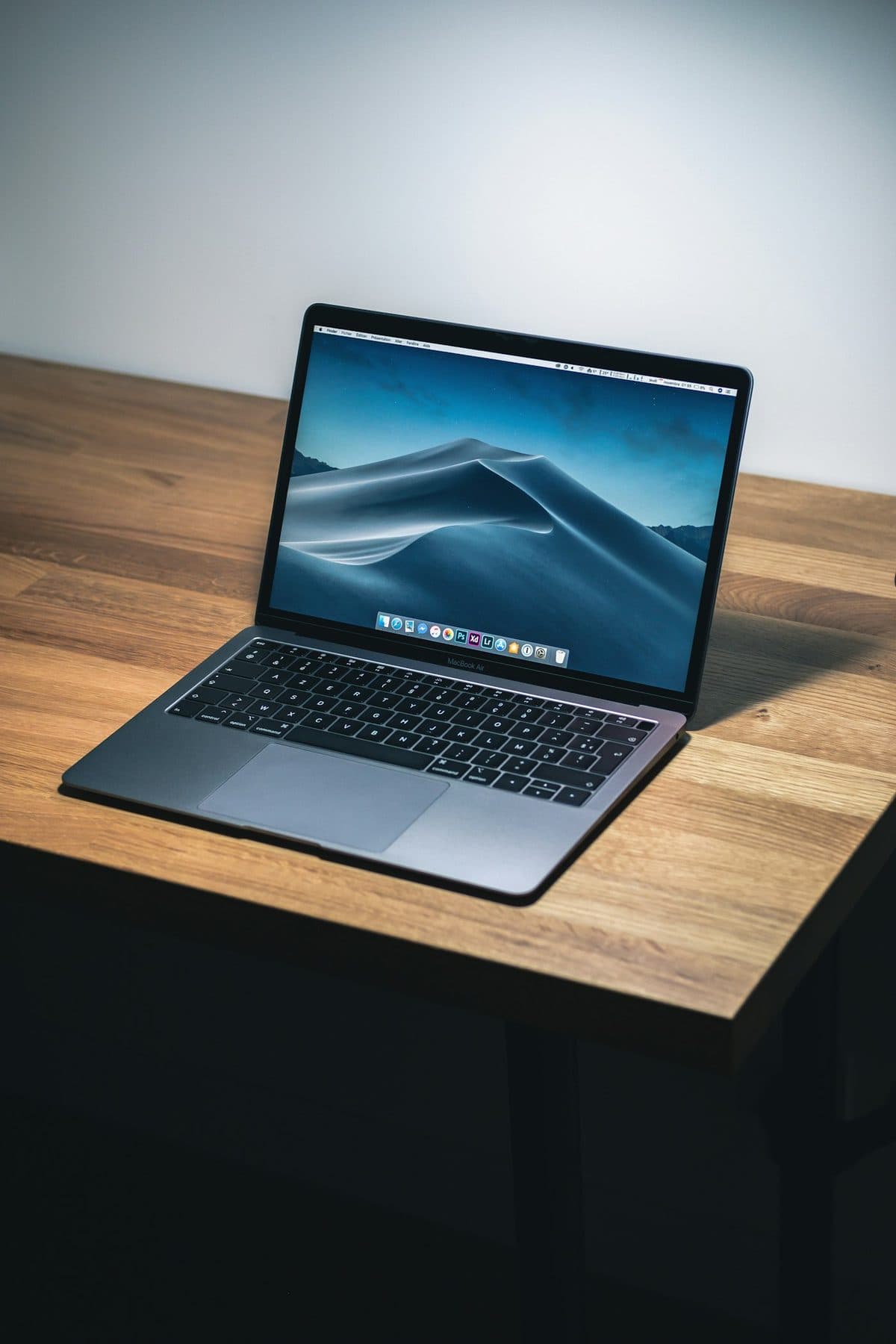
Loud fans and a hot aluminum chassis can indicate thermal throttling. Here is how to keep your MacBook Pro cool.