15 July 2026
MacBook Pro Getting Too Hot? Why The Fans Are Spinning So Loud
Loud fans and a hot aluminum chassis can indicate thermal throttling. Here is how to keep your MacBook Pro cool.
When a MacBook trackpad stops clicking or feels stuck, the trackpad itself is rarely at fault. It is usually the battery swelling underneath it.
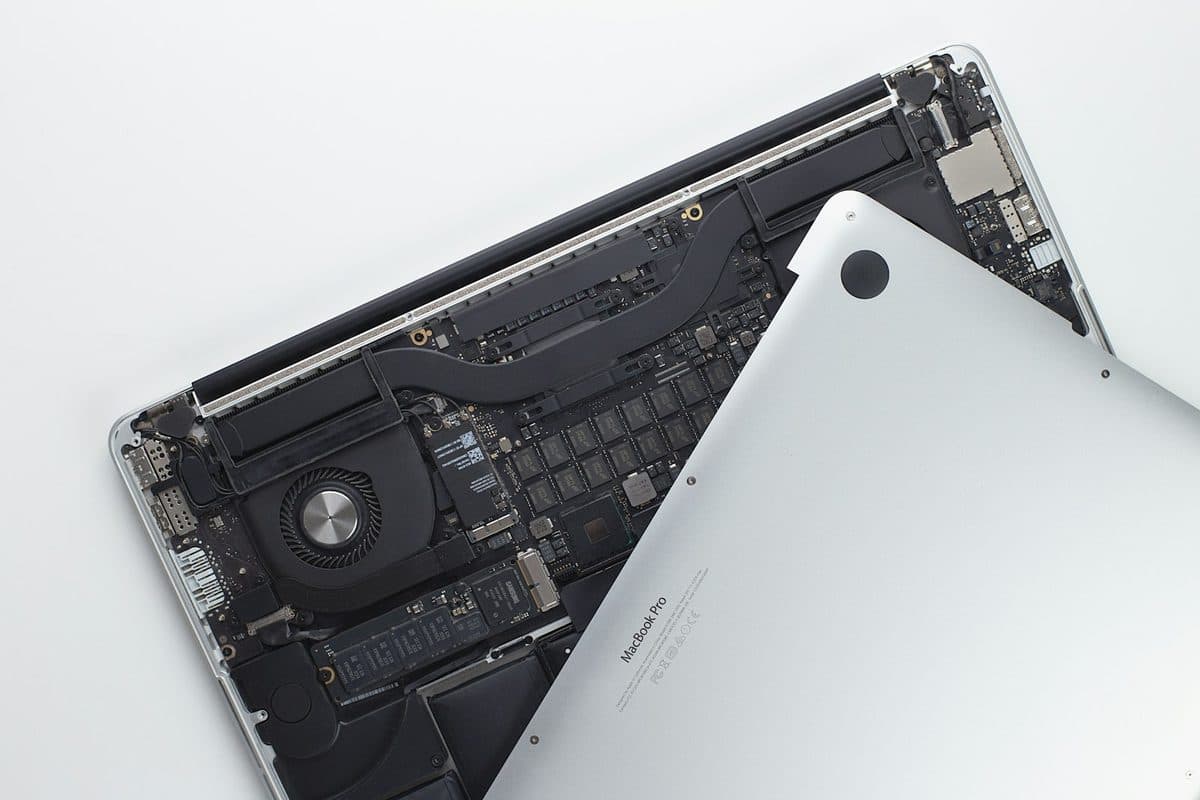
The trackpad in older MacBooks actually clicks mechanically, while modern MacBooks (2015 and newer) use haptic feedback. Regardless of the model, the battery sits directly underneath the trackpad. When lithium-ion batteries fail, they often expand and push up against the trackpad, stopping it from clicking.
A swollen battery is a severe safety risk and a fire hazard. If it continues to expand, it can crack the trackpad glass and warp the aluminum chassis of your MacBook permanently.
Need help right now? Our MacBook Repair engineers can come directly to your home or office anywhere in Greater London to diagnose and fix this for you.
A trackpad that will not click is usually being pushed from underneath by a swelling battery. Confirming that matters, because a swollen cell is a safety issue as well as a repair.
Swelling develops over months and gives visible warning long before it reaches the trackpad.
We come to your home or office anywhere in Greater London for MacBook repair.
Loud fans and a hot aluminum chassis can indicate thermal throttling. Here is how to keep your MacBook Pro cool.

A sticky MacBook keyboard often points to trapped crumbs or dried liquid underneath the butterfly or scissor mechanisms.
Charging problems can come from the battery, charger, USB-C ports, MagSafe, or the board itself. The symptoms usually leave clues.