
Mobile Repair Service · London
Home & Office Networking London
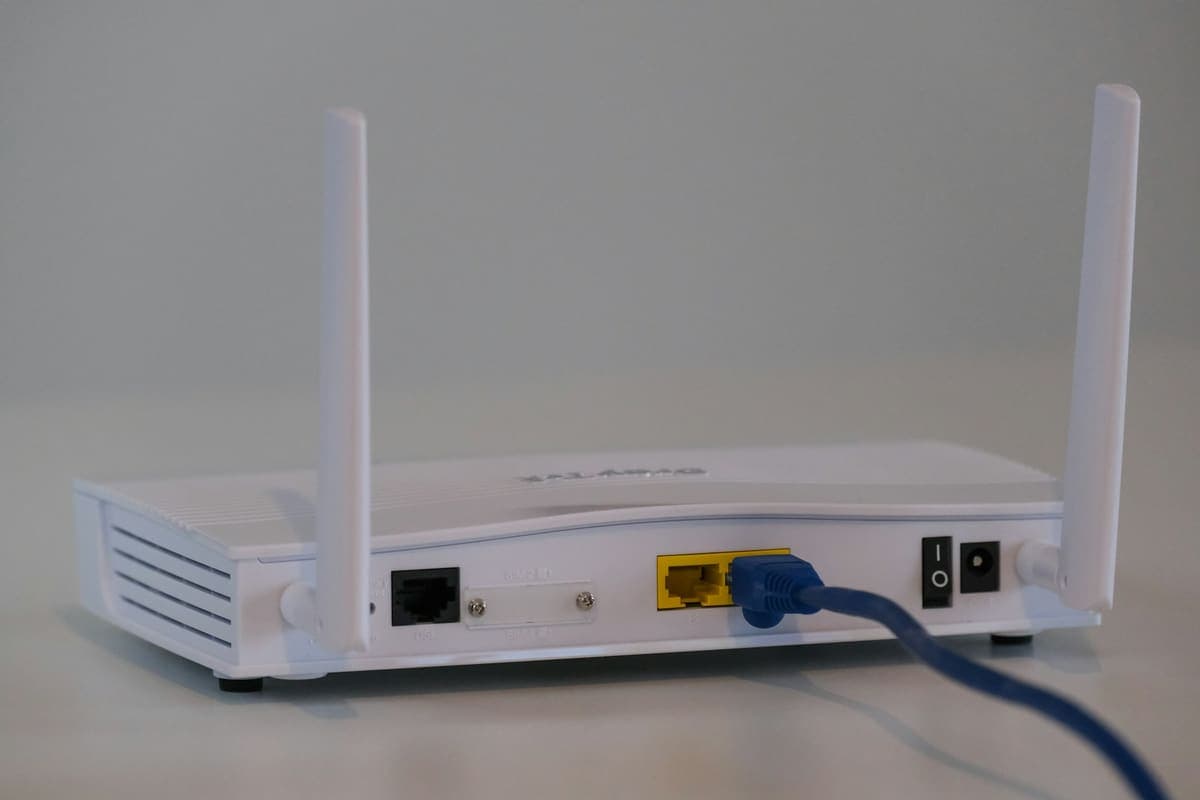
Weak Wi-Fi, dropped connections and devices that will not see each other usually come down to router placement, configuration or ageing equipment. We set up and troubleshoot home and small office networks, including routers, mesh Wi-Fi, extenders, printers and shared drives.
No Fix, No Fee Same Day Visit 90-Day Warranty
Common Networking Support faults
- Wi-Fi not reaching every room
- Router needs setting up or replacing
- Devices dropping off the network randomly
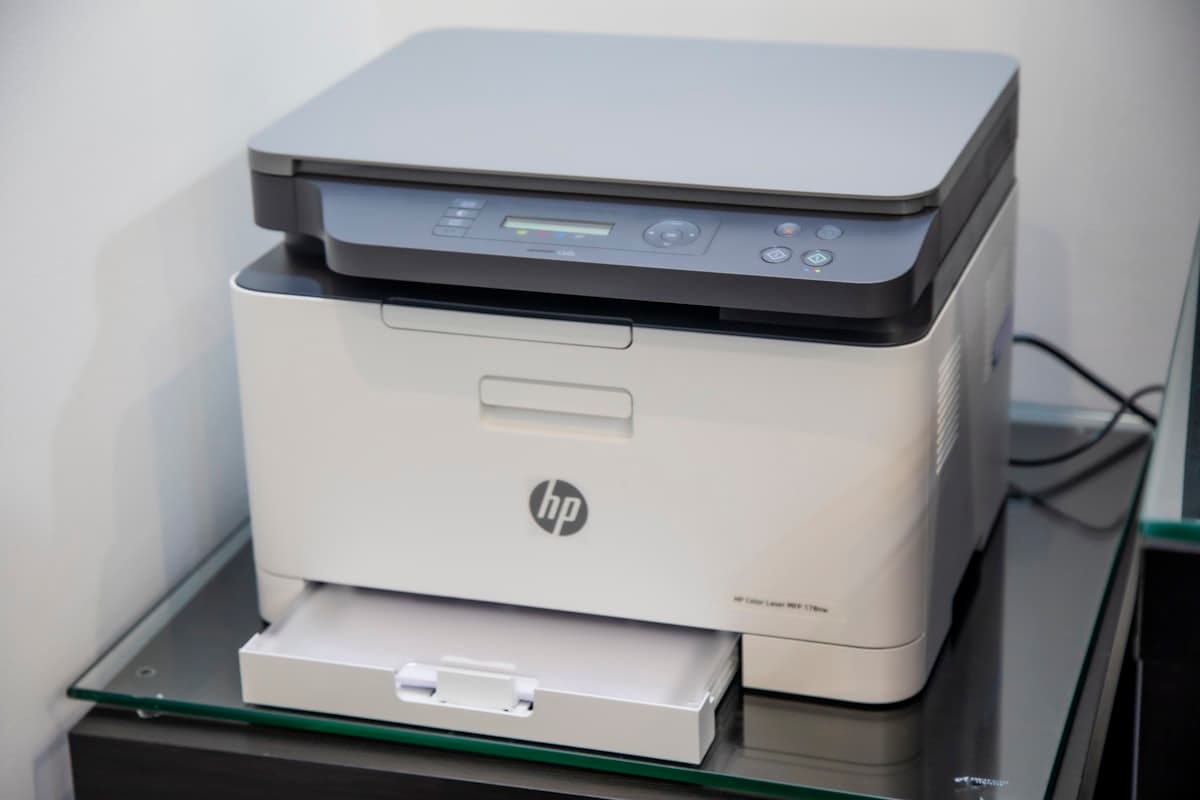
- Printer or shared drive not visible on the network
- Mesh Wi-Fi system setup and optimisation
- Slow internet despite a fast broadband plan
- Setting up a new router after a broadband switch
- Securing a home or office network
We Come To You
No shop visit - we travel to your door
Same-Day Callout
Book before 2pm - we come today
No Fix, No Fee
Pay nothing if we can't fix it
Free Callout
No travel or visit charges
Fixed On-Site
Repaired in front of you, under an hour
All of London
Every borough, 7 days a week
What to expect with Networking Support
Wi-Fi problems are the one job that genuinely cannot be diagnosed over the phone, because the answer is almost always about the building rather than the equipment. A London terrace with solid brick internal walls, a Victorian conversion with a foil-backed insulated floor, a flat with the incoming line in a hallway cupboard — each defeats a router in a different way, and no amount of resetting it will help. So we start by measuring rather than guessing: signal strength and interference in the rooms that actually matter to you, which channels your neighbours are sitting on, and what speed the line itself is delivering at the socket before Wi-Fi enters the picture. That last check settles the most common argument of all, because a good deal of what gets reported as slow broadband turns out to be a perfectly healthy line and a Wi-Fi signal that cannot reach the room.
What we recommend afterwards depends on what the survey found, and the cheapest option is not always the extender people expect. A plug-in extender rebroadcasts a signal that is already weak by the time it arrives, and often halves throughput in the process, which is why so many of them end up unplugged in a drawer. A mesh system, with its units positioned deliberately rather than wherever there is a free socket, is usually the right answer in a house over two floors. Where a room needs to be genuinely reliable — a home office on a lot of video calls, a games console, a desk where work actually happens — a single run of ethernet or a powerline adapter beats any wireless solution and costs less than most of them. Sometimes the fix is free: an ISP router sitting behind a television in a cupboard, moved into the open and put on a clear channel, transforms a house.
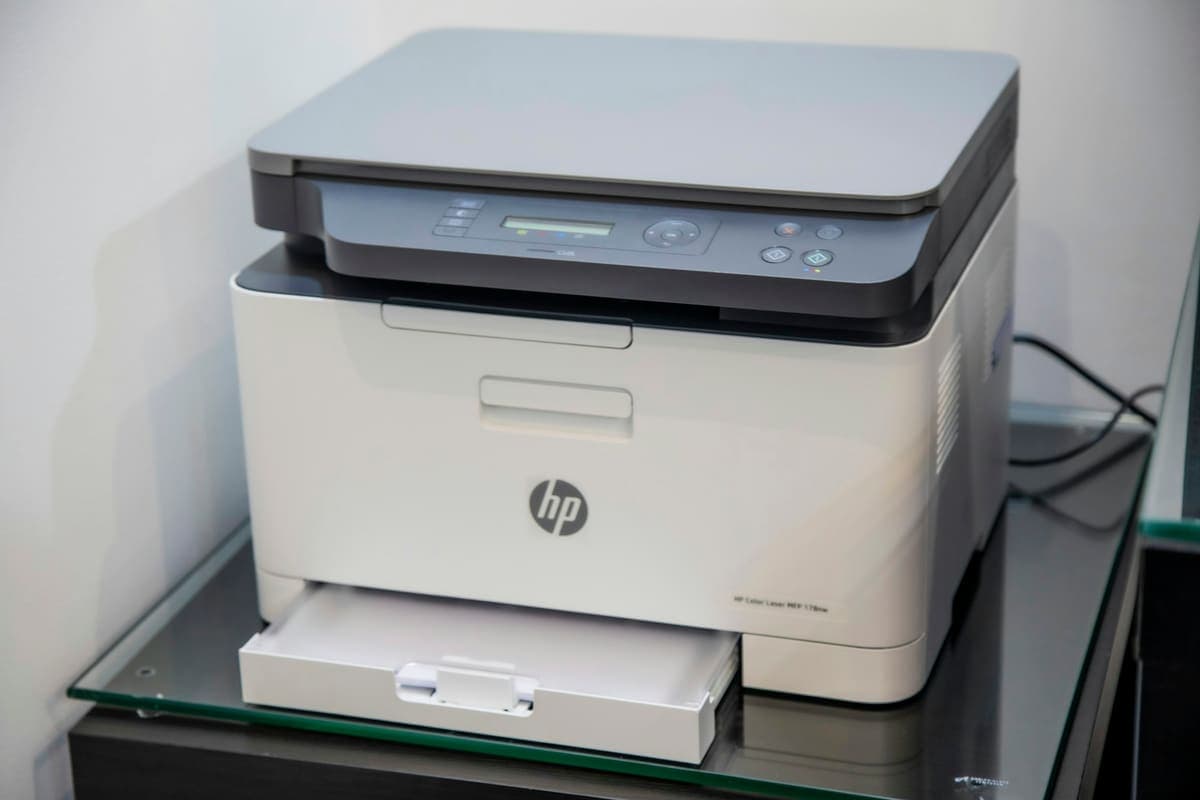
Beyond coverage, we set up the things that make a home office actually work — printers that stay visible instead of vanishing every few days, shared drives and NAS boxes, backups running somewhere other than the machine they are protecting, and the guest network that keeps visitors and smart devices off the same network as your work laptop. If your video calls break up while everything else seems fine, that is usually upload bandwidth or Wi-Fi contention rather than your laptop, and it is fixable. We work at your home or office anywhere in Greater London, and because we are on-site we can test the result in the rooms you complained about rather than next to the router where everything always looks perfect.
Related repairs
What networking support costs
Agreed upfront before we touch your device. No surprises.
£120
per hour labour
minimum 1 hour · no hidden extras
Parts
quoted separately
agreed before any work starts
No fix → you pay £0
No diagnostic fee, no callout charge if we cannot repair
No callout charge
We travel anywhere in Greater London at no extra cost
90-day warranty
Parts and labour covered if the same fault returns
Software-only repairs with no parts are just the hourly labour charge. For screen replacements, batteries and board work, we confirm the parts cost with you before starting.
Why Choose We Repair Mac?
We Come to You
No need to visit a shop. We travel across all Greater London to your home or office. No extra charge for travel.
Same-Day Repairs
Most repairs are completed on-site within an hour. Book before 2pm and we will do our best to visit the same day.
Genuine Parts & Warranty
We use quality replacement parts and back every repair with a 90-day parts and labour warranty.
Fixed Price Quotes
We quote before we start. No surprise bills, no hidden charges - only pay when you are satisfied.
Experienced Engineers
Our engineers are experienced technicians with years of Mac, Windows PC, laptop and gaming repair expertise.
No Fix, No Fee
If we cannot fix your device, you pay absolutely nothing. That is our guarantee to every customer.
Networking Support problems we fix most often
- Wi-Fi not reaching every room
- Router needs setting up or replacing
- Devices dropping off the network randomly
- Printer or shared drive not visible on the network
- Mesh Wi-Fi system setup and optimisation
- Slow internet despite a fast broadband plan
- Setting up a new router after a broadband switch
- Securing a home or office network
The networking support faults we see most, and what we do about them
What each fault usually turns out to be, what we actually do about it, and roughly what it comes to. Where there is something worth trying yourself first, each one links to it — some of these you will fix in five minutes without us, and we would rather you did.
Wi-Fi is fine near the router and useless in the back bedroom
£120/hr labour·Fixed at your door
Wi-Fi is fine near the router and useless in the back bedroom
£120/hr labour·Fixed at your door
What it usually turns out to be
Distance and building materials. The 5GHz band, which is what gives you speed, is badly weakened by solid walls — and London housing stock is full of exactly what kills it: thick brick, foil-backed insulation, chimney breasts. Provider routers are also frequently installed wherever the phone socket happens to be, which is often the worst spot in the building.
What we do about it
We survey the actual signal in the rooms you complain about rather than next to the router where everything always looks perfect. Often it is repositioning and reconfiguring what you already own, which costs nothing but the labour. Where hardware genuinely is needed, we recommend the smallest thing that solves it and tell you where to put it.
There are a few things worth checking yourself before booking anything — the safe checks for this fault are on our fault finder, and they solve it often enough to be worth five minutes.
£120/hr labour with a one-hour minimum, and most of these are finished inside it. Any hardware is quoted separately and only where it is genuinely needed. Quoted before we start, and nothing to pay if we cannot put it right.
Devices randomly drop off the Wi-Fi and reconnect
£120/hr labour·Fixed at your door
Devices randomly drop off the Wi-Fi and reconnect
£120/hr labour·Fixed at your door
What it usually turns out to be
Interference or a band-steering fight. In a London flat your router is competing with a dozen neighbouring networks on the same channels, and if it has been left on automatic it may be sitting on the busiest one. Where a router pushes both bands under one name, devices at the edge of range flip between them repeatedly and drop the connection each time.
What we do about it
We scan the airwaves to see what your router is competing with, move it to a clear channel, and separate the bands where band-steering is causing the drops. Where the provider router is simply not up to the building, we say so — and we would rather reconfigure what you have than sell you a mesh system you do not need.
There are a few things worth checking yourself before booking anything — the safe checks for this fault are on our fault finder, and they solve it often enough to be worth five minutes.
£120/hr labour with a one-hour minimum, and most of these are finished inside it. Any hardware is quoted separately and only where it is genuinely needed. Quoted before we start, and nothing to pay if we cannot put it right.
Video calls break up but speed tests look fine
£120/hr labour·Fixed at your door
Video calls break up but speed tests look fine
£120/hr labour·Fixed at your door
What it usually turns out to be
Upload bandwidth or Wi-Fi contention, neither of which a headline speed test shows you. Most broadband packages are heavily asymmetric — plenty of download, a fraction of it for upload — and a video call needs sustained upload. A speed test measures a few seconds at best conditions; a call needs consistency for an hour.
What we do about it
We measure the connection properly over time rather than in a five-second burst, then fix what is actually limiting it — usually prioritising the working device, moving it off a congested band, or running a single ethernet cable to the desk. For a home office that has to be reliable, one ethernet run is the best money available and less disruptive to install than most people expect.
There are a few things worth checking yourself before booking anything — the safe checks for this fault are on our fault finder, and they solve it often enough to be worth five minutes.
£120/hr labour with a one-hour minimum, and most of these are finished inside it. Any hardware is quoted separately and only where it is genuinely needed. Quoted before we start, and nothing to pay if we cannot put it right.
The broadband is far slower than what I pay for
£120/hr labour·Fixed at your door
The broadband is far slower than what I pay for
£120/hr labour·Fixed at your door
What it usually turns out to be
Where you measure decides what you find. The advertised speed is what arrives at the router, and by the time it has crossed the building over Wi-Fi to a laptop two rooms away, losing most of it is normal rather than exceptional. Genuine line faults exist, but they are the minority of what we are called out for.
What we do about it
We separate the line from the network in the first ten minutes, which tells you whether this is a conversation with your provider or a job for us. If the line is fine, we fix the distribution. If it genuinely is not, we give you the measurements to take to the provider, which is considerably more effective than describing it over the phone.
There are a few things worth checking yourself before booking anything — the safe checks for this fault are on our fault finder, and they solve it often enough to be worth five minutes.
£120/hr labour with a one-hour minimum, and most of these are finished inside it. Any hardware is quoted separately and only where it is genuinely needed. Quoted before we start, and nothing to pay if we cannot put it right.
After a new router, the printer and shared drive have vanished
£120/hr labour·Fixed at your door
After a new router, the printer and shared drive have vanished
£120/hr labour·Fixed at your door
What it usually turns out to be
A new router means a new network, and everything that was addressed on the old one is now looking for something that no longer exists. Devices with saved settings — printers, network drives, cameras, smart speakers — do not rediscover themselves. Provider routers also commonly enable client isolation by default, which stops devices seeing each other even once they have all rejoined.
What we do about it
We rejoin every device, turn off the isolation that stops them seeing each other, and give the ones that matter — printer, NAS, network drives — fixed addresses so a future router restart does not repeat the whole exercise. That last part is what stops it happening again.
There are a few things worth checking yourself before booking anything — the safe checks for this fault are on our fault finder, and they solve it often enough to be worth five minutes.
£120/hr labour with a one-hour minimum, and most of these are finished inside it. Any hardware is quoted separately and only where it is genuinely needed. Quoted before we start, and nothing to pay if we cannot put it right.
Smart plugs, cameras or speakers will not join the network
£120/hr labour·Fixed at your door
Smart plugs, cameras or speakers will not join the network
£120/hr labour·Fixed at your door
What it usually turns out to be
Nearly always the 2.4GHz issue. Smart-home devices are cheap by design and almost none support 5GHz, so when the router broadcasts both bands under one name and the setup phone is connected to 5GHz, the pairing fails with an unhelpful error that says nothing about bands.
What we do about it
We split the bands into separate network names so 2.4GHz devices have something they can reliably join, pair the devices, and put them on their own network segment where that makes sense — cheap smart-home hardware is not something you want sharing a network with a work laptop.
There are a few things worth checking yourself before booking anything — the safe checks for this fault are on our fault finder, and they solve it often enough to be worth five minutes.
£120/hr labour with a one-hour minimum, and most of these are finished inside it. Any hardware is quoted separately and only where it is genuinely needed. Quoted before we start, and nothing to pay if we cannot put it right.
I want visitors and smart devices off my work network
£120/hr labour·Fixed at your door
I want visitors and smart devices off my work network
£120/hr labour·Fixed at your door
What it usually turns out to be
Not a fault, but the single most worthwhile network change most homes and small offices can make. By default everything shares one flat network: the work laptop, the children's tablets, the visitors, and every cheap internet-connected device in the building, most of which will never receive another security update.
What we do about it
We set up a separate guest network for visitors and smart-home devices, secure the router itself properly, and make sure the things that need to reach each other still can — a printer that everyone can use, without the printer sitting on the same network as your work machine. Done in a single visit for labour alone.
There are a few things worth checking yourself before booking anything — the safe checks for this fault are on our fault finder, and they solve it often enough to be worth five minutes.
£120/hr labour with a one-hour minimum, and most of these are finished inside it. Any hardware is quoted separately and only where it is genuinely needed. Quoted before we start, and nothing to pay if we cannot put it right.
Networking Support FAQs
Related Repair Advice
Practical guides from our engineers covering networking support.

Book Your Networking Support Today
Same-day visits across Greater London. No fix, no fee. No callout charge.