

Mobile Repair Service · London
MacBook Repair London
MacBook repair across London, at your home or office. We fix every MacBook model — M1, M2 and M3 MacBook Pro and MacBook Air, plus older Intel MacBooks, iMac and Mac Mini. Most software and hardware faults are diagnosed and repaired on the spot by an Apple-experienced engineer, with no need to visit a shop or post your Mac away.
No Fix, No Fee Same Day Visit 90-Day Warranty
Common MacBook Repair faults
- MacBook not turning on
- Liquid / water damage repair
- Logic board failure
- Keyboard replacement (butterfly & magic)
- Charging port not working
- MacOS not booting / black screen
- Fan noise / overheating
- WiFi not connecting
We Come To You
No shop visit - we travel to your door
Same-Day Callout
Book before 2pm - we come today
No Fix, No Fee
Pay nothing if we can't fix it
Free Callout
No travel or visit charges
Fixed On-Site
Repaired in front of you, under an hour
All of London
Every borough, 7 days a week
What to expect with MacBook Repair
Your MacBook repair starts with a free, no-obligation diagnosis. Our engineer comes to your home or office anywhere in Greater London, finds out exactly what is wrong — whether it is a software fault, a failing battery, a cracked screen or a deeper logic-board problem — and gives you a clear, fixed price before any work begins. If it turns out not to be worth repairing, we tell you honestly.
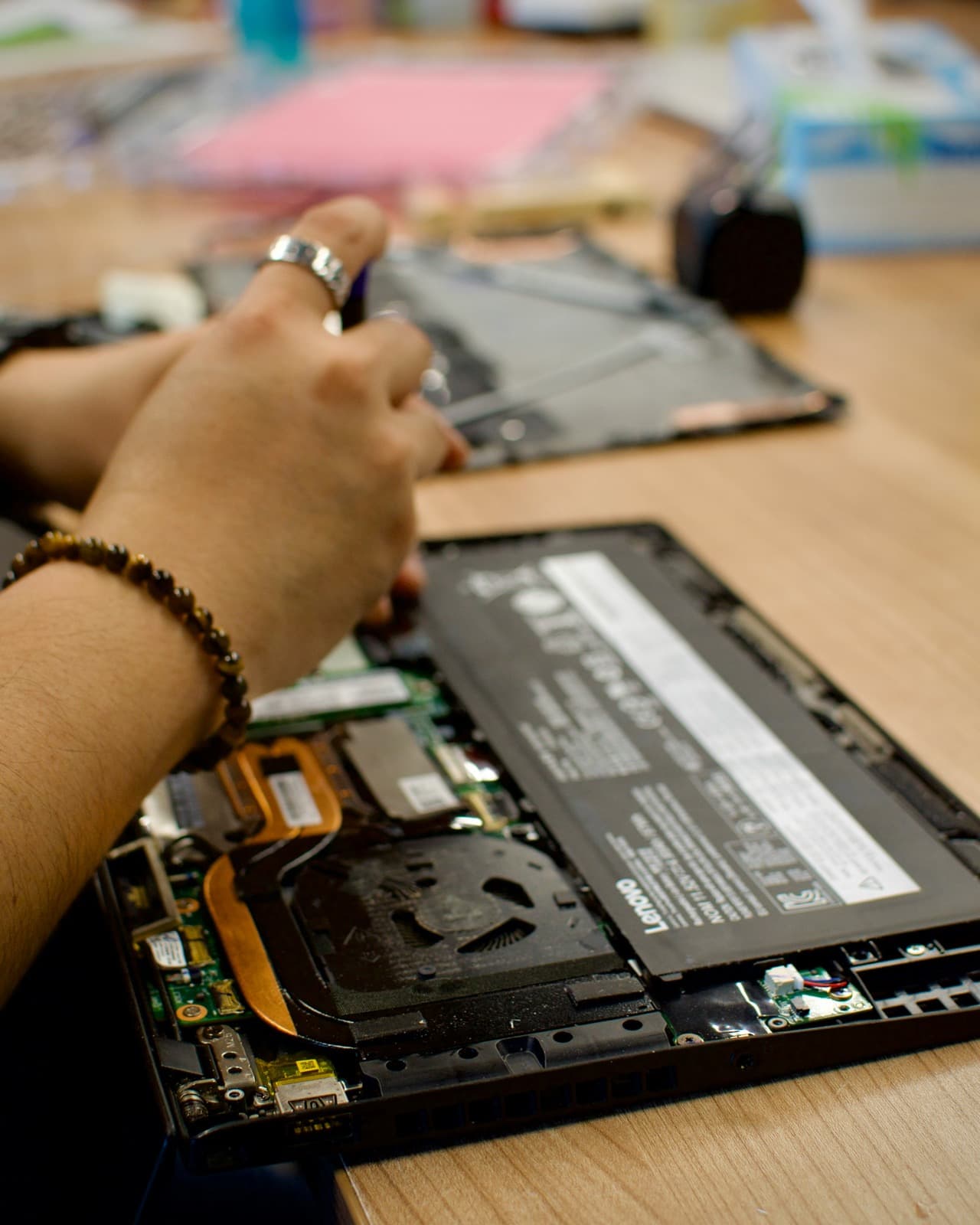
Most everyday MacBook repairs are completed on-site while you watch: battery replacements, keyboard and trackpad faults, RAM and SSD upgrades, macOS reinstalls, virus removal and charging issues. Around seven in ten jobs are finished in your home or office in a single visit, so you usually keep your Mac the same day.
Some repairs are board-level and need a microscope and proper rework equipment — liquid damage, a MacBook that will not power on, or a failed logic board. For these we take the machine to our workshop, keep you updated throughout, and return it fully tested. Wherever possible your data stays exactly where it is; if the storage itself has failed we will always discuss data recovery options with you first.
Every MacBook repair is backed by our 90-day parts-and-labour warranty and our No Fix, No Fee guarantee — if we cannot fix it, you pay nothing at all. There is never a callout charge, and we quote before we start, so the price we agree is the price you pay.
What MacBook repair costs
Agreed upfront before we touch your device. No surprises.
£120
per hour labour
minimum 1 hour · no hidden extras
Parts
quoted separately
agreed before any work starts
No fix → you pay £0
No diagnostic fee, no callout charge if we cannot repair
No callout charge
We travel anywhere in Greater London at no extra cost
90-day warranty
Parts and labour covered if the same fault returns
Software-only repairs with no parts are just the hourly labour charge. For screen replacements, batteries and board work, we confirm the parts cost with you before starting.
Why Choose We Repair Mac?
We Come to You
No need to visit a shop. We travel across all Greater London to your home or office. No extra charge for travel.
Same-Day Repairs
Most repairs are completed on-site within an hour. Book before 2pm and we will do our best to visit the same day.
Genuine Parts & Warranty
We use quality replacement parts and back every repair with a 90-day parts and labour warranty.
Fixed Price Quotes
We quote before we start. No surprise bills, no hidden charges - only pay when you are satisfied.
Experienced Engineers
Our engineers are experienced technicians with years of Mac, Windows PC, laptop and gaming repair expertise.
No Fix, No Fee
If we cannot fix your device, you pay absolutely nothing. That is our guarantee to every customer.
MacBook Repair problems we fix most often
- MacBook not turning on
- Liquid / water damage repair
- Logic board failure
- Keyboard replacement (butterfly & magic)
- Charging port not working
- MacOS not booting / black screen
- Fan noise / overheating
- WiFi not connecting
What MacBook repair usually costs
The jobs we are called out to most often on a MacBook, and what they typically come to all-in.
Cracked / faulty screen
£180 – £450
Battery not holding charge
£120 – £220
Won't turn on / no power
Diagnosis first — logic board faults quoted after inspection.
£120 – £300
Liquid / water damage
Depends on corrosion — assessed on site.
£150 – £400
Keyboard replacement
£150 – £350
Slow / macOS / virus
Often fixable remotely the same day, with no visit needed.
£120 – £150
All-in figures covering labour at £120/hour (one-hour minimum) plus the parts a typical job needs. They are a guide, not a quote: the exact price is confirmed with you on site before anything is opened, and under our no fix, no fee guarantee you pay nothing if we cannot put it right. See full repair costs or get a closer estimate for your fault.
The MacBook repair faults we see most, and what we do about them
What each fault usually turns out to be, what we actually do about it, and roughly what it comes to. Where there is something worth trying yourself first, each one links to it — some of these you will fix in five minutes without us, and we would rather you did.
My MacBook will not turn on at all
£120 – £300·Door or workshop
My MacBook will not turn on at all
£120 – £300·Door or workshop
What it usually turns out to be
Far less often a dead logic board than people fear. The usual culprits are a failed charger or cable, a charging port packed with pocket lint, a battery that has discharged so deeply it needs a long charge before it will respond, or a Mac that is actually running with a dark screen.
What we do about it
We measure what the machine is actually drawing from the charger, which separates the three possibilities immediately: no draw at all points at the charging circuit, a normal draw with a black screen points at the display or backlight, and an erratic draw points at the board. That measurement is the difference between a charging-port repair and a logic-board job — two very different bills — and we take it before quoting anything.
There are a few things worth checking yourself before booking anything — the safe checks for this fault are on our fault finder, and they solve it often enough to be worth five minutes.
A guide range, not a quote — the exact figure is confirmed on site before anything is opened, and you pay nothing if we cannot fix it.
It only charges at certain cable angles, or not at all
£120 – £220·Fixed at your door
It only charges at certain cable angles, or not at all
£120 – £220·Fixed at your door
What it usually turns out to be
Either the port or the battery, and the distinction matters because they are different repairs. Intermittent charging that responds to wiggling the cable is a worn or lifted port. Charging that works but never rises above a certain percentage is the battery or its management circuit.
What we do about it
We test the charging negotiation on the board and the battery health together, so you find out whether you are paying for a port, a battery, or the charging circuit before anything is ordered. Ports and batteries are both fitted at your desk.
There are a few things worth checking yourself before booking anything — the safe checks for this fault are on our fault finder, and they solve it often enough to be worth five minutes.
A guide range, not a quote — the exact figure is confirmed on site before anything is opened, and you pay nothing if we cannot fix it.
The fans run constantly and it is hot doing nothing
£120 – £180·Fixed at your door
The fans run constantly and it is hot doing nothing
£120 – £180·Fixed at your door
What it usually turns out to be
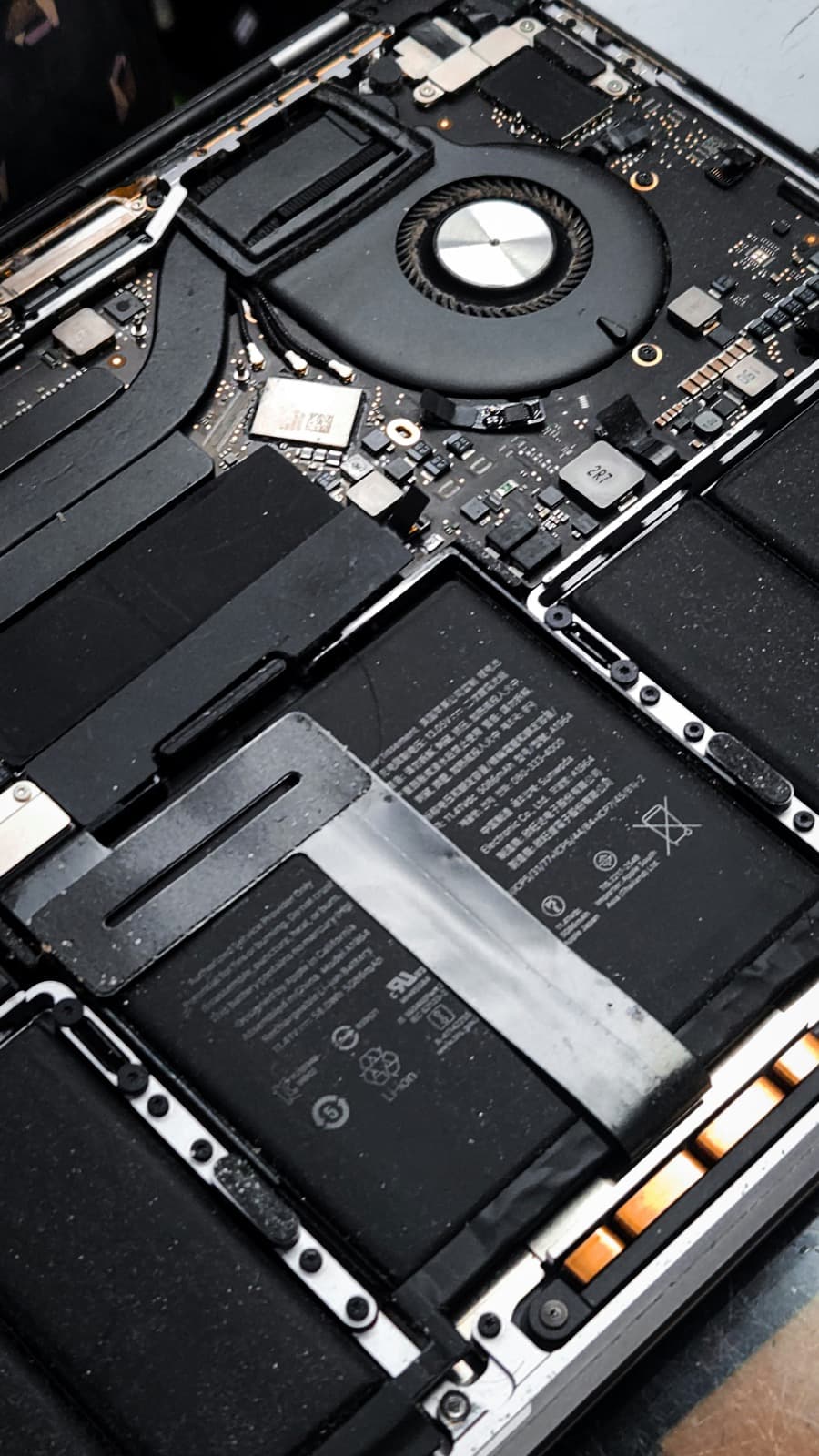
On an older Intel MacBook, almost always dust packed into the heatsink fins plus thermal paste that has dried out after four or five years. On an M-series Mac, which barely uses its fans in normal work, constant fan noise is far more likely to be a runaway software process than a thermal problem.
What we do about it
We check the software side first, because opening a Mac to clean a heatsink that was never the problem is a waste of your money. Where it genuinely is thermal, we strip the cooling assembly, clear the fins and re-paste the chip, and you get before-and-after temperature readings rather than an assurance.
There are a few things worth checking yourself before booking anything — the safe checks for this fault are on our fault finder, and they solve it often enough to be worth five minutes.
A guide range, not a quote — the exact figure is confirmed on site before anything is opened, and you pay nothing if we cannot fix it.
macOS is slow, beachballing, or apps take forever to open
£120 – £150·Often fixable remotely
macOS is slow, beachballing, or apps take forever to open
£120 – £150·Often fixable remotely
What it usually turns out to be
Usually a full startup disk, too many login items and background agents, or a mechanical hard drive still doing the work — Apple shipped spinning and Fusion drives in the 21.5-inch iMac as late as 2019, and they are the single biggest cause of a slow desktop Mac. Genuine hardware failure is a distant fourth. A Mac that has crossed about 90% full storage will slow down dramatically regardless of how fast the rest of it is.
What we do about it
We find out what is actually consuming the machine rather than running a generic clean-up, then either clear it or tell you honestly that the hardware is the limit. On an older iMac or Mac Mini still running a mechanical drive, an SSD is the single biggest improvement available and costs a fraction of replacing the Mac. Many of these are fixable over a remote session with no visit at all.
There are a few things worth checking yourself before booking anything — the safe checks for this fault are on our fault finder, and they solve it often enough to be worth five minutes.
A guide range, not a quote — the exact figure is confirmed on site before anything is opened, and you pay nothing if we cannot fix it.
The trackpad will not click, or clicks by itself
£120 – £220·Fixed at your door
The trackpad will not click, or clicks by itself
£120 – £220·Fixed at your door
What it usually turns out to be
On any MacBook more than three years old, the first thing to rule out is a swollen battery pressing up against the underside of the trackpad from below. It is the most common cause and the most important one to catch, because a swelling cell is a safety issue rather than an inconvenience.
What we do about it
We check the battery before the trackpad, every time. Where the cell has swollen we remove and dispose of it safely and fit a replacement, which usually restores the click on its own. Where the trackpad itself has failed, it is a straightforward part swap at your desk.
There are a few things worth checking yourself before booking anything — the safe checks for this fault are on our fault finder, and they solve it often enough to be worth five minutes.
A guide range, not a quote — the exact figure is confirmed on site before anything is opened, and you pay nothing if we cannot fix it.
MacBook Repair FAQs
Related Repair Advice
Practical guides from our engineers covering MacBook repair.


MacBook Repair near you
We come to you across our core Surrey and south-west London catchment. See our dedicated MacBook repair page for your area:
MacBook Repair New Malden MacBook Repair Kingston upon Thames MacBook Repair Surbiton MacBook Repair Raynes Park MacBook Repair Wimbledon MacBook Repair Morden MacBook Repair Cheam MacBook Repair Sutton MacBook Repair Stoneleigh MacBook Repair Teddington MacBook Repair Walton-on-Thames MacBook Repair Weybridge MacBook Repair Cobham MacBook Repair Richmond MacBook Repair Twickenham MacBook Repair Putney MacBook Repair Mitcham MacBook Repair Leatherhead MacBook Repair Banstead

Book Your MacBook Repair Today
Same-day visits across Greater London. No fix, no fee. No callout charge.