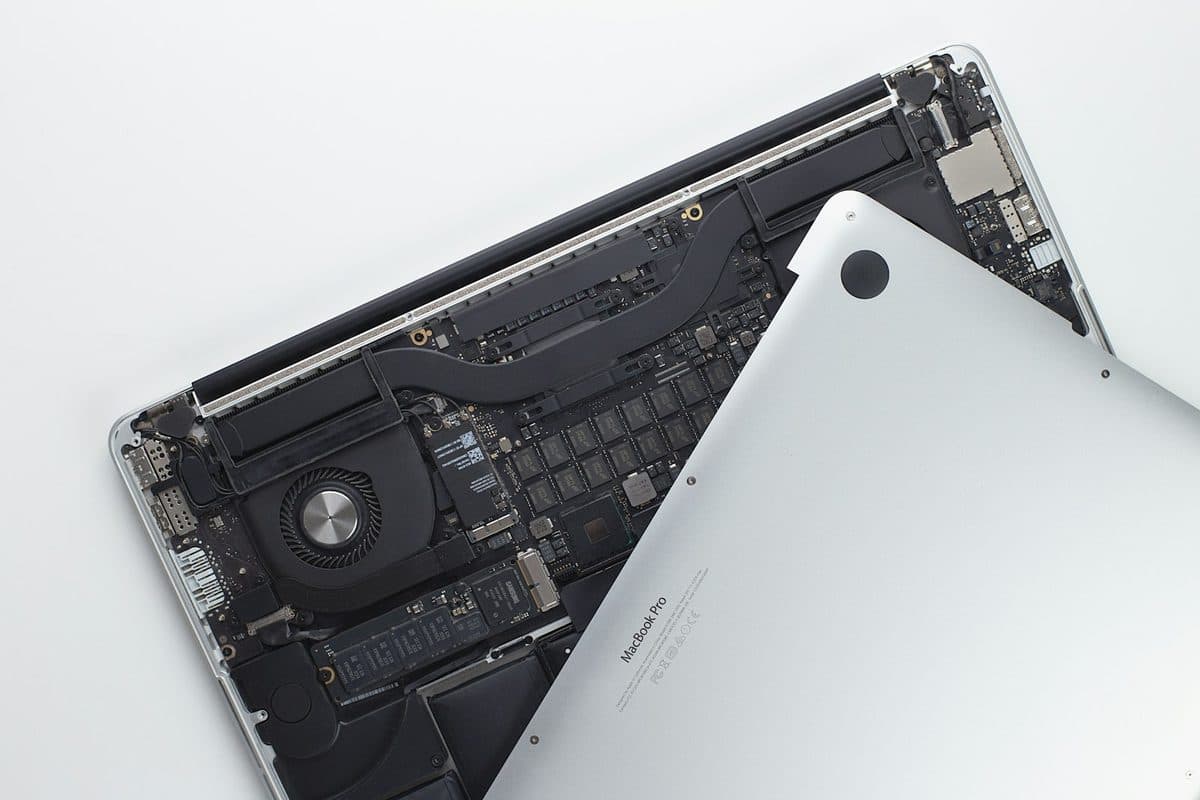
MacBook Pro Getting Too Hot? Why The Fans Are Spinning So Loud
Loud fans and a hot aluminum chassis can indicate thermal throttling. Here is how to keep your MacBook Pro cool.
Read more
New Malden is home — our base is on Burlington Road, so a MacBook that won't boot or a cracked screen gets one of the fastest responses we offer anywhere. There's no travel time to absorb, which means we can often be at your door in New Malden, Motspur Park or Old Malden within the hour, and slot you in the same day even when the diary is full.
We see the full range here: long-owned iMacs and MacBooks on their second or third battery in the 1930s semis around Beverley Park, student machines with cracked screens and snapped hinges from the families near Coombe, and work-critical Macs from the independent businesses along the High Street. Whatever it is, we fix it in front of you where we can — no callout charge, a fixed quote first, and nothing to pay if we can't sort it.
Your MacBook repair starts with a free, no-obligation diagnosis. Our engineer comes to your home or office anywhere in Greater London, finds out exactly what is wrong — whether it is a software fault, a failing battery, a cracked screen or a deeper logic-board problem — and gives you a clear, fixed price before any work begins. If it turns out not to be worth repairing, we tell you honestly.
Most everyday MacBook repairs are completed on-site while you watch: battery replacements, keyboard and trackpad faults, RAM and SSD upgrades, macOS reinstalls, virus removal and charging issues. Around seven in ten jobs are finished in your home or office in a single visit, so you usually keep your Mac the same day.

This is our dedicated MacBook repair page for New Malden. For the full picture of everything we repair here, see our New Malden repair page, or our London-wide MacBook Repair service.
Across New Malden, the MacBook repair calls we get most often involve a MacBook that won't turn on, liquid damage, a worn-out battery or a cracked screen — though we are called out for plenty more besides.
The New Malden housing mix — a lot of 1930s semis and converted flats — means we see plenty of machines that have been in the same household for years: iMacs that have slowed to a crawl, MacBooks on their second or third battery, and family PCs clogged with a decade of software. Storage upgrades and clean reinstalls are probably our most common New Malden job. The other half is the small-business side: along the High Street we're regularly asked to look at a laptop that's the only machine in the building, which is why we carry common parts with us and try to finish on-site rather than taking anything away. We also get a steady run of student and school machines from families near Coombe Boys' and Coombe Girls' — usually cracked screens, snapped hinges and liquid damage, which is exactly what you'd expect from a laptop that lives in a rucksack.
Agreed upfront before we touch your device. No surprises.
We're based in New Malden, so there's no callout charge and realistically no travel delay — if you call in the morning we can usually be with you before lunch. Parking is generally fine on the residential roads; if you're on the High Street or near the station we'll ask you where's best rather than circling. Evenings and weekends are no extra charge here, same as everywhere else we cover, and most repairs are done in front of you at the kitchen table or your desk.
No shop drop-off. We travel to your home or office in New Malden at no extra charge.
Most repairs done on-site within the hour. Book before 2pm and we aim to visit the same day.
Quality replacement parts, backed by a 90-day parts and labour warranty.
If we cannot fix it, you pay absolutely nothing — no diagnostic or callout fee.
Written by the engineers who do this work — the faults behind most MacBook repair call-outs, and what you can check before we arrive.

Loud fans and a hot aluminum chassis can indicate thermal throttling. Here is how to keep your MacBook Pro cool.
Read more
A sticky MacBook keyboard often points to trapped crumbs or dried liquid underneath the butterfly or scissor mechanisms.
Read more
Charging problems can come from the battery, charger, USB-C ports, MagSafe, or the board itself. The symptoms usually leave clues.
Read more
Same-day visits, no callout charge, no fix no fee.