22 July 2026
MacBook Trackpad Not Clicking Anymore? It Might Be Your Battery
When a MacBook trackpad stops clicking or feels stuck, the trackpad itself is rarely at fault. It is usually the battery swelling underneath it.
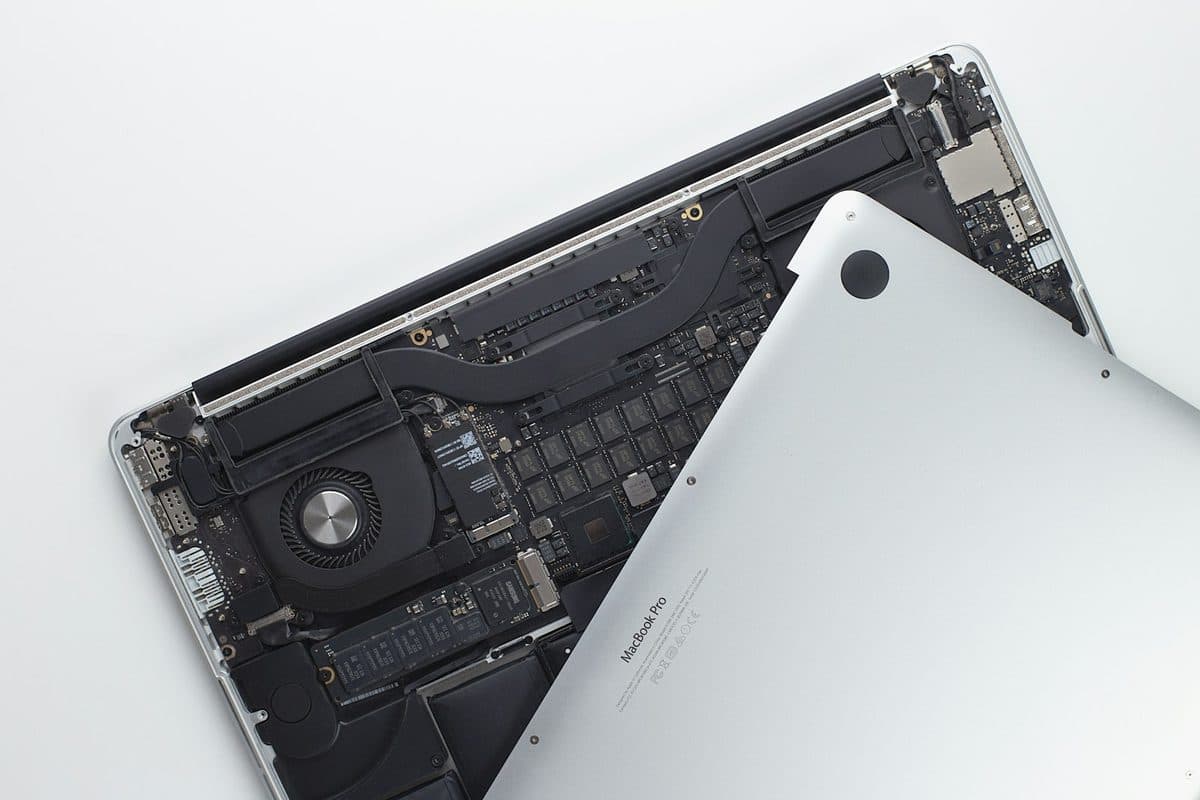
Charging problems can come from the battery, charger, USB-C ports, MagSafe, or the board itself. The symptoms usually leave clues.
A MacBook that charges only at certain angles, refuses to charge from one side, or keeps connecting and disconnecting does not always need the same repair. Ports, chargers, batteries, and board-level charging circuits all fail in different ways.
Charging faults often worsen with continued stress on damaged ports, and ignoring them can leave you with a fully flat MacBook that is harder to diagnose under pressure.
Need help right now? Our MacBook Repair engineers can come directly to your home or office anywhere in Greater London to diagnose and fix this for you.
The symptom pattern usually says which part failed: intermittent charging points at the port or cable, while no charging at all points at the battery or the board.
Charging ports collect pocket lint and take strain from the angle of the cable — both are avoidable.
We come to your home or office anywhere in Greater London for MacBook repair.
When a MacBook trackpad stops clicking or feels stuck, the trackpad itself is rarely at fault. It is usually the battery swelling underneath it.
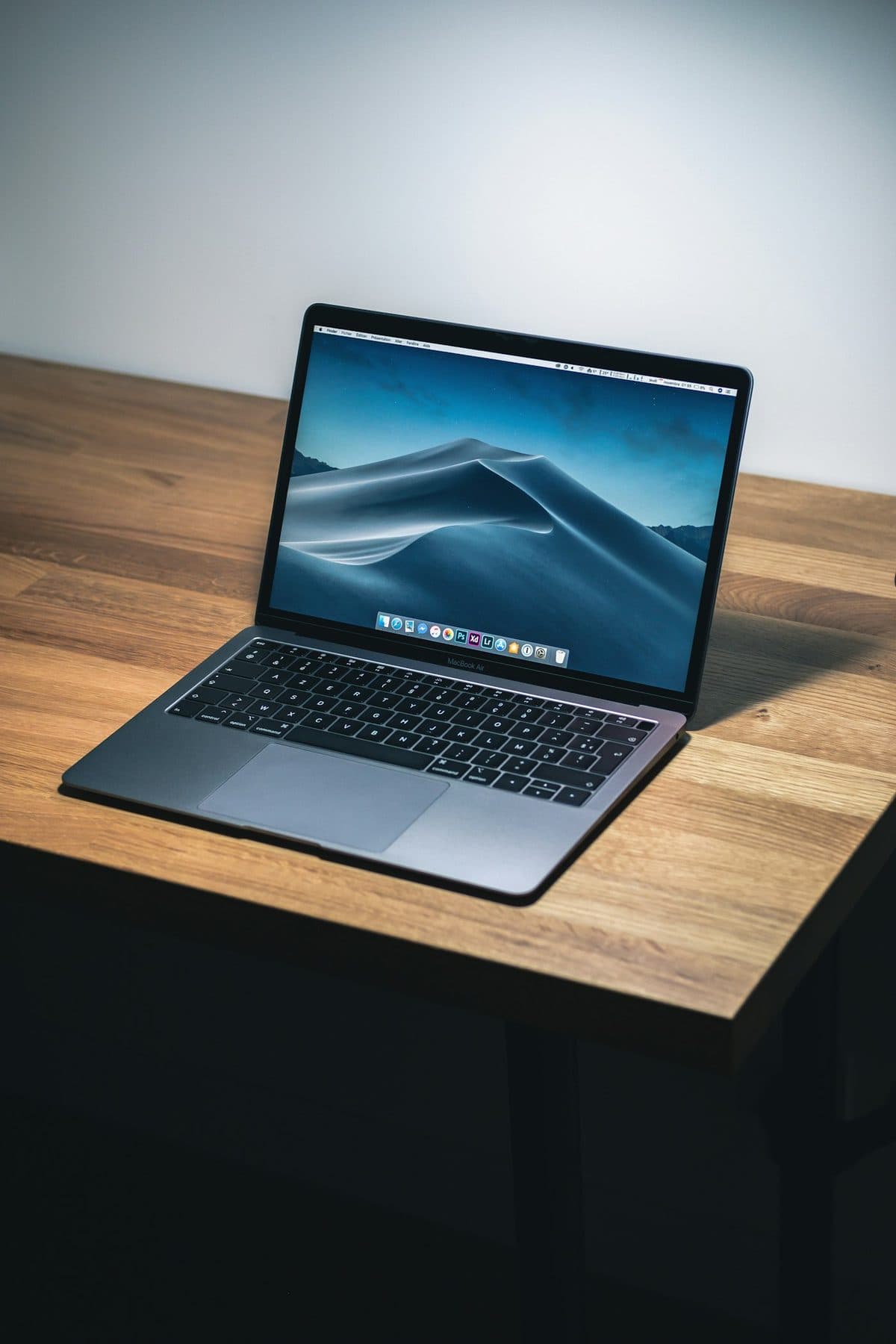
Loud fans and a hot aluminum chassis can indicate thermal throttling. Here is how to keep your MacBook Pro cool.

A sticky MacBook keyboard often points to trapped crumbs or dried liquid underneath the butterfly or scissor mechanisms.