22 July 2026
MacBook Trackpad Not Clicking Anymore? It Might Be Your Battery
When a MacBook trackpad stops clicking or feels stuck, the trackpad itself is rarely at fault. It is usually the battery swelling underneath it.

A sticky MacBook keyboard often points to trapped crumbs or dried liquid underneath the butterfly or scissor mechanisms.
If your MacBook keys feel crunchy, repeat characters randomly, or refuse to press down cleanly, compressed air might just push the debris further back. It is important to know if you have a butterfly keyboard (2015-2019) or a newer scissor switch, as they require very different care.
If the stickiness is from a liquid spill like coffee or juice, the longer it sits, the more likely the internal traces under the keycap will corrode, turning a quick clean into a full topcase swap.
Need help right now? Our MacBook Repair engineers can come directly to your home or office anywhere in Greater London to diagnose and fix this for you.
A sticking key is either debris under the mechanism or a failed butterfly or scissor clip. Blowing air at it tends to move the debris rather than remove it.
Butterfly-era keyboards in particular are intolerant of anything falling between the keys.
We come to your home or office anywhere in Greater London for MacBook repair.
When a MacBook trackpad stops clicking or feels stuck, the trackpad itself is rarely at fault. It is usually the battery swelling underneath it.
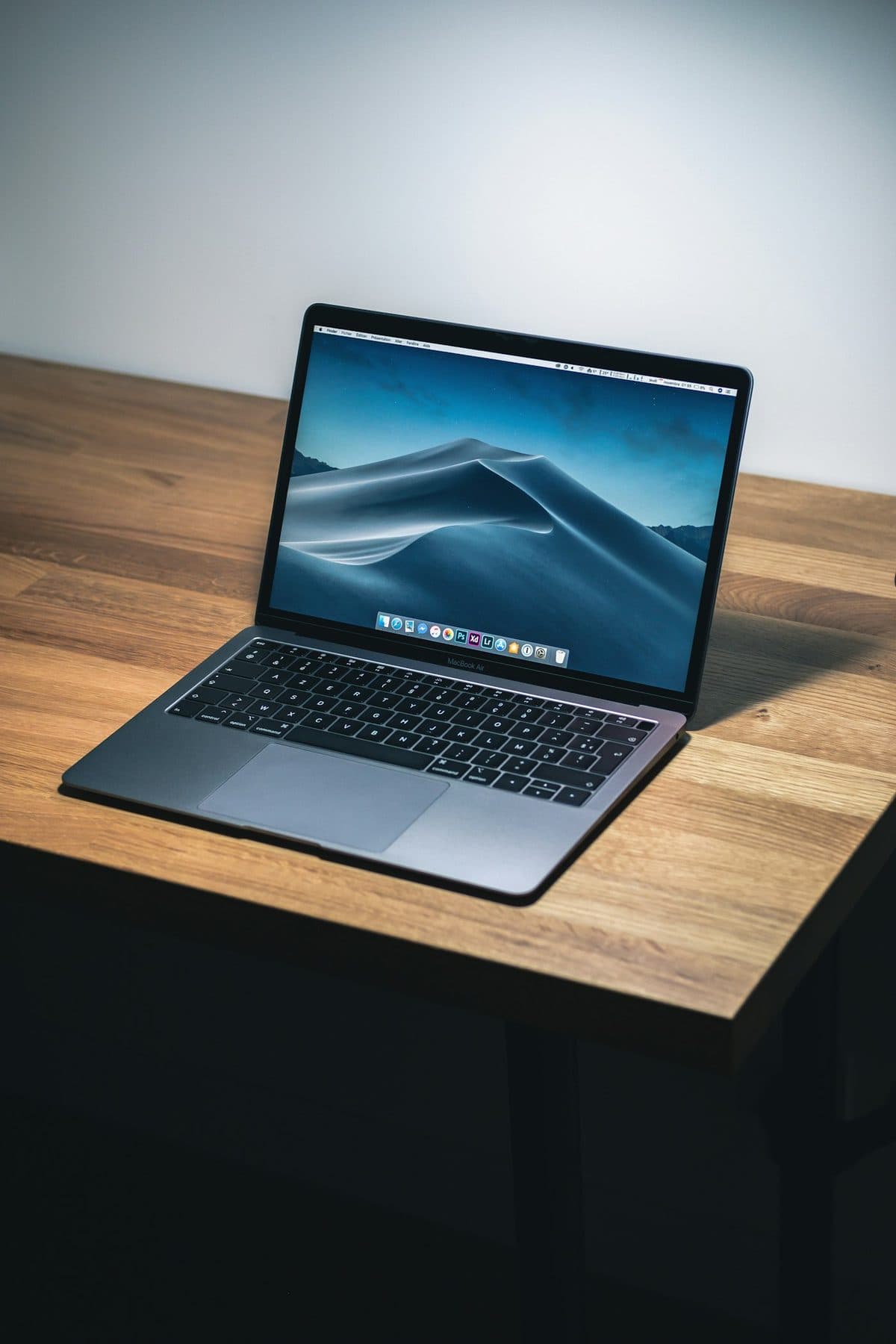
Loud fans and a hot aluminum chassis can indicate thermal throttling. Here is how to keep your MacBook Pro cool.
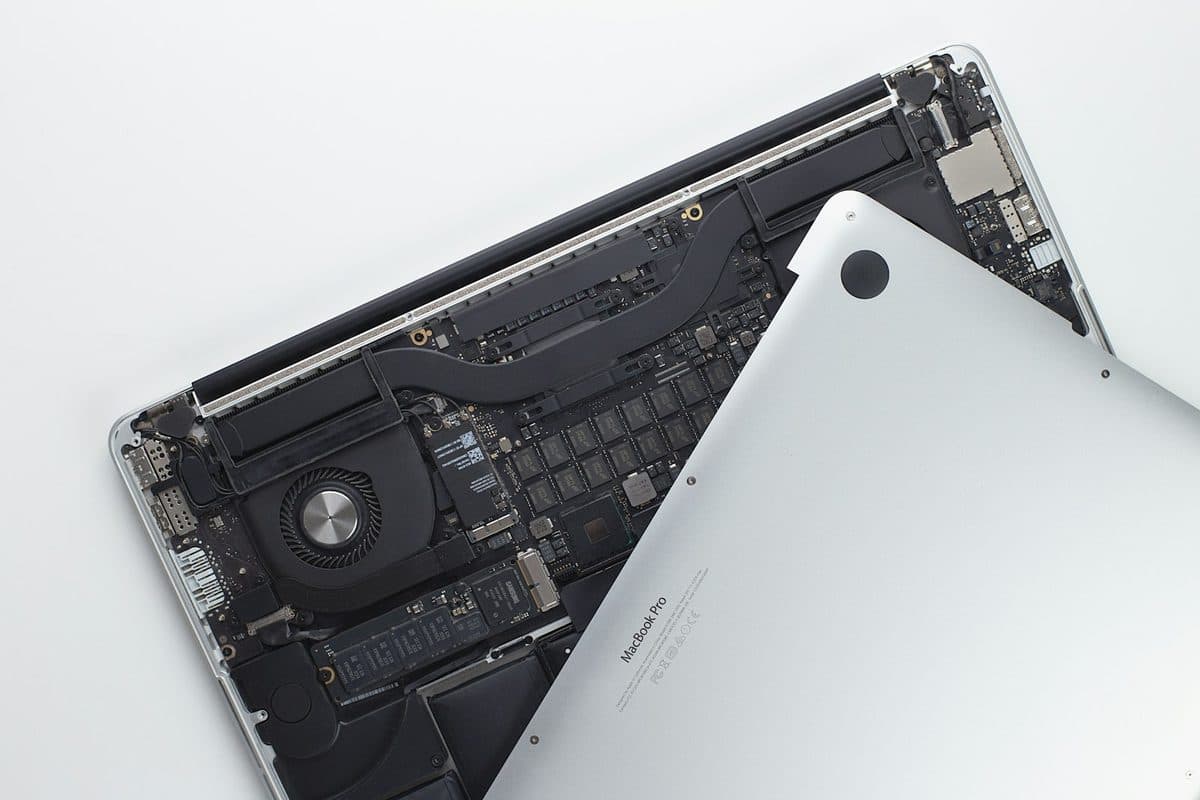
Charging problems can come from the battery, charger, USB-C ports, MagSafe, or the board itself. The symptoms usually leave clues.