22 July 2026
MacBook Trackpad Not Clicking Anymore? It Might Be Your Battery
When a MacBook trackpad stops clicking or feels stuck, the trackpad itself is rarely at fault. It is usually the battery swelling underneath it.
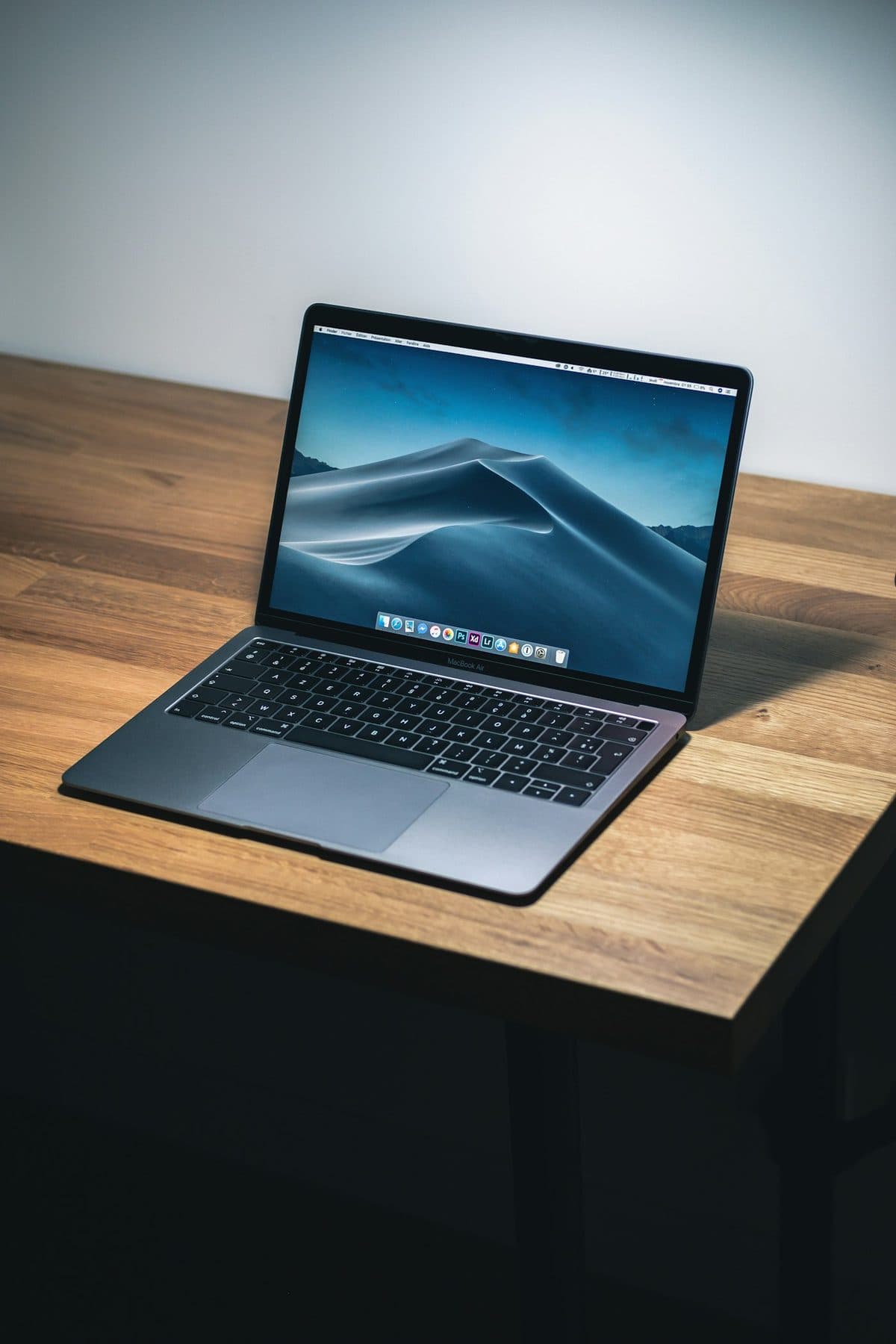
Loud fans and a hot aluminum chassis can indicate thermal throttling. Here is how to keep your MacBook Pro cool.
It is normal for a MacBook Pro to get warm during heavy tasks like video rendering or gaming, but if the fans are jet-engine loud while you are just browsing, there is an underlying thermal issue. The aluminum body acts as a heatsink, so heat is by design, but restriction is not.
Chronic overheating will degrade your battery at an accelerated rate, and thermal throttling means you are getting worse performance than what you paid for.
Need help right now? Our MacBook Repair engineers can come directly to your home or office anywhere in Greater London to diagnose and fix this for you.
Constant fan noise means the machine cannot shed heat fast enough. That is either a blocked airflow path, dried thermal paste, or software keeping the processor busy.
A MacBook Pro used on soft surfaces will run hot no matter how clean its internals are.
We come to your home or office anywhere in Greater London for MacBook repair.
When a MacBook trackpad stops clicking or feels stuck, the trackpad itself is rarely at fault. It is usually the battery swelling underneath it.

A sticky MacBook keyboard often points to trapped crumbs or dried liquid underneath the butterfly or scissor mechanisms.
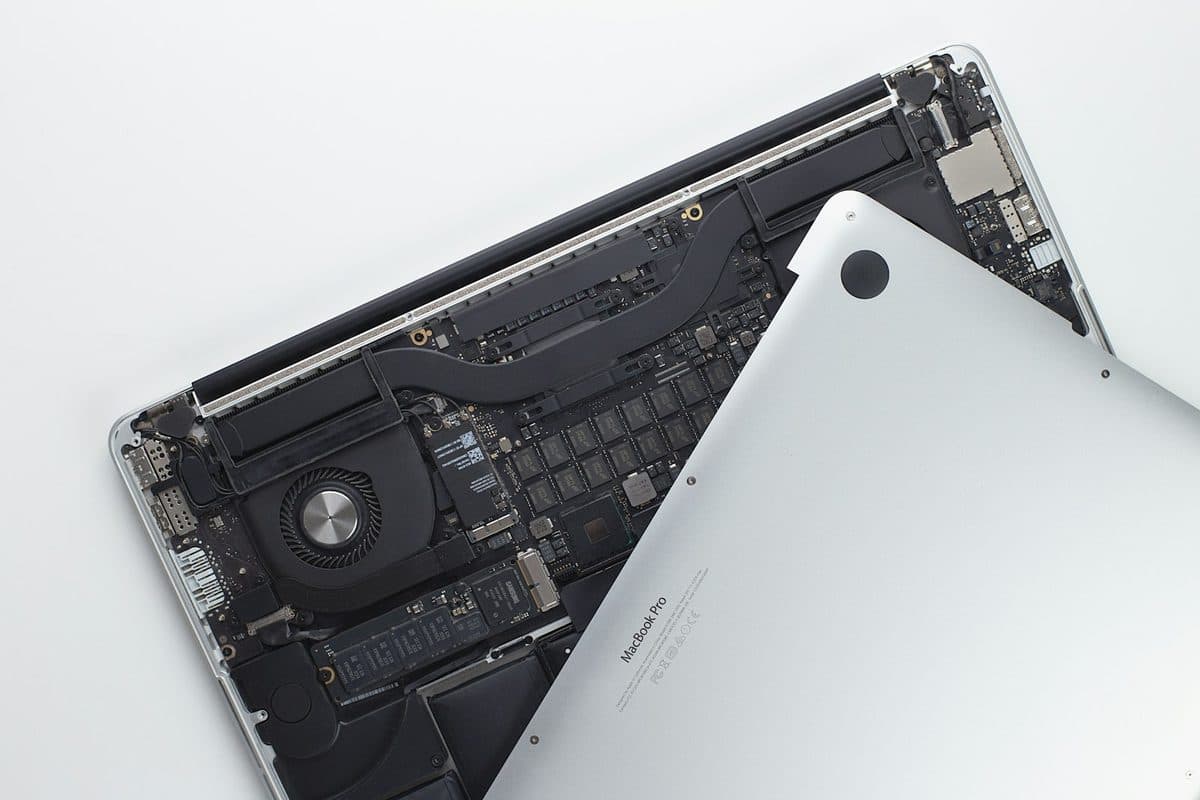
Charging problems can come from the battery, charger, USB-C ports, MagSafe, or the board itself. The symptoms usually leave clues.