8 July 2026
PC Making a Loud Grinding Noise? Here Are The Prime Suspects
Is your computer suddenly sounding like a lawnmower? It is usually a mechanical failure involving a fan or a dying hard drive.

Game stuttering that came out of nowhere is incredibly frustrating, but usually reversible by diagnosing background interference, drivers, or thermals.
If your games ran perfectly last week but are a stuttering mess today, hardware failure is unlikely the prime suspect. A sudden drop in frame rate normally points to a Windows update gone wrong, a driver conflict, or sudden thermal throttling.
Frame drops can render competitive games unplayable, and if thermals are the underlying cause, playing through the lag is straining your graphics card and processor.
Need help right now? Our Gaming PC Repair engineers can come directly to your home or office anywhere in Greater London to diagnose and fix this for you.
Lag that appeared suddenly usually has a specific cause — a driver update, a background process, or thermal throttling that has only just crossed a threshold.
Frame-rate stability is mostly about heat and background load rather than raw hardware.
We come to your home or office anywhere in Greater London for gaming PC repair.
Is your computer suddenly sounding like a lawnmower? It is usually a mechanical failure involving a fan or a dying hard drive.

Game crashes can come from heat, RAM instability, GPU faults, power issues, or corrupt drivers. The trick is isolating them properly.
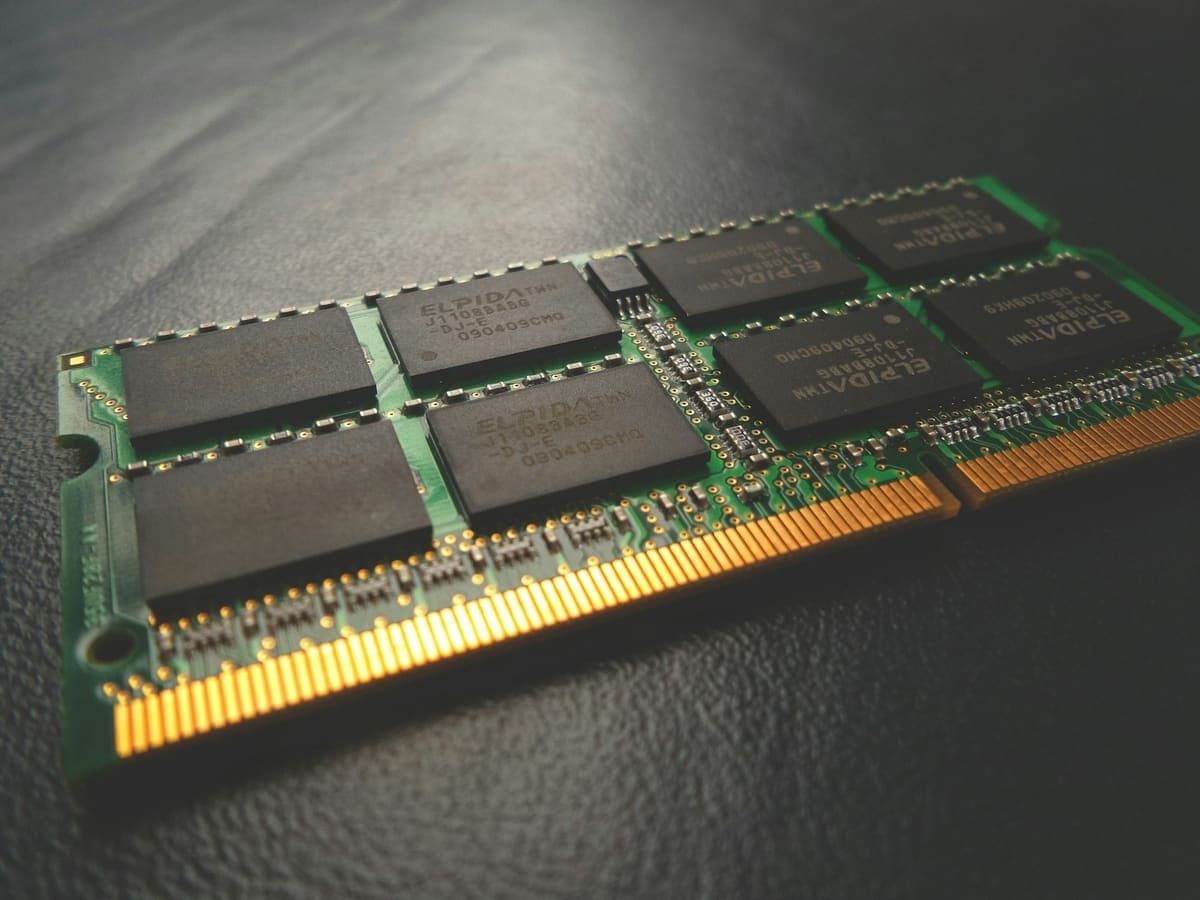
The two upgrades fix completely different problems, and buying the wrong one is the most common way to spend money on a slow computer and notice nothing.