15 April 2026
Data Recovery From a Dead Drive: What To Expect
If your drive has failed, the right first move is not always to keep plugging it in. Here is what usually helps most.
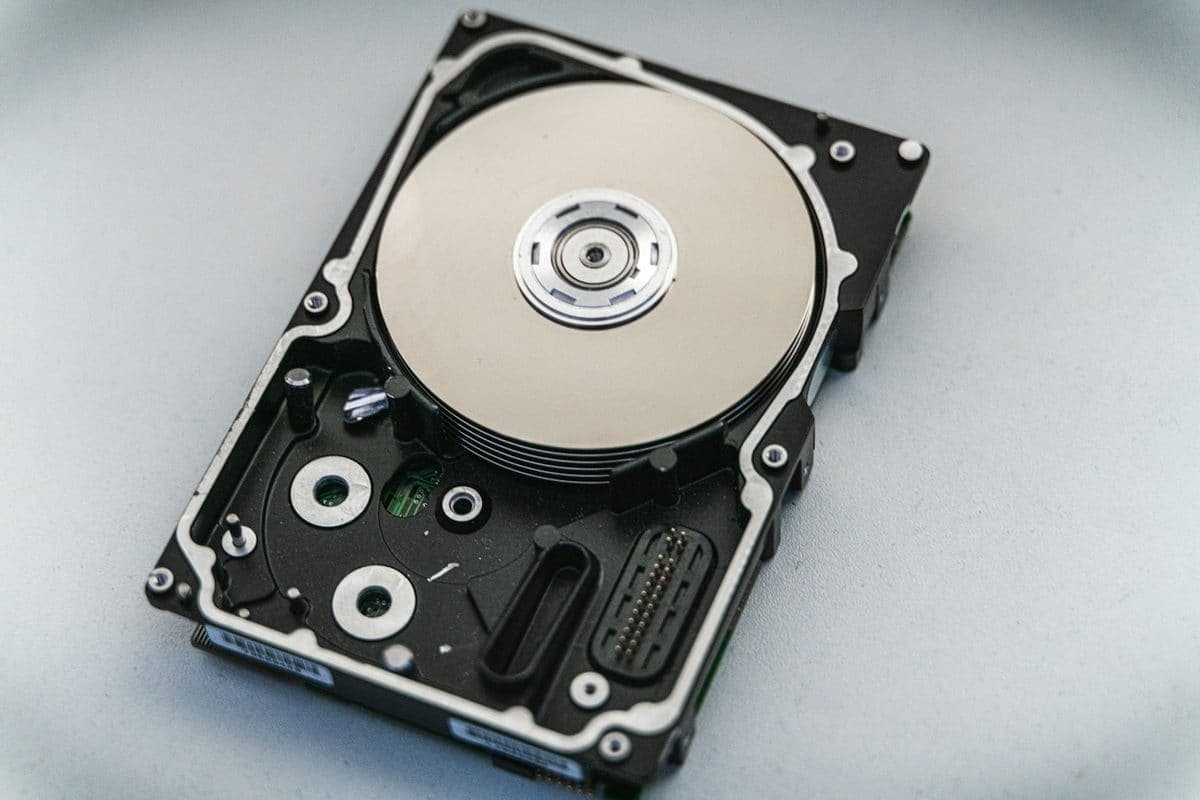
A drive that suddenly disappears is not a good place for random trial-and-error. These first steps protect the best recovery options.
External drives often fail in stages. They may disconnect intermittently, ask to be formatted, mount read-only, or vanish altogether. The safest response is to stop treating the drive like normal storage until the cause is understood.
If the fault is developing physically or electrically, repeated reconnects and scan attempts can reduce the chances of a clean image and full file recovery.
Need help right now? Our Data Recovery engineers can come directly to your home or office anywhere in Greater London to diagnose and fix this for you.
A drive that has stopped mounting still usually holds everything on it. The work is reading it safely once, rather than repeatedly asking a failing device to try again.
One copy on one external drive is not a backup — it is a single point of failure with a handle on it.
We come to your home or office anywhere in Greater London for data recovery.
If your drive has failed, the right first move is not always to keep plugging it in. Here is what usually helps most.
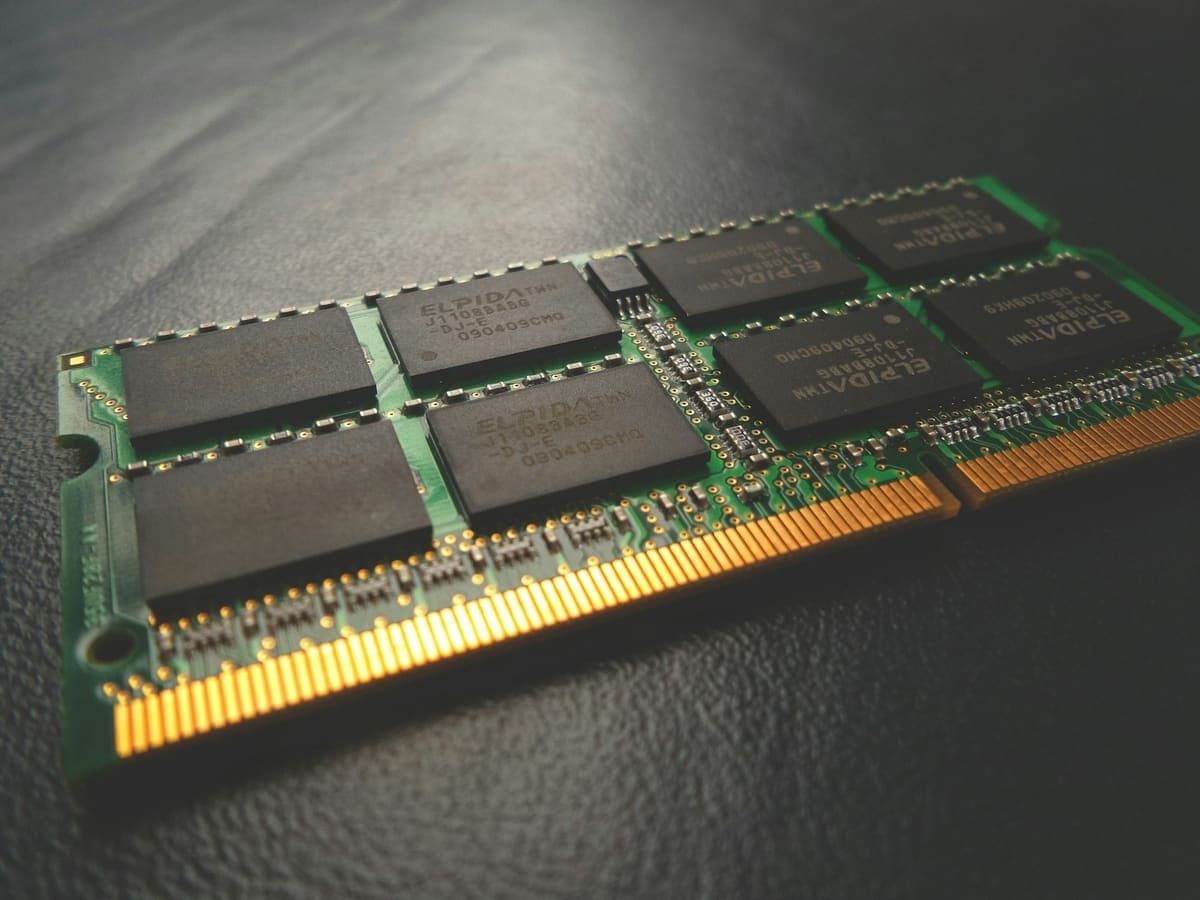
The two upgrades fix completely different problems, and buying the wrong one is the most common way to spend money on a slow computer and notice nothing.

When liquid touches electronics, the first few minutes dictate whether the device survives. Stop reaching for the rice bag.