3 June 2026
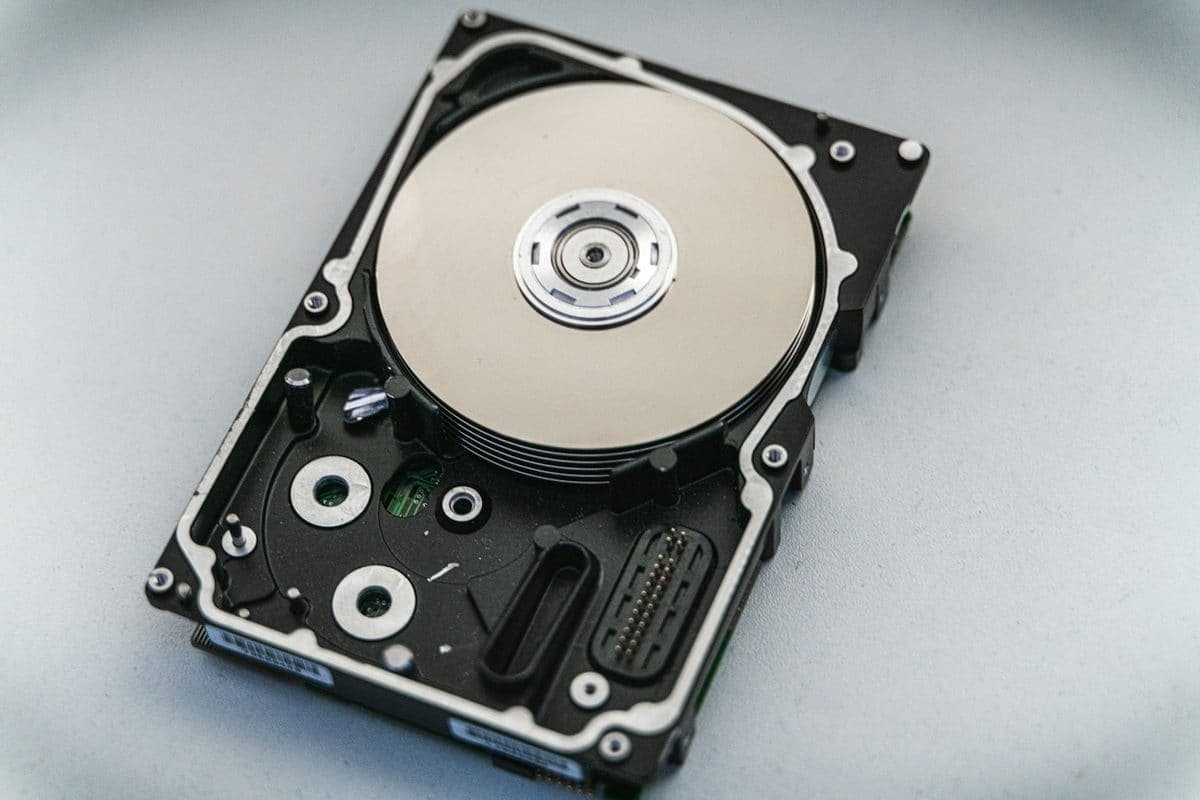
External Drive Not Showing Up? How To Avoid Making Recovery Harder
A drive that suddenly disappears is not a good place for random trial-and-error. These first steps protect the best recovery options.
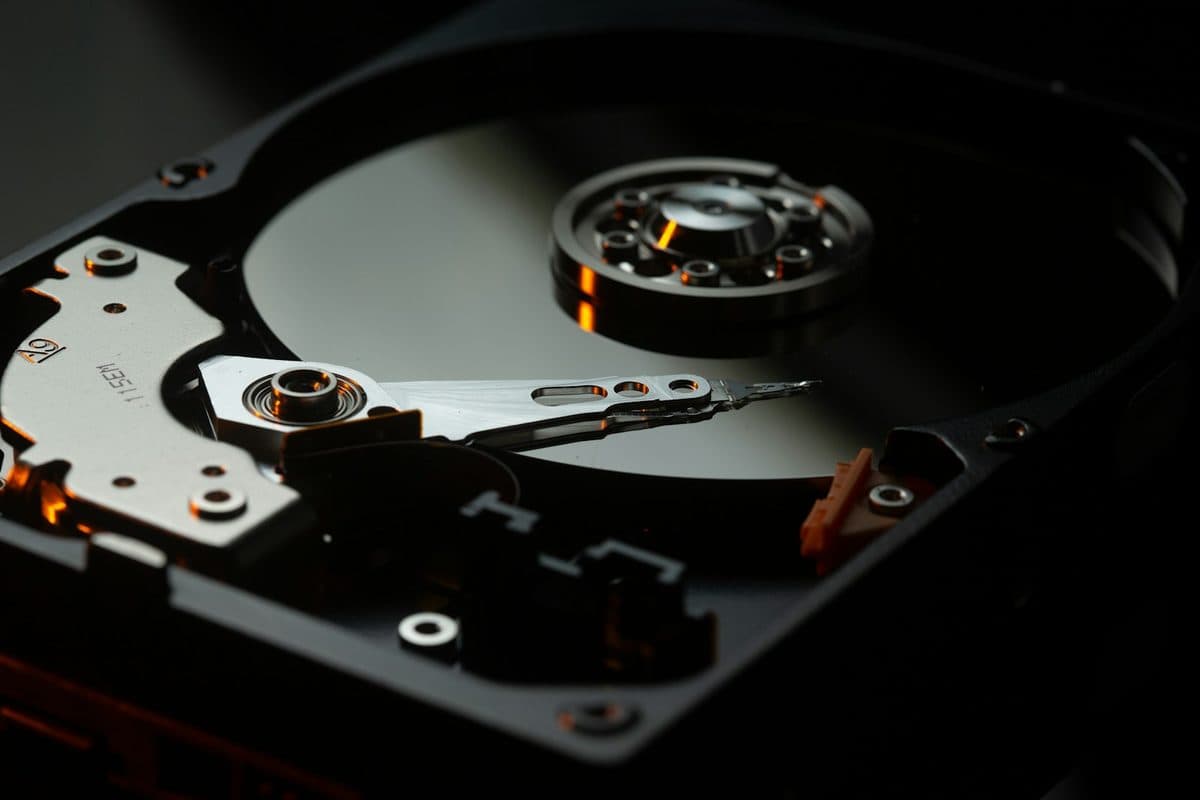
If your drive has failed, the right first move is not always to keep plugging it in. Here is what usually helps most.
Data recovery is as much about avoiding extra damage as it is about extracting files. Clicking hard drives, disappearing SSDs, and formatted external drives all need different handling from the start.
Repeated reconnects, scan attempts, and DIY utilities can worsen physical failure or overwrite recoverable data.
Need help right now? Our Data Recovery engineers can come directly to your home or office anywhere in Greater London to diagnose and fix this for you.
Recovery odds are set largely by what happens in the first hour. Powering a failing drive on repeatedly is the most common way a recoverable disk becomes an unrecoverable one.
Recovery is always more expensive and less certain than a backup that already ran last night.
We come to your home or office anywhere in Greater London for data recovery.
A drive that suddenly disappears is not a good place for random trial-and-error. These first steps protect the best recovery options.
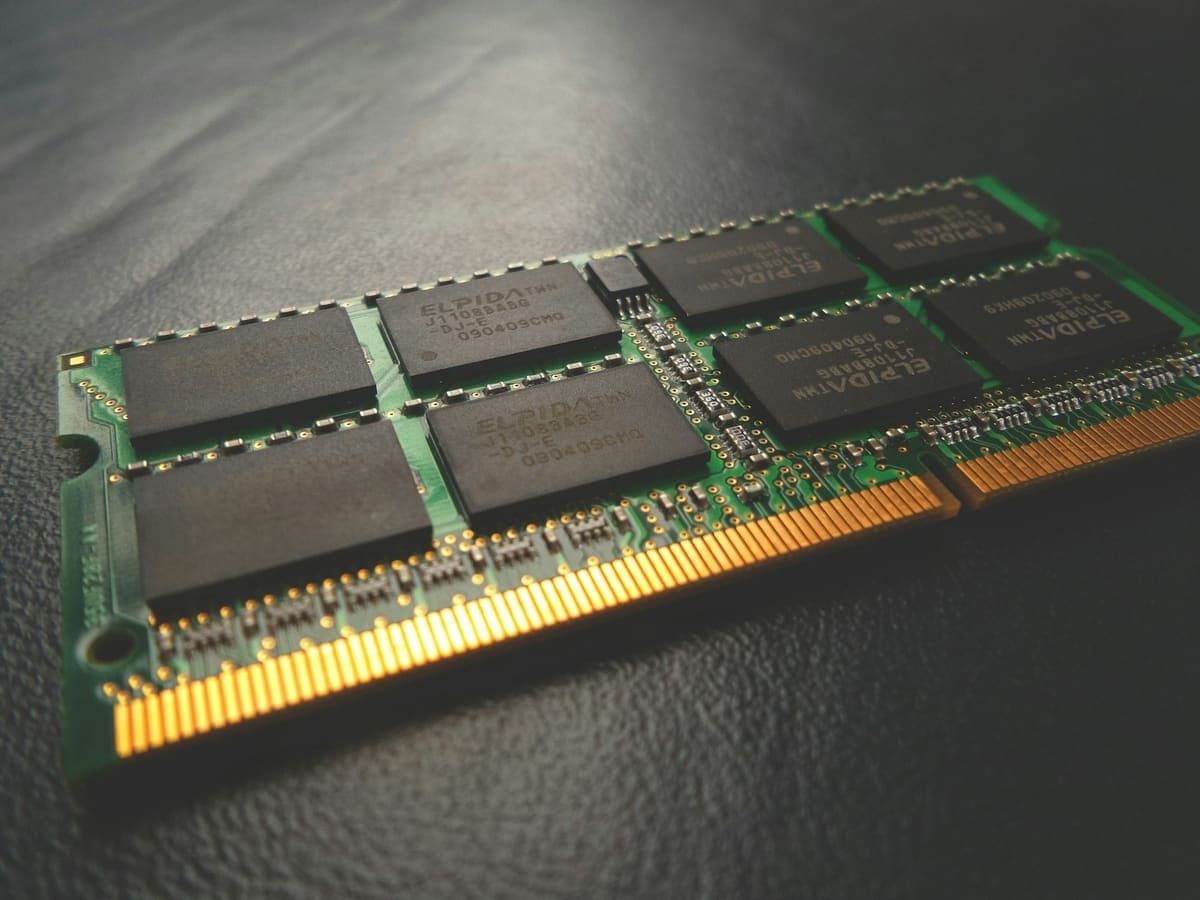
The two upgrades fix completely different problems, and buying the wrong one is the most common way to spend money on a slow computer and notice nothing.

When liquid touches electronics, the first few minutes dictate whether the device survives. Stop reaching for the rice bag.