6 May 2026
PS5 No Signal? Broken HDMI Port Symptoms To Look For
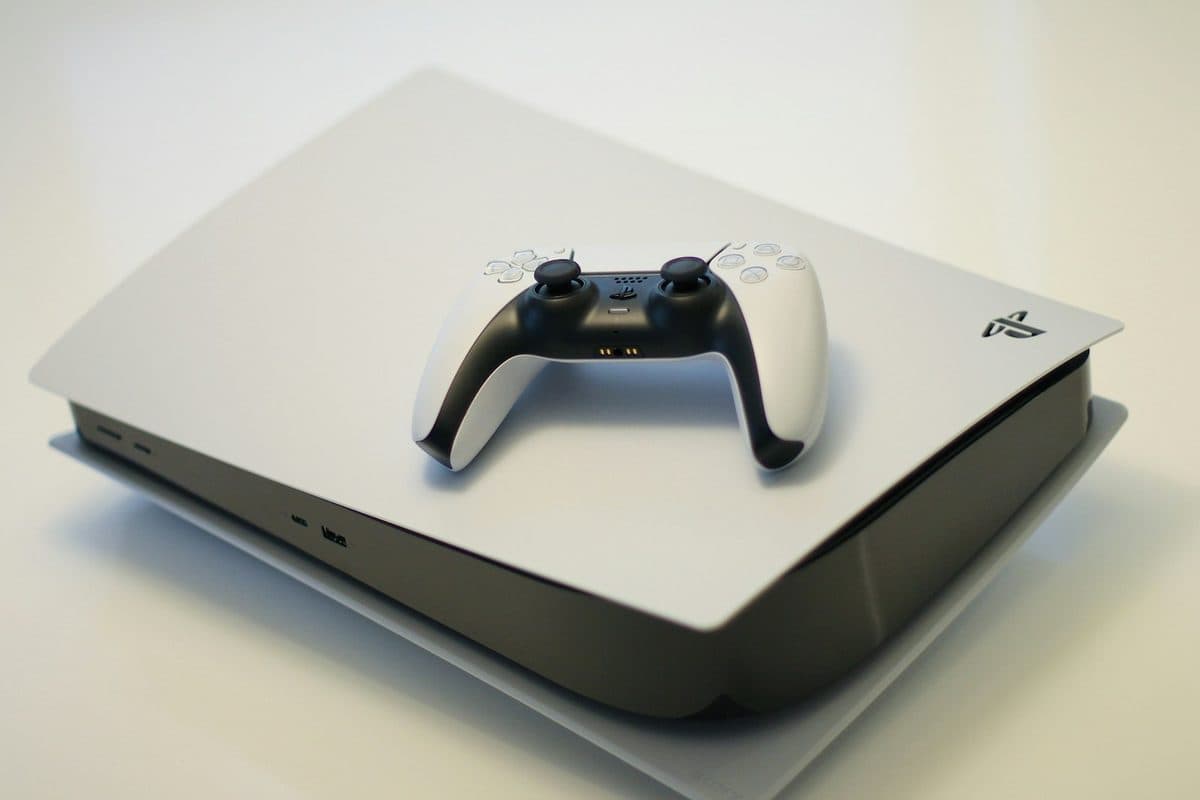
If a PS5 powers on but shows no picture, the HDMI port is one of the first things worth checking.
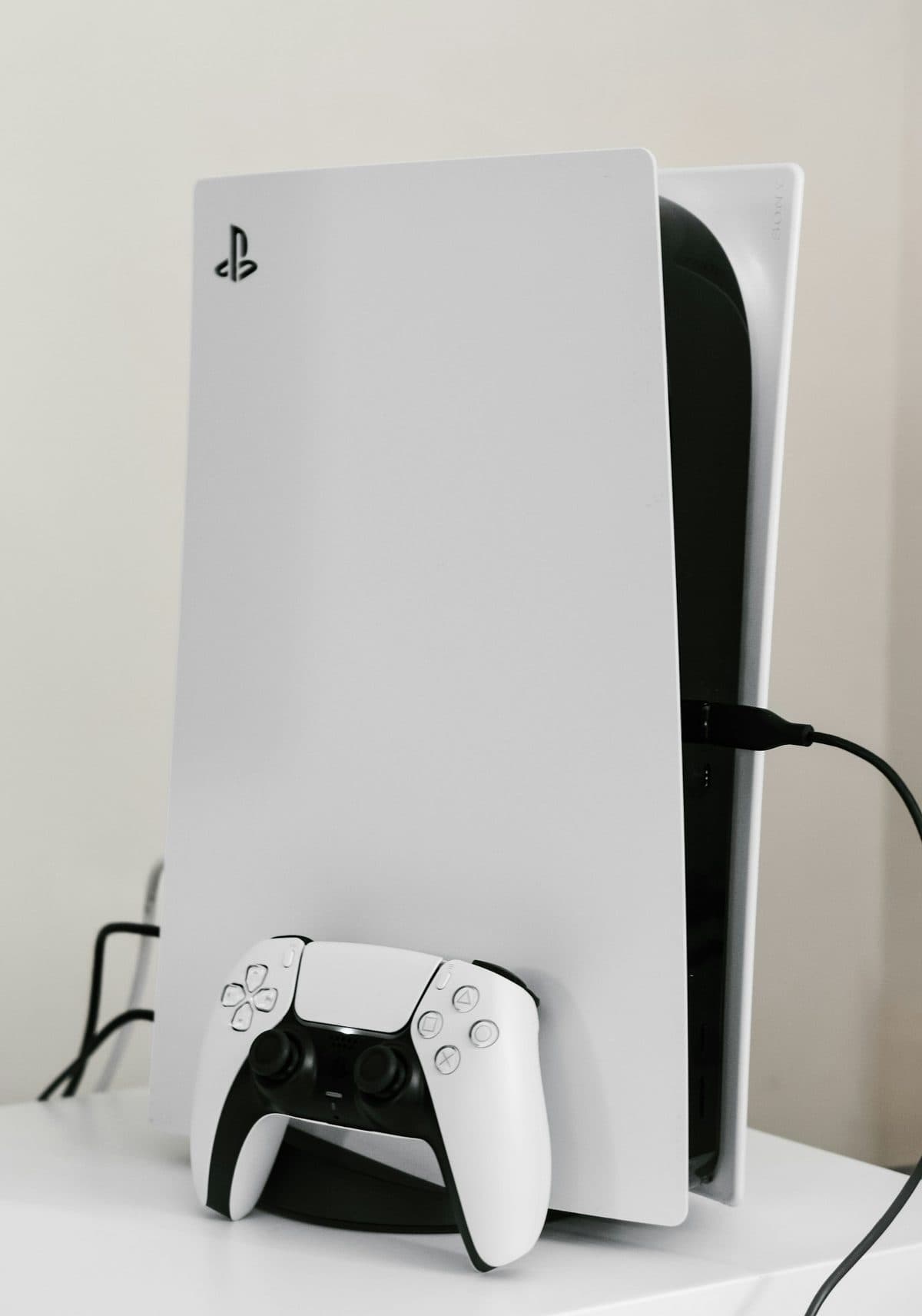
Disc-read errors can come from the drive mechanism, rollers, laser issues, or software trouble. The symptom pattern helps narrow it down.
A PS4 disc drive can fail gradually. Some consoles stop accepting discs cleanly, others spin up and fail to read, and some eject unexpectedly after trying to load a game.
Forcing discs into a struggling drive or repeatedly retrying can damage the mechanism further and turn a clean repair into a parts-heavy one.
Need help right now? Our PlayStation Repair engineers can come directly to your home or office anywhere in Greater London to diagnose and fix this for you.
Disc-read faults split cleanly between mechanical problems you can hear and laser problems you cannot. Which one it is decides whether the drive is worth repairing.
A level console with a clear path to the disc slot has noticeably fewer read problems.
We come to your home or office anywhere in Greater London for PlayStation repair.
If a PS5 powers on but shows no picture, the HDMI port is one of the first things worth checking.
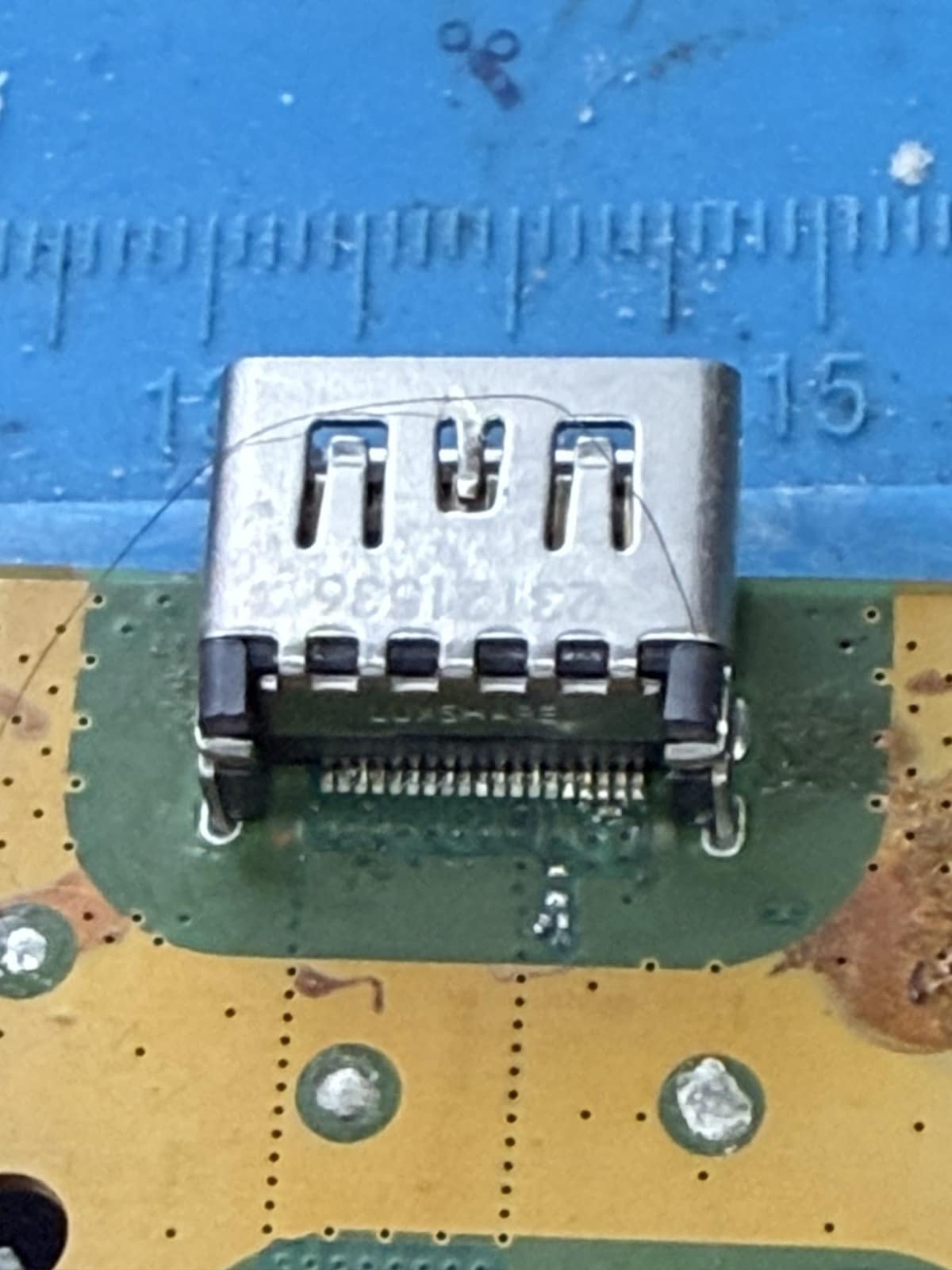
A damaged HDMI port is the most common reason a PS5 stops showing a picture, and replacing the port costs a fraction of a new console.
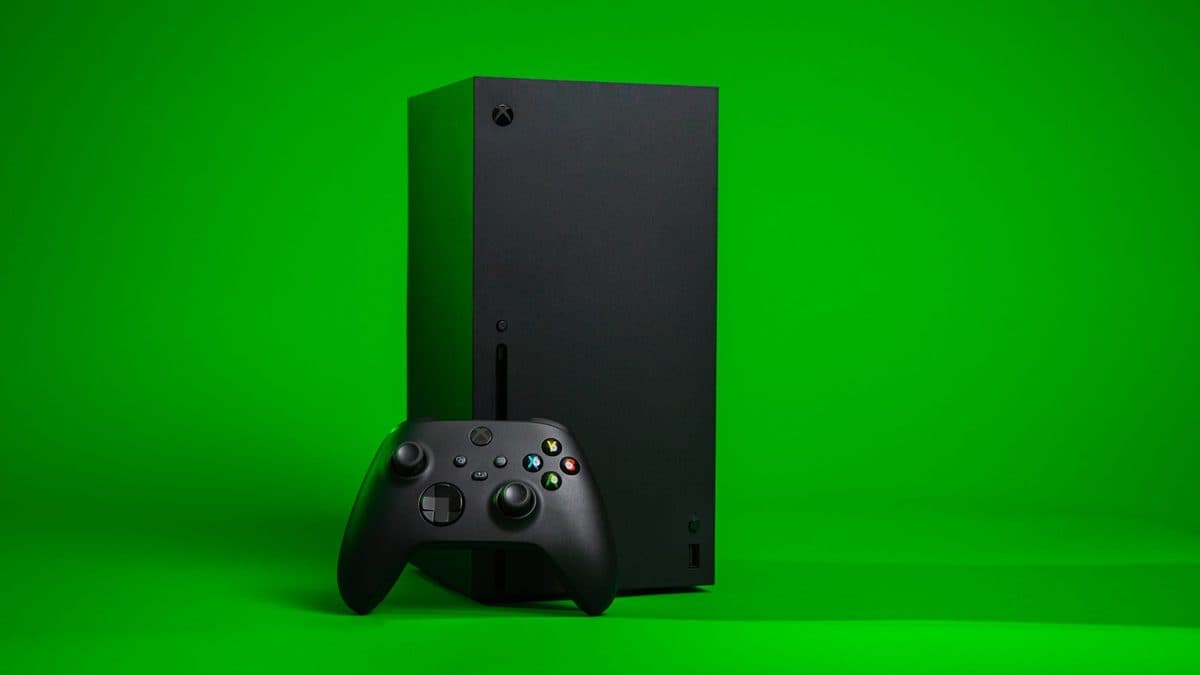
A black screen on an Xbox can be a cable issue, HDMI damage, resolution confusion, or a deeper board fault.