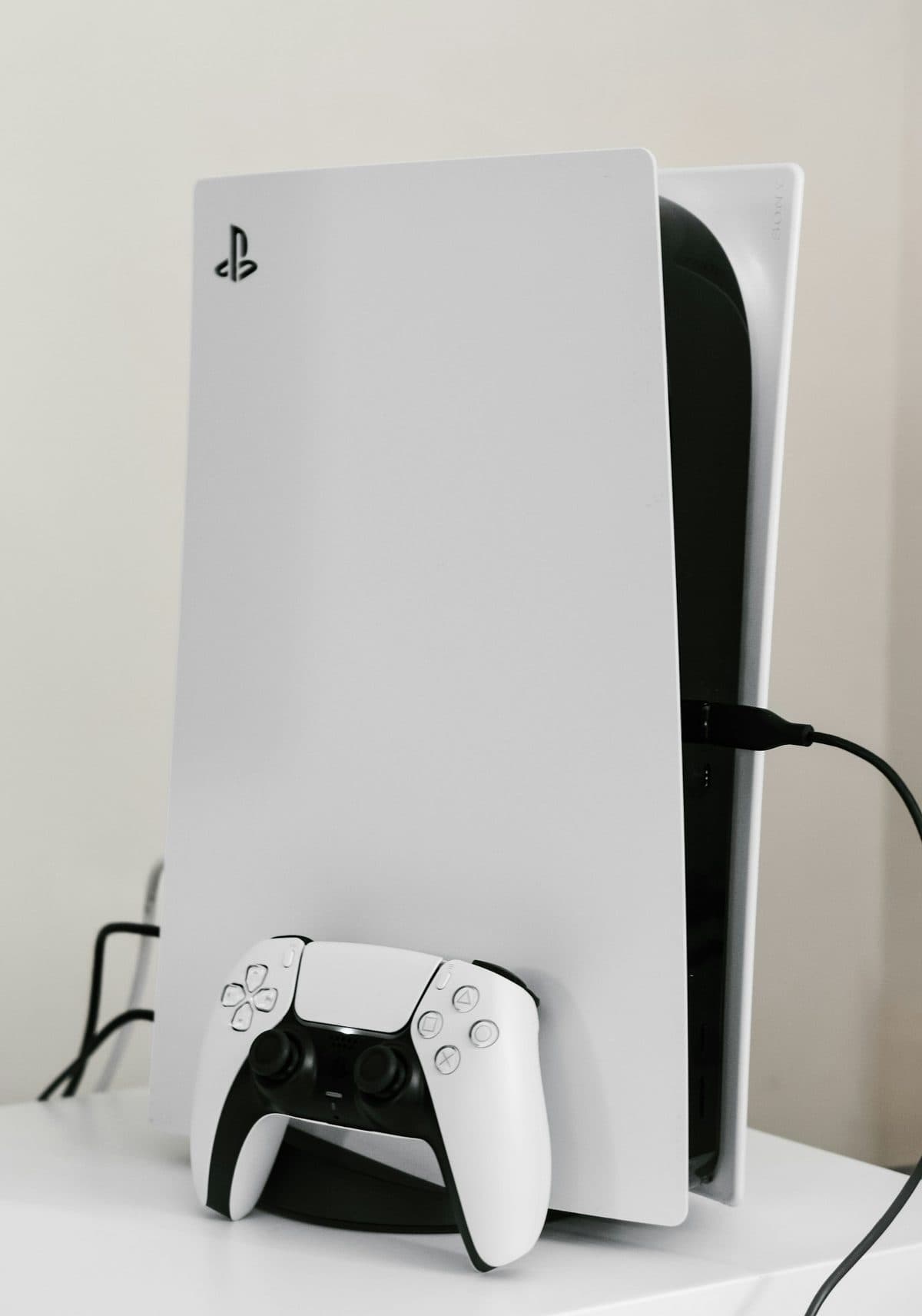
24 June 2026
PS4 Disc Drive Not Reading Discs? What Usually Fails
Disc-read errors can come from the drive mechanism, rollers, laser issues, or software trouble. The symptom pattern helps narrow it down.
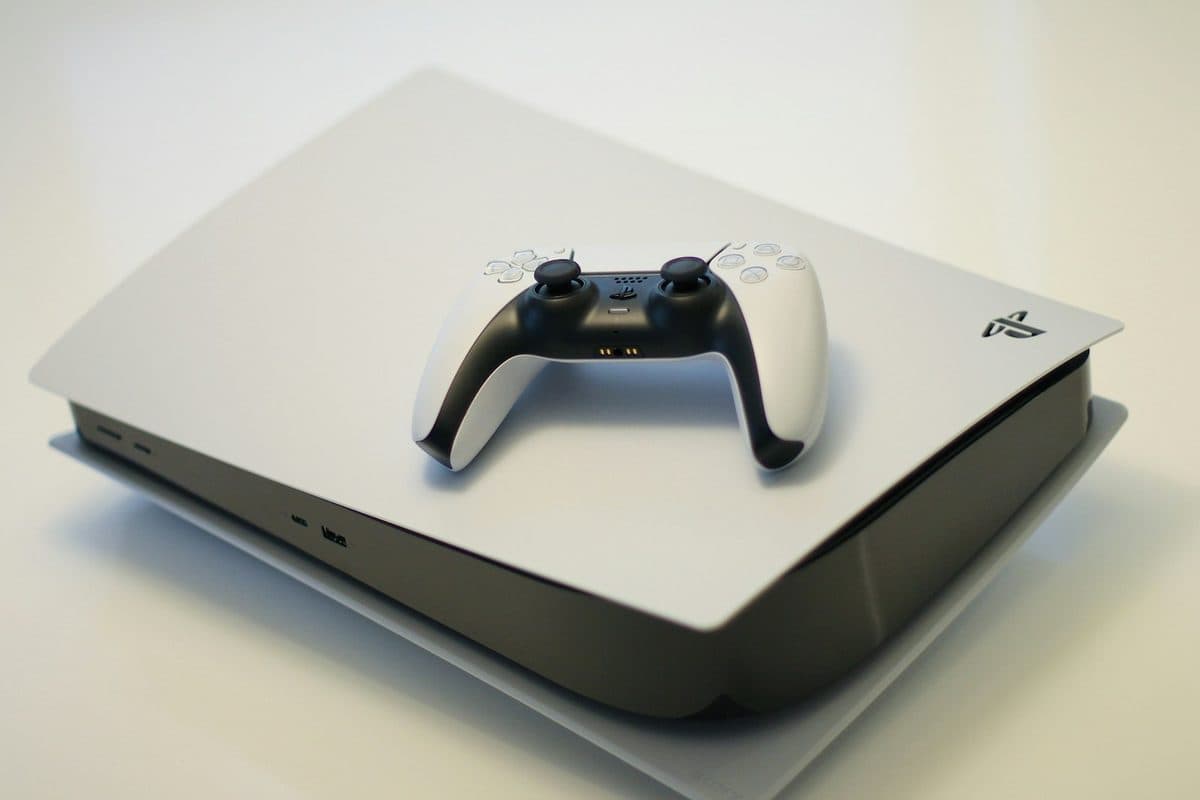
If a PS5 powers on but shows no picture, the HDMI port is one of the first things worth checking.
A PS5 that lights up normally but gives no image on the TV often has a damaged HDMI port, especially if the console has been moved while a cable was still plugged in.
A damaged port can lift pads from the board if it keeps getting used, turning a clean repair into a more involved board rebuild.
Need help right now? Our PlayStation Repair engineers can come directly to your home or office anywhere in Greater London to diagnose and fix this for you.
A no-signal PS5 is usually a bent pin or a lifted pad on the HDMI port. Confirming that before any board work starts avoids a micro-soldering job on a console that only needed a different cable.
HDMI ports fail from sideways force on a plugged-in cable far more often than from ordinary wear.
We come to your home or office anywhere in Greater London for PlayStation repair.
Disc-read errors can come from the drive mechanism, rollers, laser issues, or software trouble. The symptom pattern helps narrow it down.
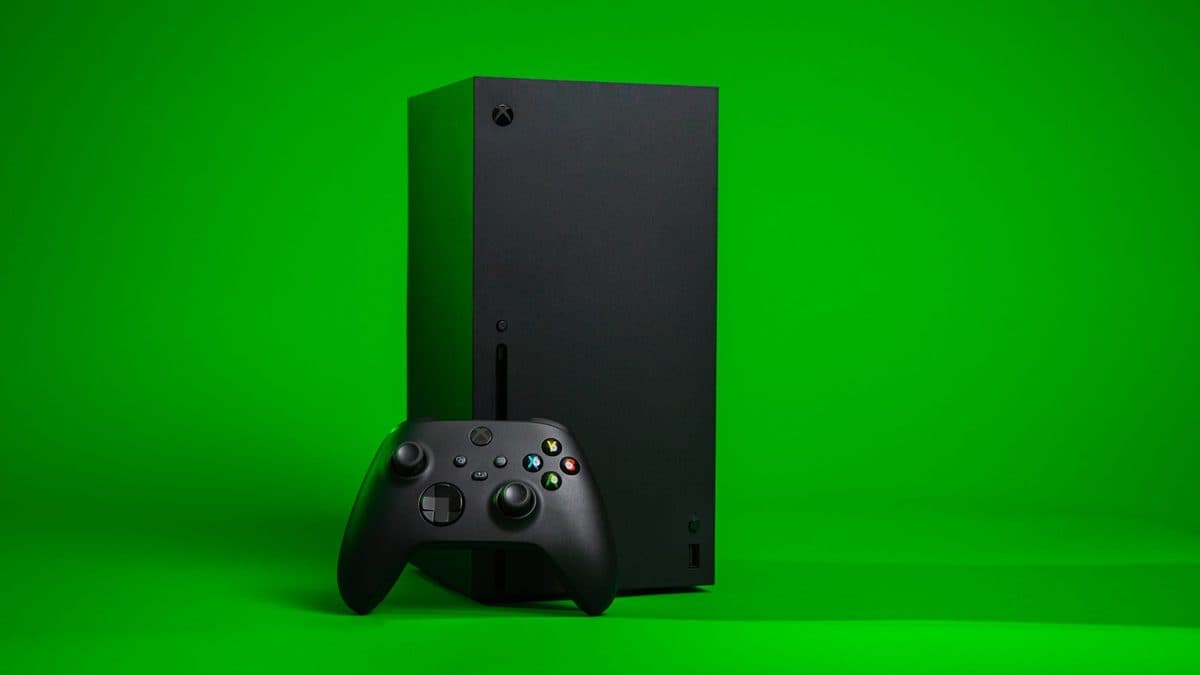
A black screen on an Xbox can be a cable issue, HDMI damage, resolution confusion, or a deeper board fault.
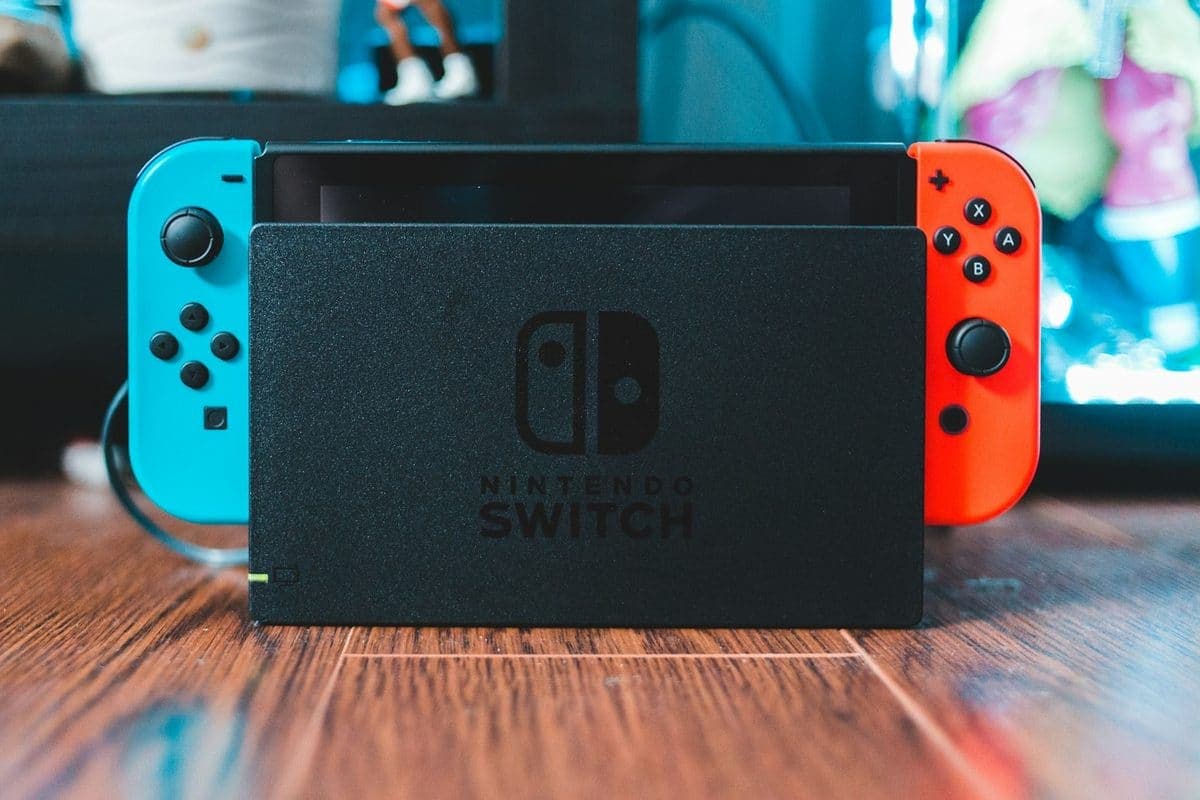
Charging issues on a Switch can come from the USB-C port, the battery, the dock, or the charging circuit itself.