20 May 2026
Nintendo Switch Not Charging? The Port Is Not Always The Whole Story
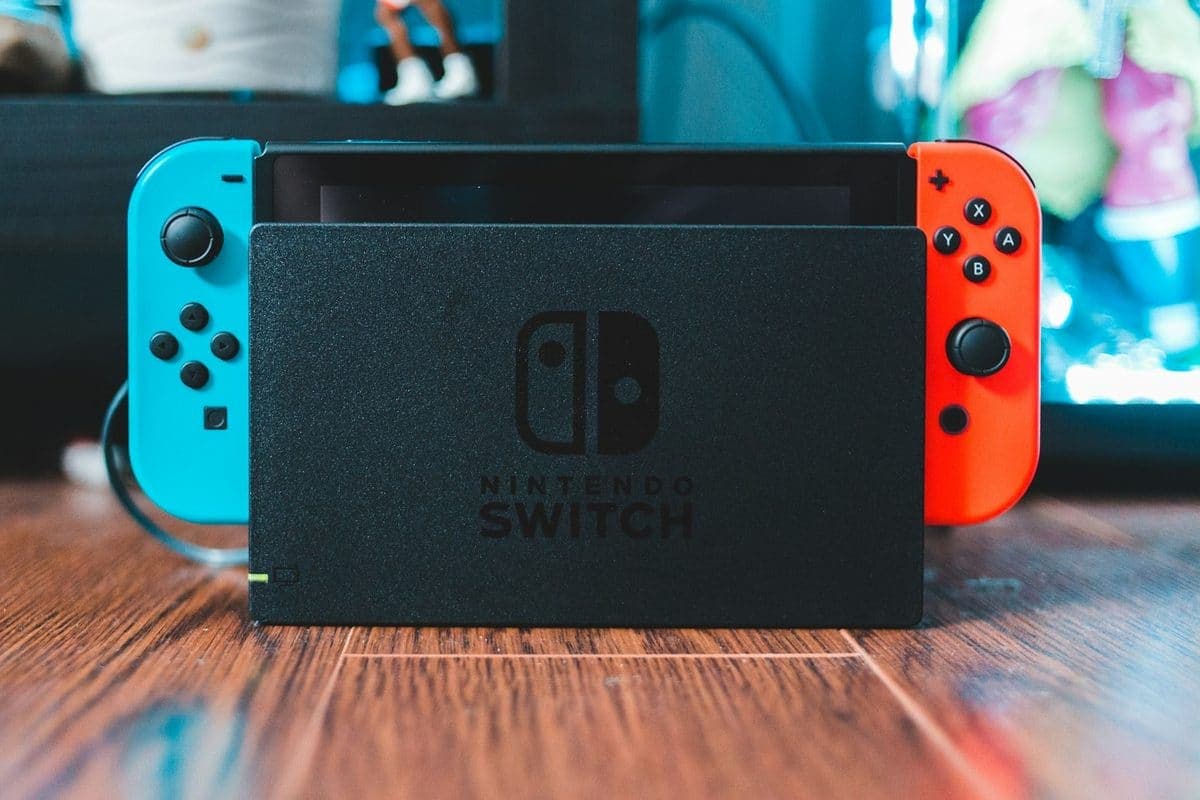
Charging issues on a Switch can come from the USB-C port, the battery, the dock, or the charging circuit itself.
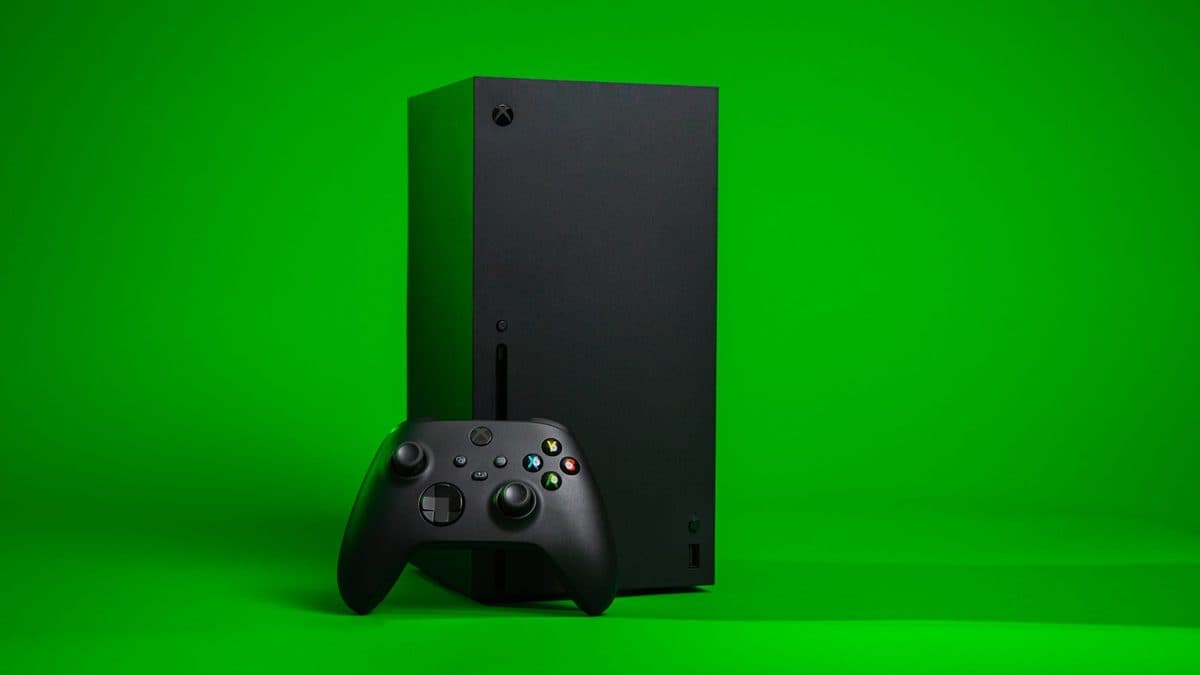
A black screen on an Xbox can be a cable issue, HDMI damage, resolution confusion, or a deeper board fault.
If an Xbox powers up but gives no picture, it helps to separate simple video-path faults from hardware failures. HDMI ports, cables, TV handshakes, and board-level video problems can all look similar at first glance.
Repeated plugging, unplugging, and forceful cable use can damage the port further if that is where the fault started.
Need help right now? Our Console Repair engineers can come directly to your home or office anywhere in Greater London to diagnose and fix this for you.
A black screen on an Xbox can be a resolution handshake, a cable, the HDMI port, or the board. Each is ruled out in order, cheapest first.
Most no-display faults we see trace back to the HDMI connection rather than the console itself.
We come to your home or office anywhere in Greater London for console repair.
Charging issues on a Switch can come from the USB-C port, the battery, the dock, or the charging circuit itself.
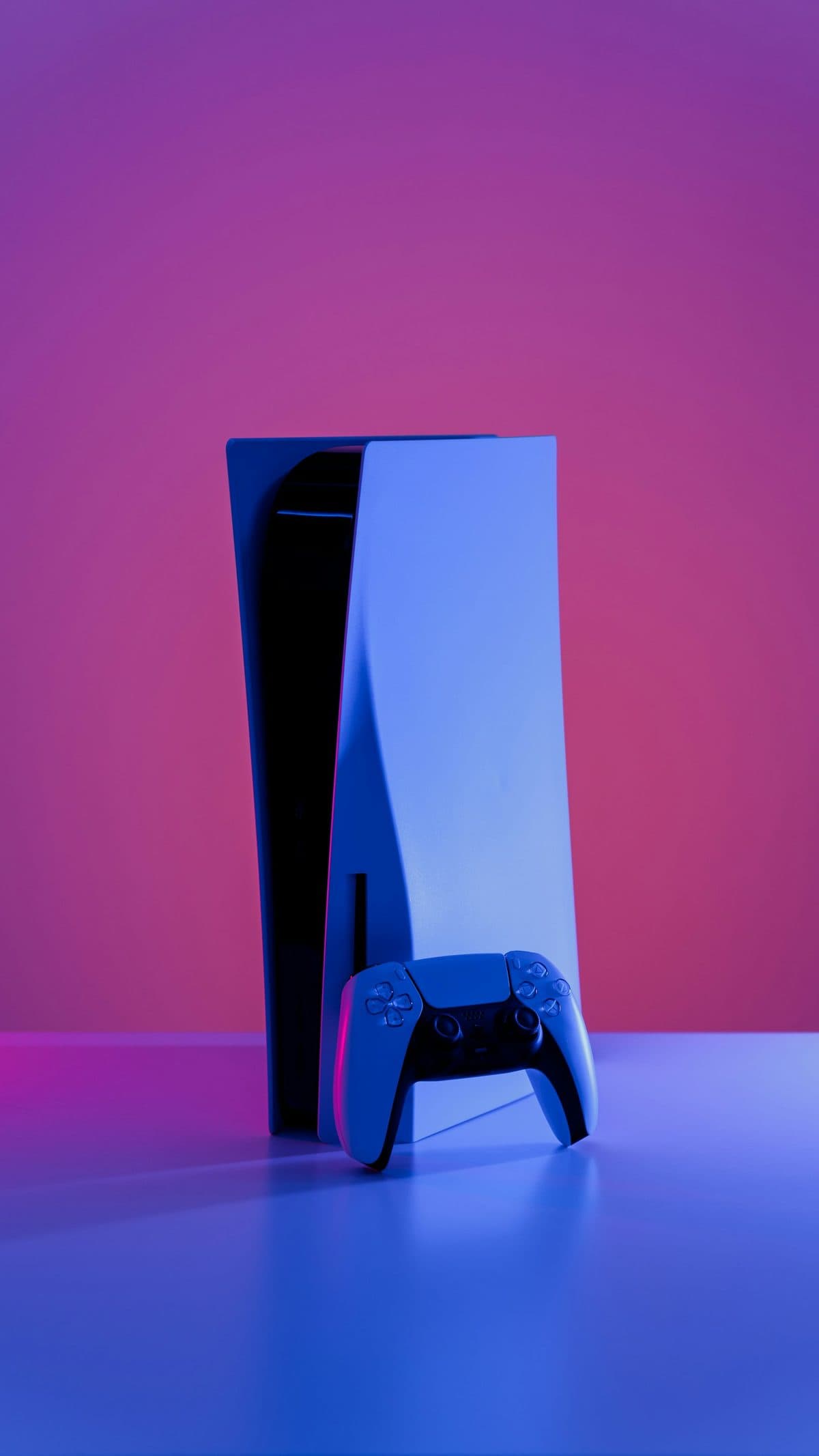
Unexpected shutdowns, loud fans, and heat warnings are often a maintenance problem before they become a hardware failure.
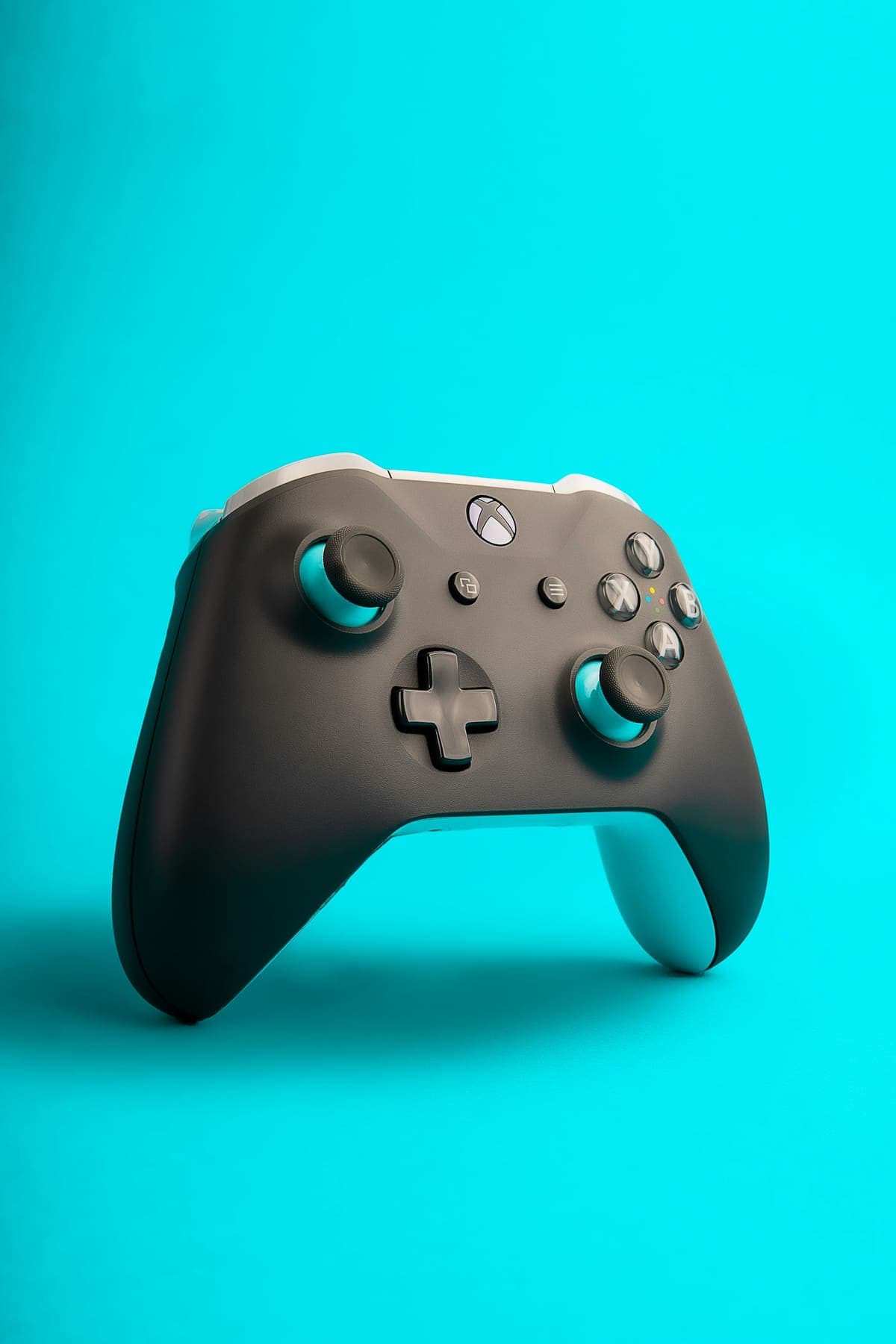
A controller that walks your character across the room while your thumbs are nowhere near it has a worn part inside the thumbstick, not a settings problem.