27 May 2026
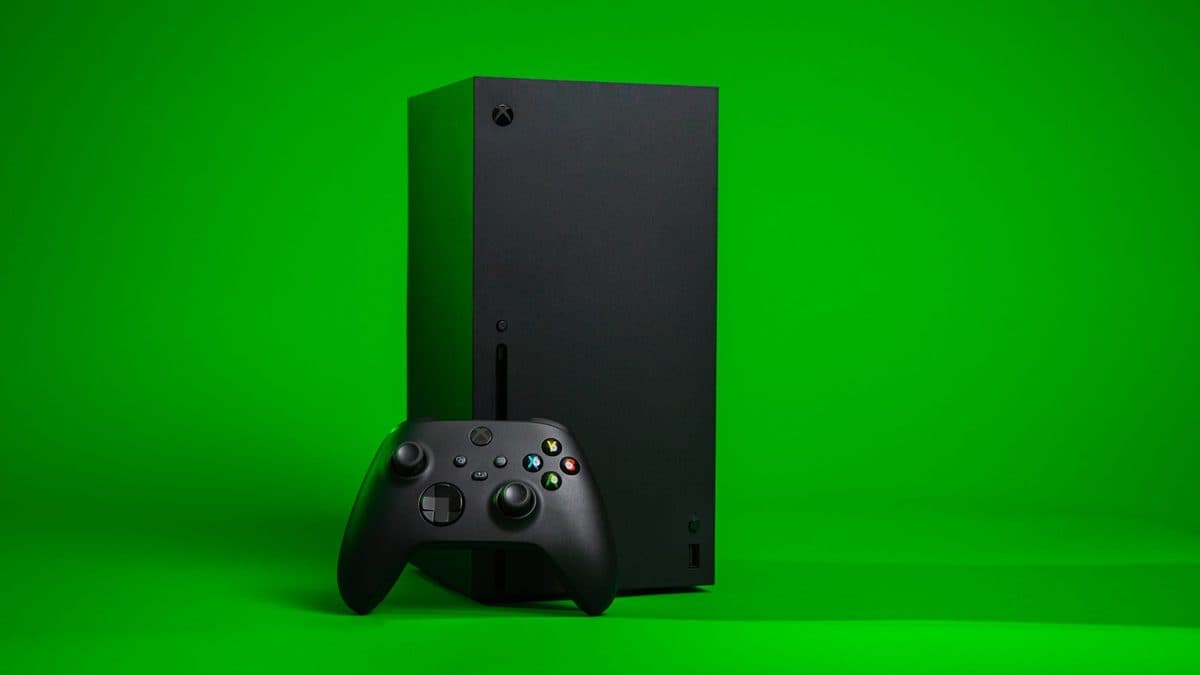
Xbox Series X No Display? The Most Common Causes
A black screen on an Xbox can be a cable issue, HDMI damage, resolution confusion, or a deeper board fault.
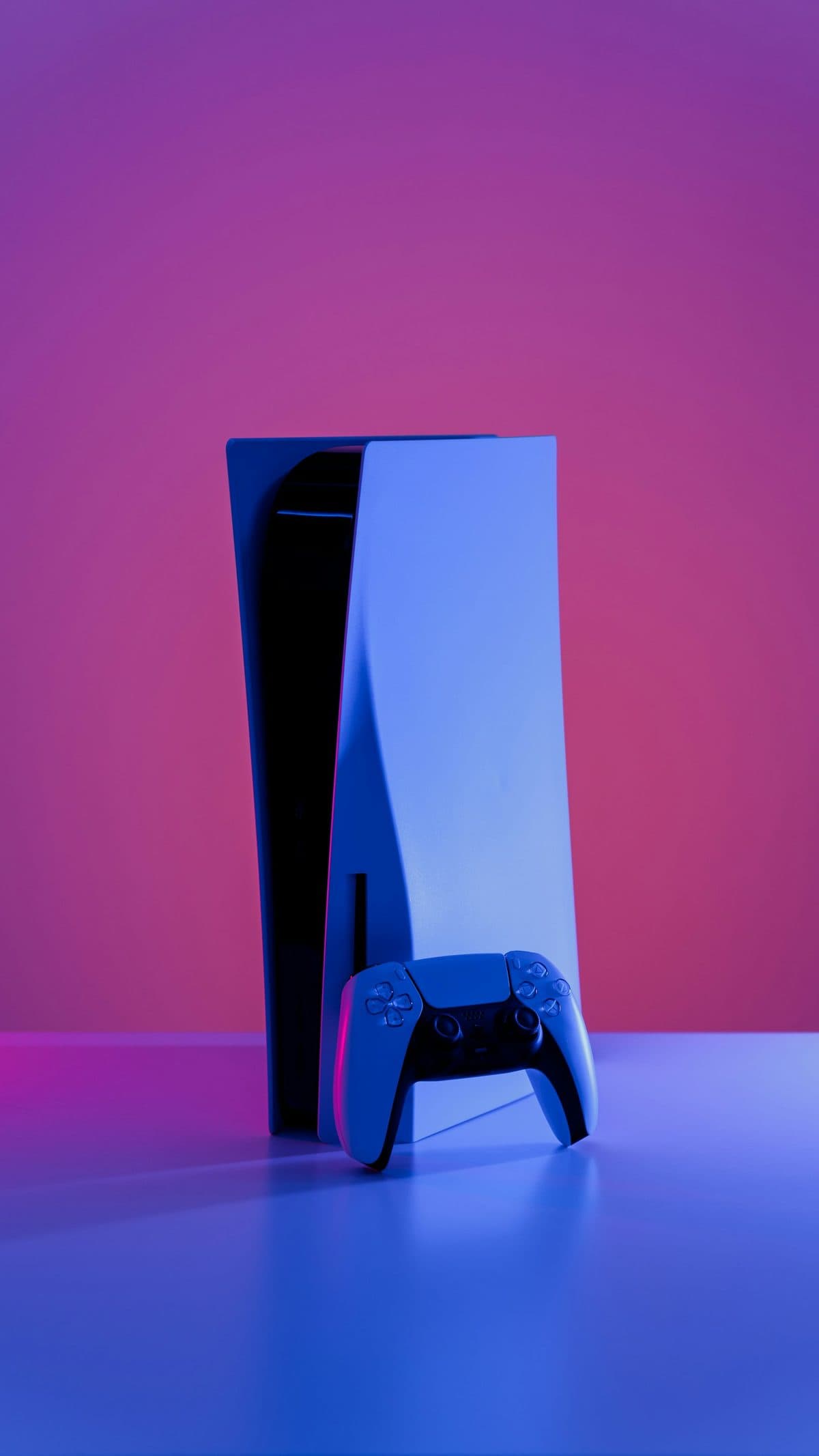
Unexpected shutdowns, loud fans, and heat warnings are often a maintenance problem before they become a hardware failure.
Consoles overheat for the same reasons many computers do: blocked airflow, internal dust, failing fans, tired thermal material, or placement that traps hot air around the case.
Persistent overheating shortens component life and can cause shutdown loops, storage errors, and long-term board stress.
Need help right now? Our Console Repair engineers can come directly to your home or office anywhere in Greater London to diagnose and fix this for you.
Overheating is a maintenance problem before it becomes a hardware one. The question is whether the thermal system is blocked, dried out, or genuinely failing.
A console in a closed cabinet will overheat regardless of how clean it is inside.
We come to your home or office anywhere in Greater London for console repair.
A black screen on an Xbox can be a cable issue, HDMI damage, resolution confusion, or a deeper board fault.
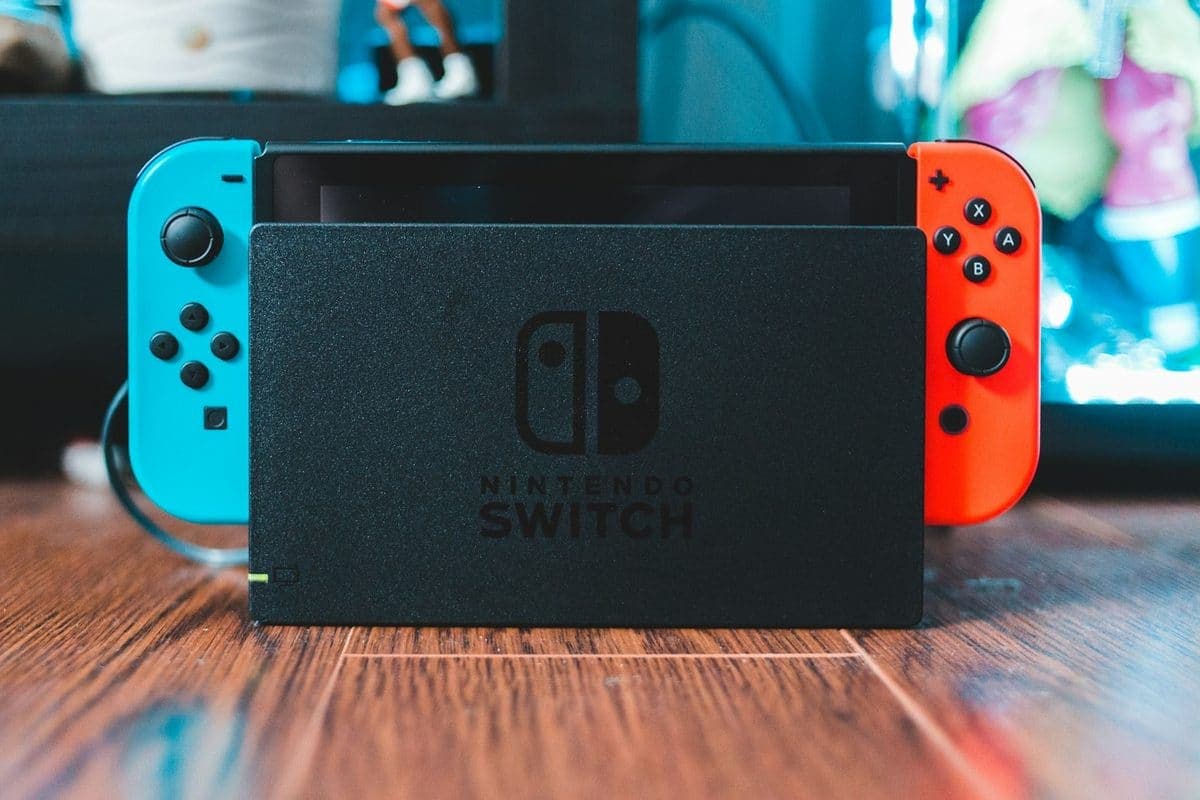
Charging issues on a Switch can come from the USB-C port, the battery, the dock, or the charging circuit itself.

A controller that walks your character across the room while your thumbs are nowhere near it has a worn part inside the thumbstick, not a settings problem.