
8 April 2026
Slow Laptop At Home Or Work? Start With This Practical Checklist
A sluggish laptop is usually a combination of storage, heat, startup apps, and age rather than one single problem.

A cracked display looks expensive, but the screen is often the only part that needs attention. The key is confirming the rest of the laptop is healthy.
A damaged laptop screen does not automatically mean the entire laptop is finished. Many machines with cracked panels, ink spots, or broken hinges are otherwise in very good health and worth repairing.
Continuing to open and close a laptop with hinge damage or exposed glass can worsen casing, cable, and webcam-area damage.
Need help right now? Our Laptop Repair engineers can come directly to your home or office anywhere in Greater London to diagnose and fix this for you.
A screen quote only makes sense once the rest of the machine has been checked. Replacing a panel in a laptop with a failing battery and a full drive is rarely money well spent.
Most cracked panels we replace were cracked by pressure in a bag rather than by a drop.
We come to your home or office anywhere in Greater London for laptop repair.
A sluggish laptop is usually a combination of storage, heat, startup apps, and age rather than one single problem.
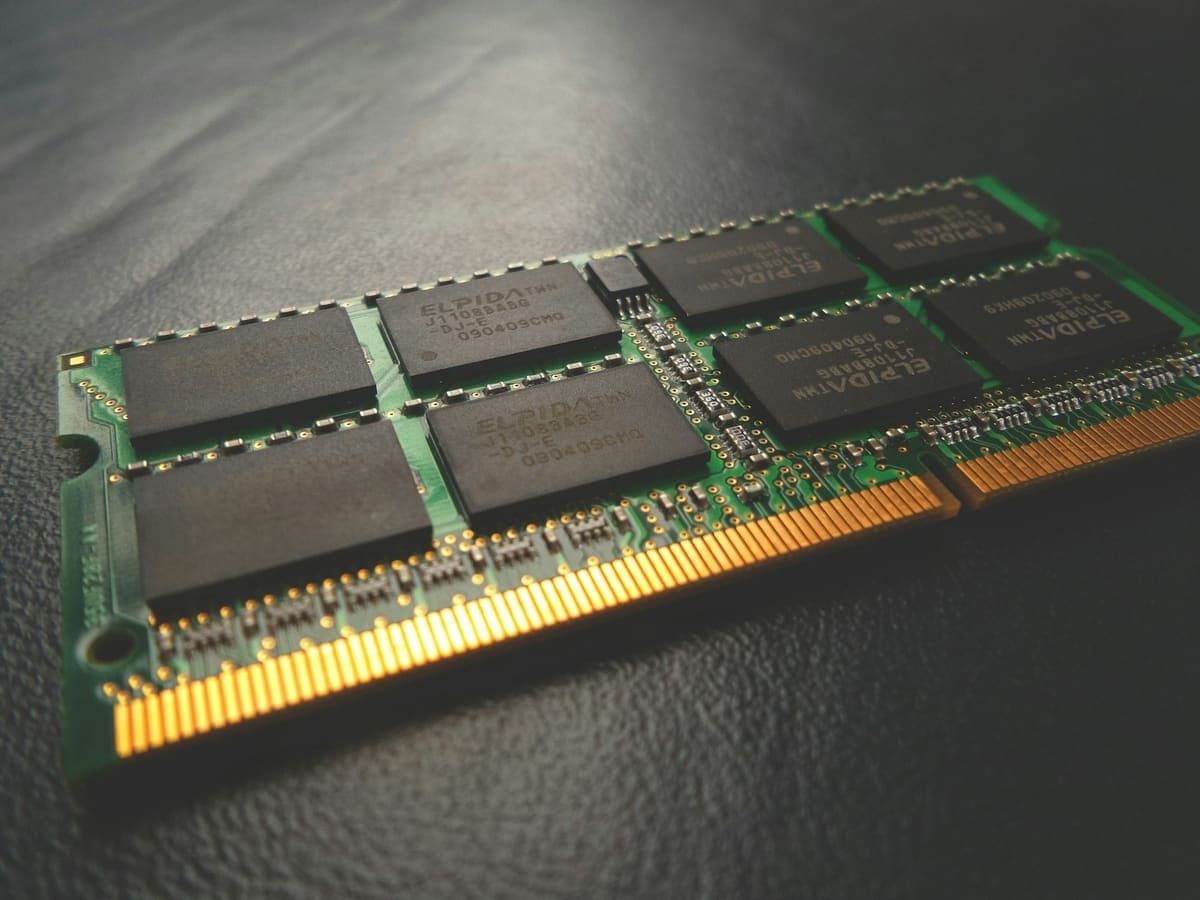
The two upgrades fix completely different problems, and buying the wrong one is the most common way to spend money on a slow computer and notice nothing.
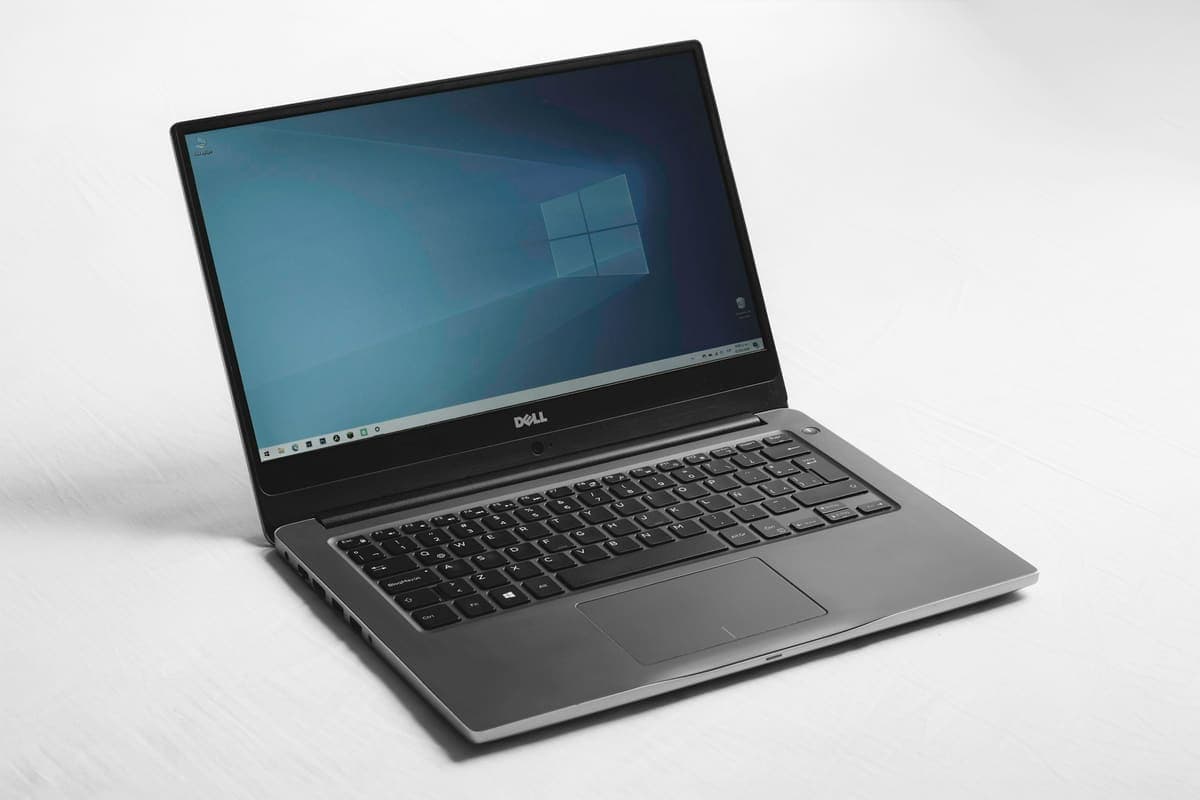
A blue screen is Windows stopping deliberately to avoid damage. The stop code it shows is the most useful clue you get, and most people scroll past it.