10 June 2026
Cracked Laptop Screen: Repair It Or Replace The Whole Laptop?
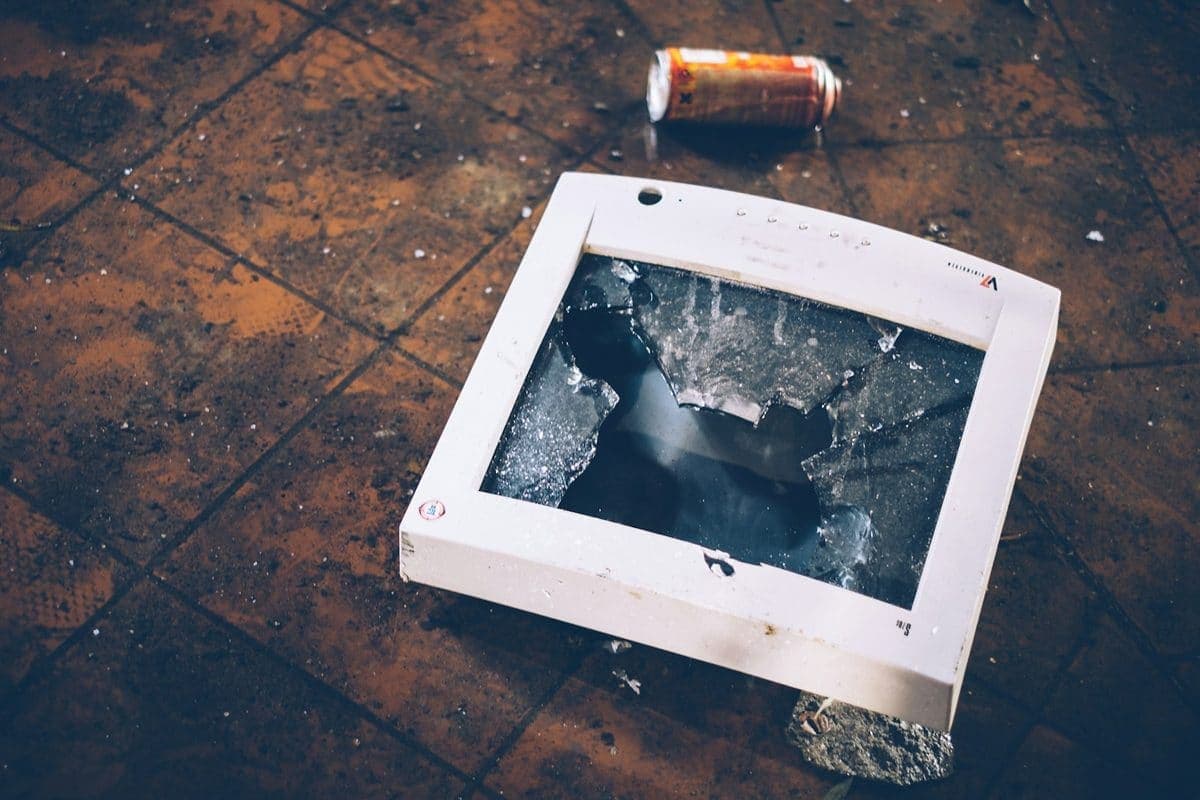
A cracked display looks expensive, but the screen is often the only part that needs attention. The key is confirming the rest of the laptop is healthy.

A sluggish laptop is usually a combination of storage, heat, startup apps, and age rather than one single problem.
When a laptop feels “old”, the cause is often measurable. Startup bloat, overheating, a failing SSD, low memory, and Windows corruption can all make the machine crawl long before it is truly beyond repair.
Performance faults often arrive before bigger failures. A slow drive today can become a no-boot laptop next week, especially if it is already throwing read errors.
Need help right now? Our Laptop Repair engineers can come directly to your home or office anywhere in Greater London to diagnose and fix this for you.
A slow laptop is usually several small problems stacked together — a full drive, thermal throttling, and too much launching at startup. We measure each one rather than reinstalling and hoping.
Most of the speed a laptop loses over two or three years is recoverable with maintenance rather than replacement.
We come to your home or office anywhere in Greater London for laptop repair.
A cracked display looks expensive, but the screen is often the only part that needs attention. The key is confirming the rest of the laptop is healthy.
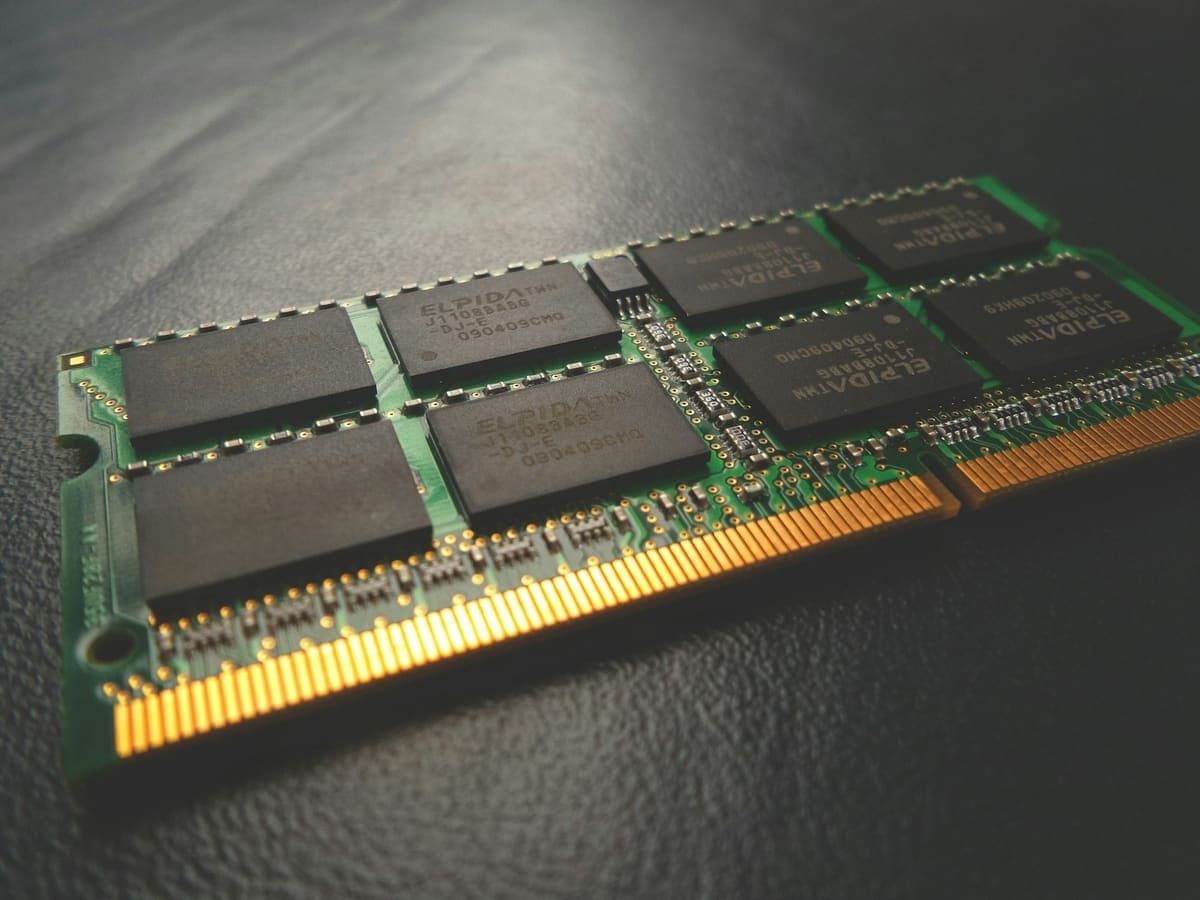
The two upgrades fix completely different problems, and buying the wrong one is the most common way to spend money on a slow computer and notice nothing.
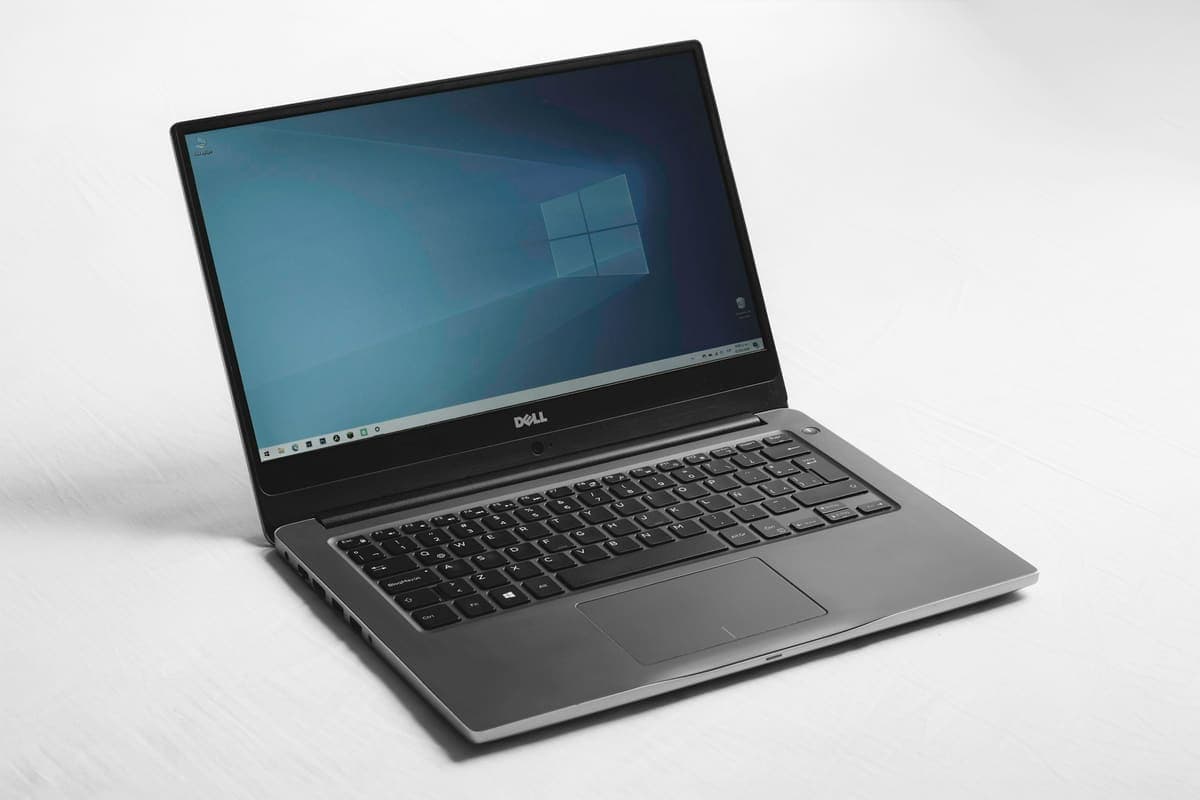
A blue screen is Windows stopping deliberately to avoid damage. The stop code it shows is the most useful clue you get, and most people scroll past it.