
5 August 2026
Spilled Water on Your Keyboard? Stop Doing These 3 Things
When liquid touches electronics, the first few minutes dictate whether the device survives. Stop reaching for the rice bag.
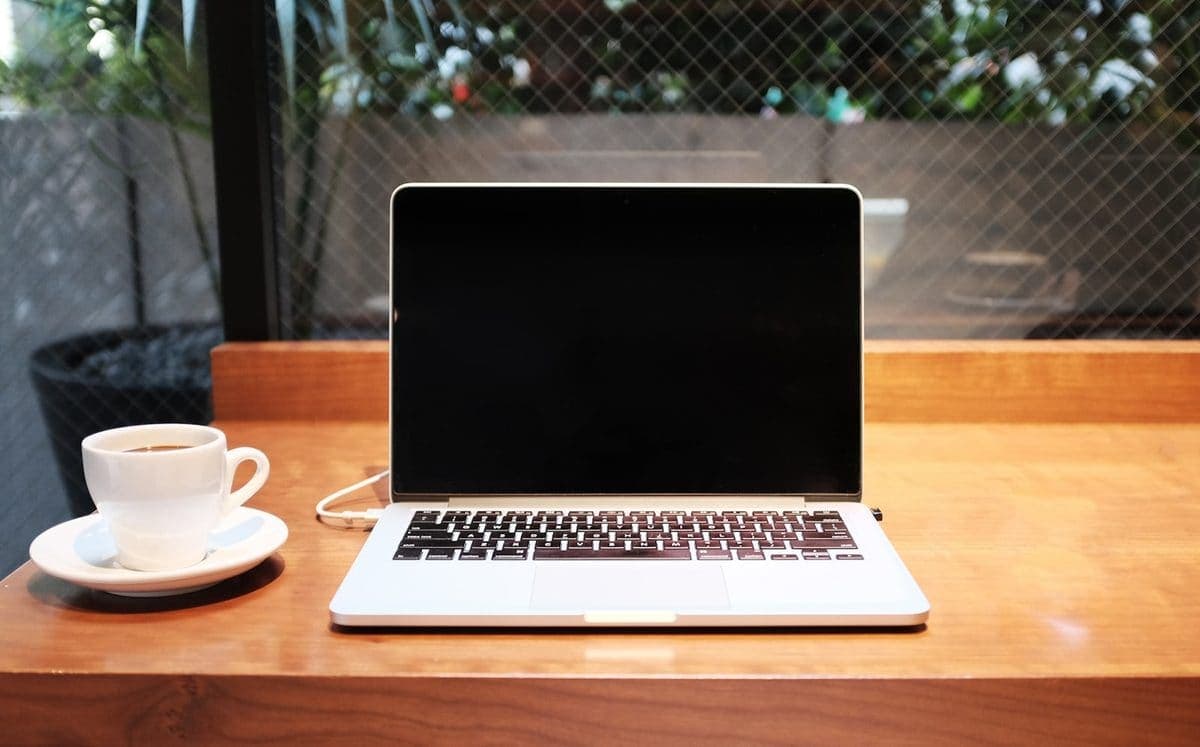
The best decision after a spill is usually what you stop doing. Here is the safest response after liquid gets into a laptop.
Liquid-damage jobs become much harder when the laptop is left switched on, recharged immediately, or “tested one more time”. Fast action matters because liquid keeps travelling long after the original spill.
Corrosion starts quickly and can turn a recoverable keyboard or charging issue into a multi-part board repair or data-recovery job.
Need help right now? Our Water Damage engineers can come directly to your home or office anywhere in Greater London to diagnose and fix this for you.
Liquid damage is a cleaning and corrosion job before it is a parts job. The inspection decides how far the liquid travelled and what can still be saved.
Spills happen. What changes the outcome is how quickly the machine is powered down and how it is positioned afterwards.
We come to your home or office anywhere in Greater London for water damage repair.
When liquid touches electronics, the first few minutes dictate whether the device survives. Stop reaching for the rice bag.
When a MacBook trackpad stops clicking or feels stuck, the trackpad itself is rarely at fault. It is usually the battery swelling underneath it.
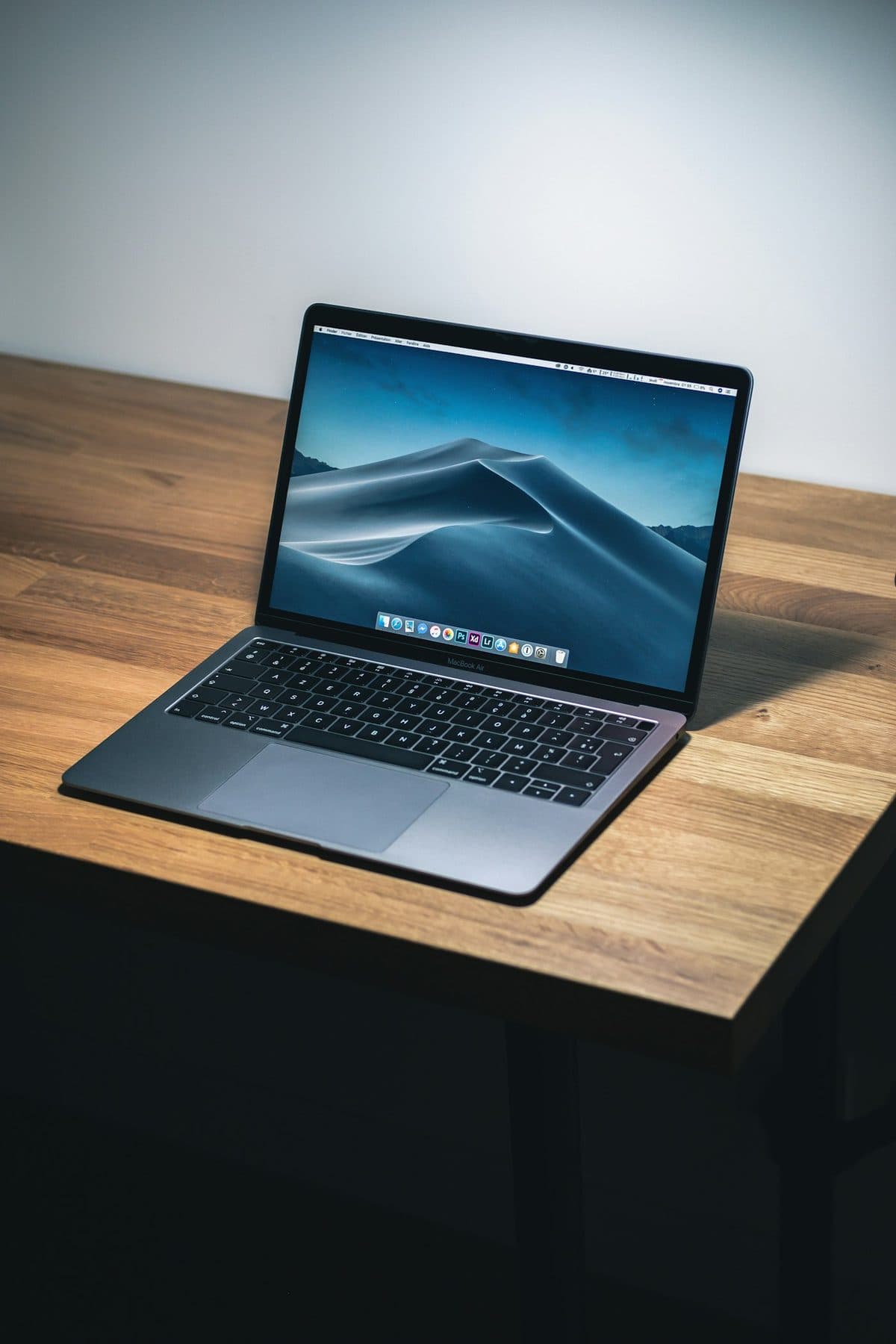
Loud fans and a hot aluminum chassis can indicate thermal throttling. Here is how to keep your MacBook Pro cool.