3 June 2026
External Drive Not Showing Up? How To Avoid Making Recovery Harder
A drive that suddenly disappears is not a good place for random trial-and-error. These first steps protect the best recovery options.
Most deleted files are still in a bin, a cloud history or a backup for weeks. Check those first, and stop using the computer if they are not there.
Your best chance is almost always a copy that already exists, not recovery software: the Bin or Recycle Bin, the Recently Deleted folder in iCloud Drive or Photos, the OneDrive recycle bin, or a Time Machine or File History backup. Apple and Microsoft both keep deleted cloud files for 30 days, so check those before anything else. If the files are in none of them, stop using the computer, because on a modern SSD a deleted file can be wiped for good far sooner than people expect.
On an old spinning hard drive, a deleted file usually sits untouched until new data happens to land on top of it, which can take weeks. Most computers sold in recent years use an SSD instead, and they work differently: Windows and macOS tell the drive which space is no longer needed, a feature called TRIM, and the drive clears that space in the background. That can happen within minutes, and once it has, no software and no lab can bring the file back. Every minute spent installing recovery tools or downloading things onto the same drive works against you.
Need help right now? Our Data Recovery engineers can come directly to your home or office anywhere in Greater London to diagnose and fix this for you.
If the file has gone from every bin and backup, what decides the outcome is the storage it was on. Memory cards, USB sticks and external hard drives usually still hold deleted files for a while. The SSD inside a recent laptop often does not, and an honest answer about that saves you paying for a recovery that cannot work.
Everyone deletes the wrong thing eventually. The difference is whether getting it back takes two minutes or a specialist.
We come to your home or office anywhere in Greater London for data recovery.
A drive that suddenly disappears is not a good place for random trial-and-error. These first steps protect the best recovery options.
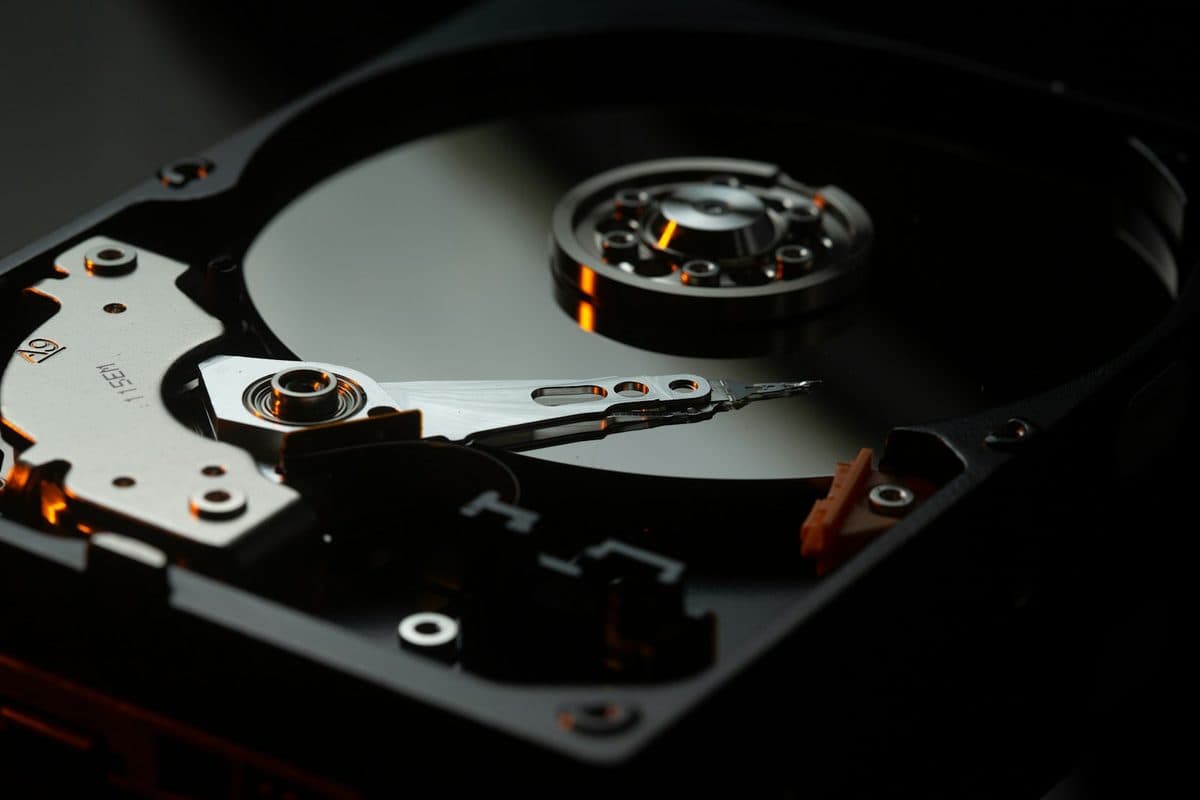
If your drive has failed, the right first move is not always to keep plugging it in. Here is what usually helps most.
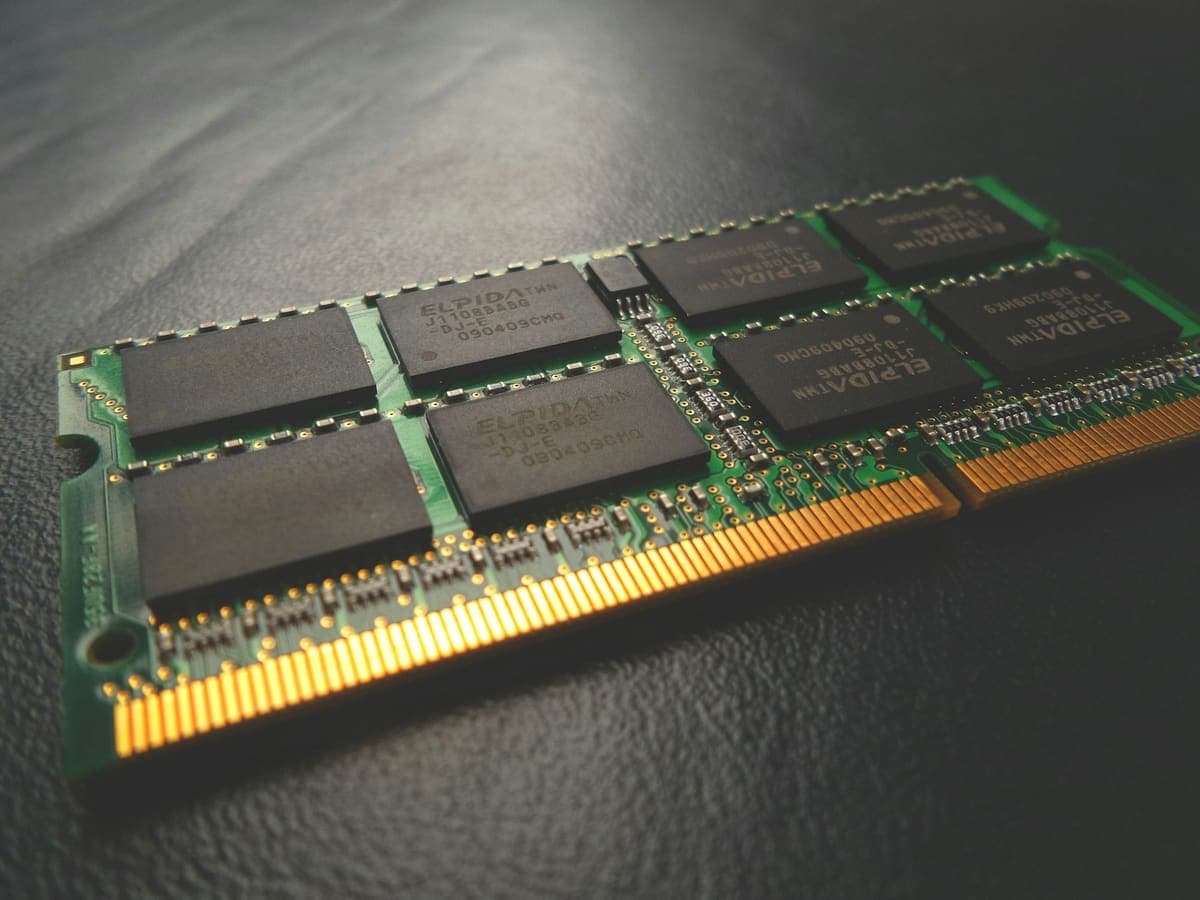
The two upgrades fix completely different problems, and buying the wrong one is the most common way to spend money on a slow computer and notice nothing.