22 July 2026
MacBook Trackpad Not Clicking Anymore? It Might Be Your Battery
When a MacBook trackpad stops clicking or feels stuck, the trackpad itself is rarely at fault. It is usually the battery swelling underneath it.
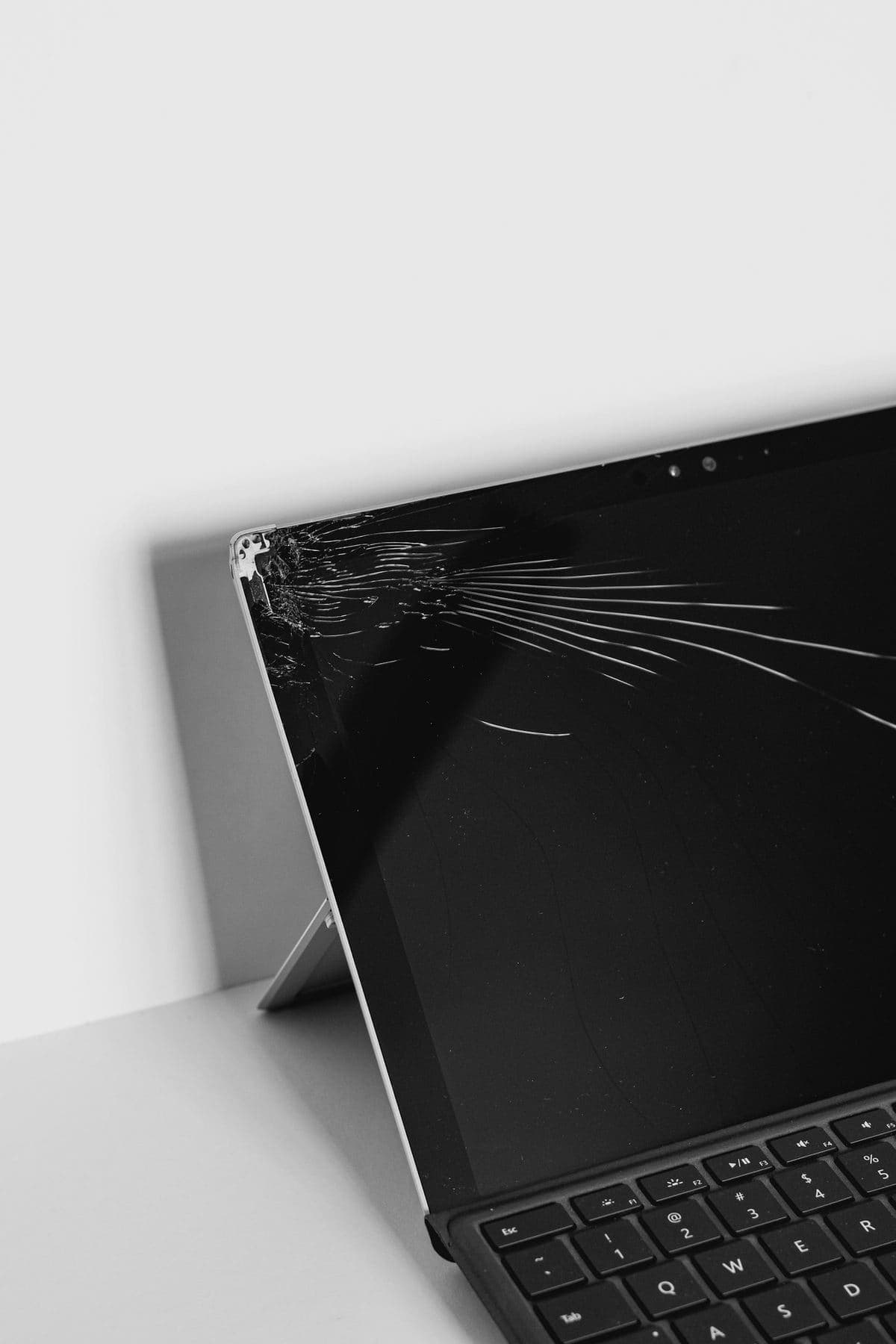
Display faults are not all the same. Some point to panel damage, some to flex cables, and some to board issues.
A MacBook screen fault can look dramatic while still being straightforward to diagnose. Vertical lines, dim backlights, intermittent flicker, and a fully black panel each point toward a different part of the display system.
Continued use with a failing screen cable or cracked panel can make the damage spread and makes data access harder if the display fails completely.
Need help right now? Our Screen Repair engineers can come directly to your home or office anywhere in Greater London to diagnose and fix this for you.
Lines, flicker and a fully black panel each implicate a different component. An external monitor answers the biggest question in about a minute, and the rest follows from there.
Display flex cables fail from repeated bending and pressure far more often than from a single accident.
We come to your home or office anywhere in Greater London for screen replacement.
When a MacBook trackpad stops clicking or feels stuck, the trackpad itself is rarely at fault. It is usually the battery swelling underneath it.
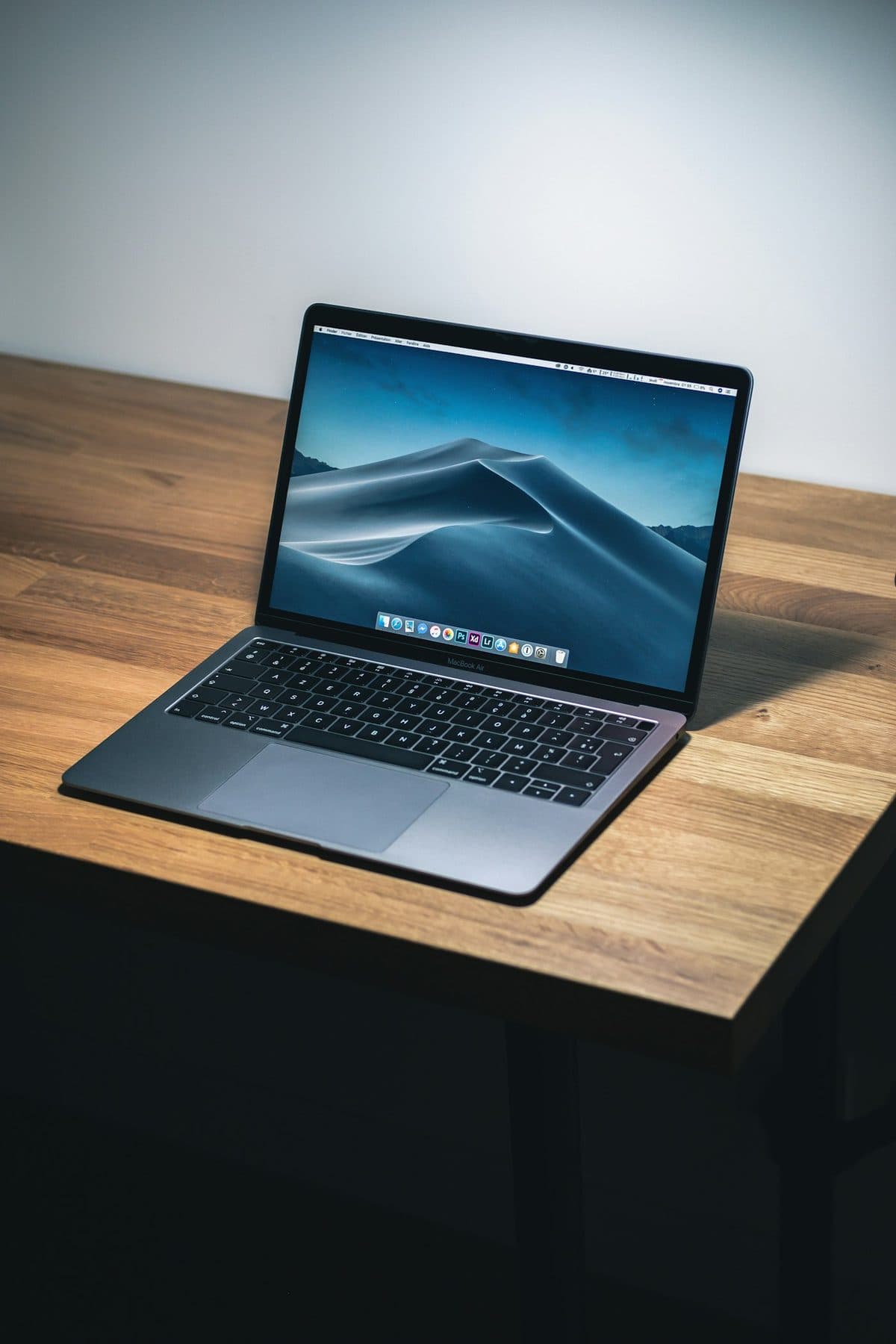
Loud fans and a hot aluminum chassis can indicate thermal throttling. Here is how to keep your MacBook Pro cool.

A sticky MacBook keyboard often points to trapped crumbs or dried liquid underneath the butterfly or scissor mechanisms.