Mobile Console Repair · Epsom
Console Repair in Epsom
Best known for the Derby at Epsom Downs, Epsom itself is full of home workers and small offices for whom a machine down means a lost working day. We cover the town centre and station area, the streets climbing toward the Downs, and the villages beyond — coming to wherever the machine is with console repair for HDMI ports with no picture, overheating shutdowns, charging-port faults and drifting controllers.
We can usually reach you the same day if you call before 2pm. There is no callout charge to Epsom or the surrounding villages, a fixed quote first, and no fix, no fee on every job.
No Fix, No Fee No Callout Charge Same-Day Visits 90-Day Warranty
Common console faults, and what causes them
- No picture on the TV / HDMI port damage
- Console overheating and shutting down
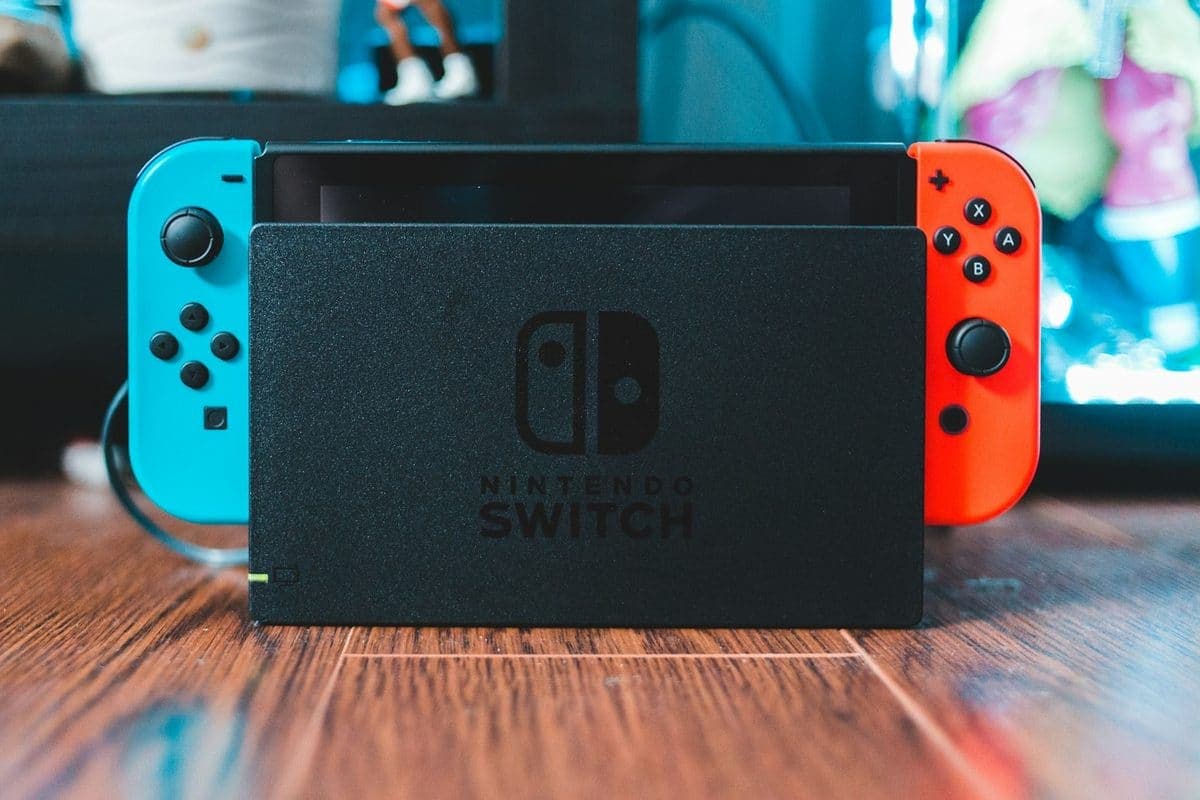
- Switch not charging — worn USB-C port
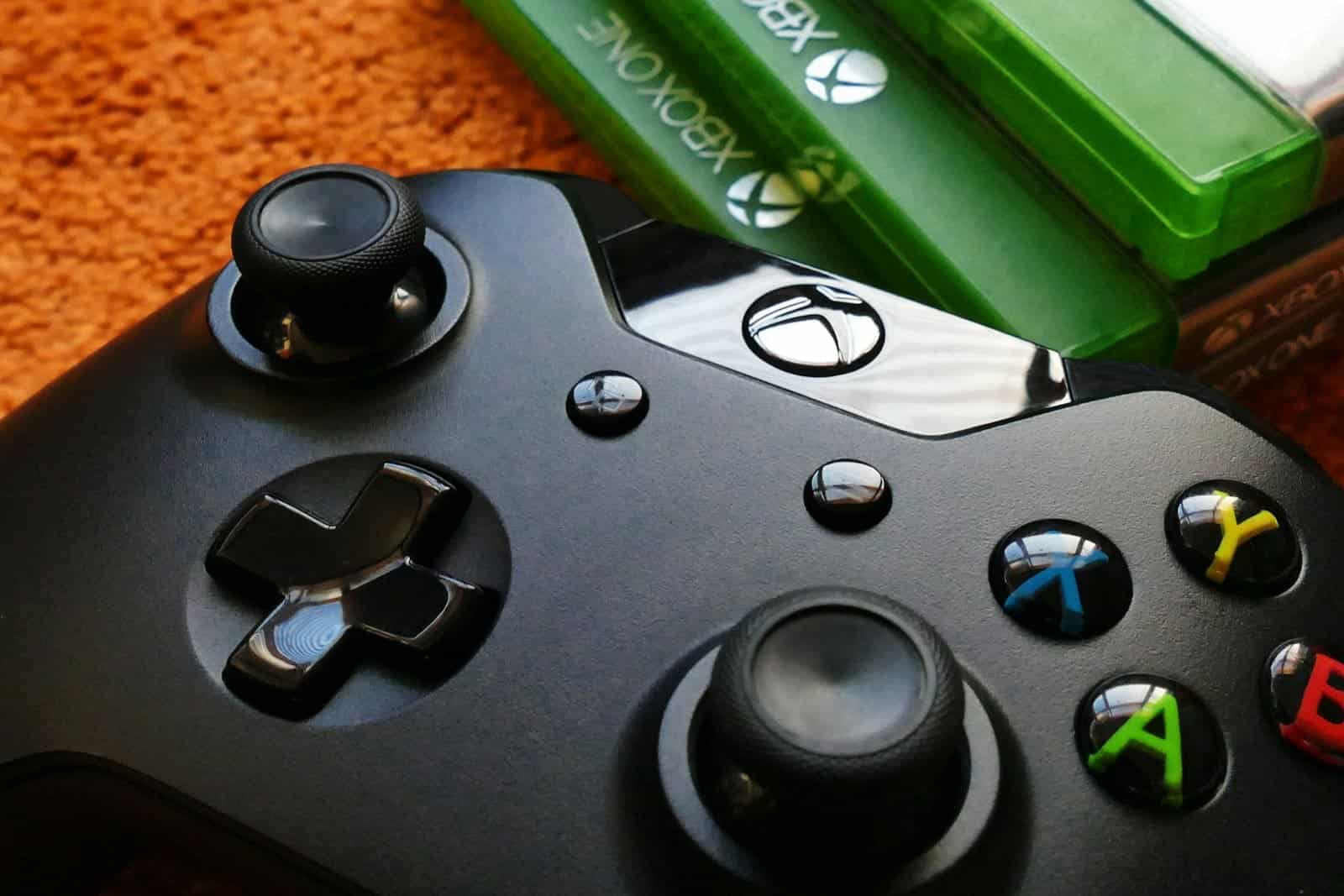
- Controller stick drift (DualSense, Xbox, Joy-Con)
- Disc drive not reading or grinding
- Fan noise and dust-clogged cooling
- Will not power on at all
- Retro and older consoles most shops refuse
We Come To You
No shop visit - we travel to your door
Same-Day Callout
Book before 2pm - we come today
No Fix, No Fee
Pay nothing if we can't fix it
Free Callout
No travel or visit charges
Fixed On-Site
Repaired in front of you, under an hour
All of London
Every borough, 7 days a week
How a console call-out in Epsom actually runs
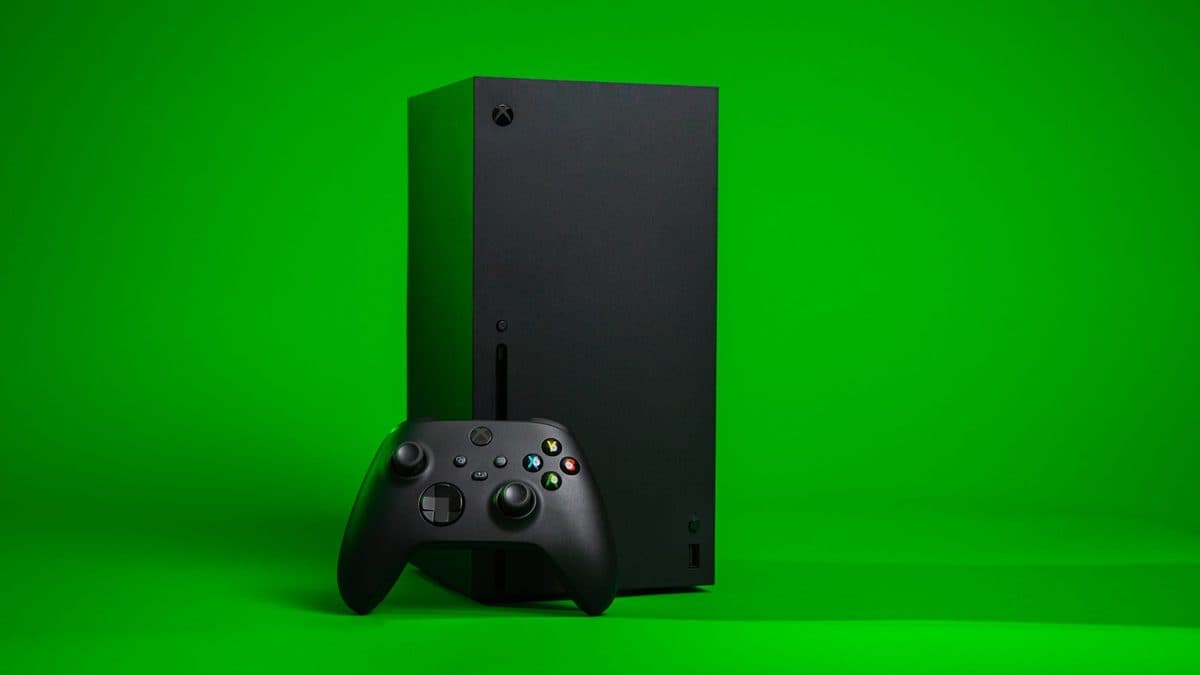
We repair Xbox Series X, Series S, Xbox One, Nintendo Switch, Switch Lite and Switch OLED — so the first step is a proper diagnosis to confirm whether the fault is a port, the power system, thermals, or storage.
The Nintendo Switch fails in ways the home consoles do not, because it is the only one that gets carried around and plugged in several times a day. The single most common fault we see is a worn USB-C port: the console charges intermittently, then only at a certain angle, then not at all. That is a port replacement, not a new console, and the Switch Lite and OLED are the same job. Docking problems are the other pattern — a Switch that works handheld but gives no picture on the TV is usually the dock or its cable rather than the console, which is worth establishing before anyone opens anything. Cracked screens, dead batteries and water damage are all repairable too, and your games, saves and Nintendo account are untouched throughout.
This is our dedicated console repair page for Epsom. For the full picture of everything we repair here, see our Epsom repair page, or our London-wide Console Repair service.
What Epsom gamers call us about
Across Epsom, the console repair calls we get most often involve HDMI ports with no picture, overheating shutdowns, charging-port faults and drifting controllers — though we are called out for plenty more besides.
The home-office and small-business mix in Epsom means a lot of the work is keeping working machines working: battery swaps, storage and memory upgrades, and clean-ups on Macs and PCs that have slowed under years of use. We carry common parts and aim to finish in a single visit rather than leaving a desk empty for a week. Cracked screens and worn batteries on family and student MacBooks are steady too, and where a machine just feels tired an SSD and a fresh install usually transform it far more cheaply than a replacement. For the small businesses, it's more varied — a till or office PC that won't boot, a drive on its way out, or Wi-Fi that won't reach the back of a unit — and those we treat as priority, because a dead computer stalls the whole day.
What console repair costs in Epsom
Agreed upfront before we touch your device. No surprises.
£120
per hour labour
minimum 1 hour · no hidden extras
Parts
quoted separately
agreed before any work starts
No fix → you pay £0
No diagnostic fee, no callout charge if we cannot repair
No callout charge
We travel to you in Epsom at no extra cost
90-day warranty
Parts and labour covered if the same fault returns
Getting to you in Epsom
Epsom is a slightly longer run than our closest areas but firmly within our range, with no callout charge, and same-day is usually workable if you call before 2pm. The town is spread out, so for the villages and the streets up toward the Downs we'll confirm the address and access with you at booking — it helps us arrive when we said we would. Parking is generally easier here than in the busier town centres we cover. Evenings and weekends are no extra charge.
Why Epsom chooses We Repair Mac
We Come to You
No shop drop-off. We travel to your home or office in Epsom at no extra charge.
Same-Day Visits
Most repairs done on-site within the hour. Book before 2pm and we aim to visit the same day.
Genuine Parts & Warranty
Quality replacement parts, backed by a 90-day parts and labour warranty.
No Fix, No Fee
If we cannot fix it, you pay absolutely nothing — no diagnostic or callout fee.
Console Repair Epsom — FAQs
Console Repair advice
Written by the engineers who do this work — the faults behind most console repair call-outs, and what you can check before we arrive.

Other repairs in Epsom
Console Repair in nearby areas
Book Console Repair in Epsom
Same-day visits, no callout charge, no fix no fee.