8 September 2026
Windows Laptop Blue Screen? Read The Stop Code First
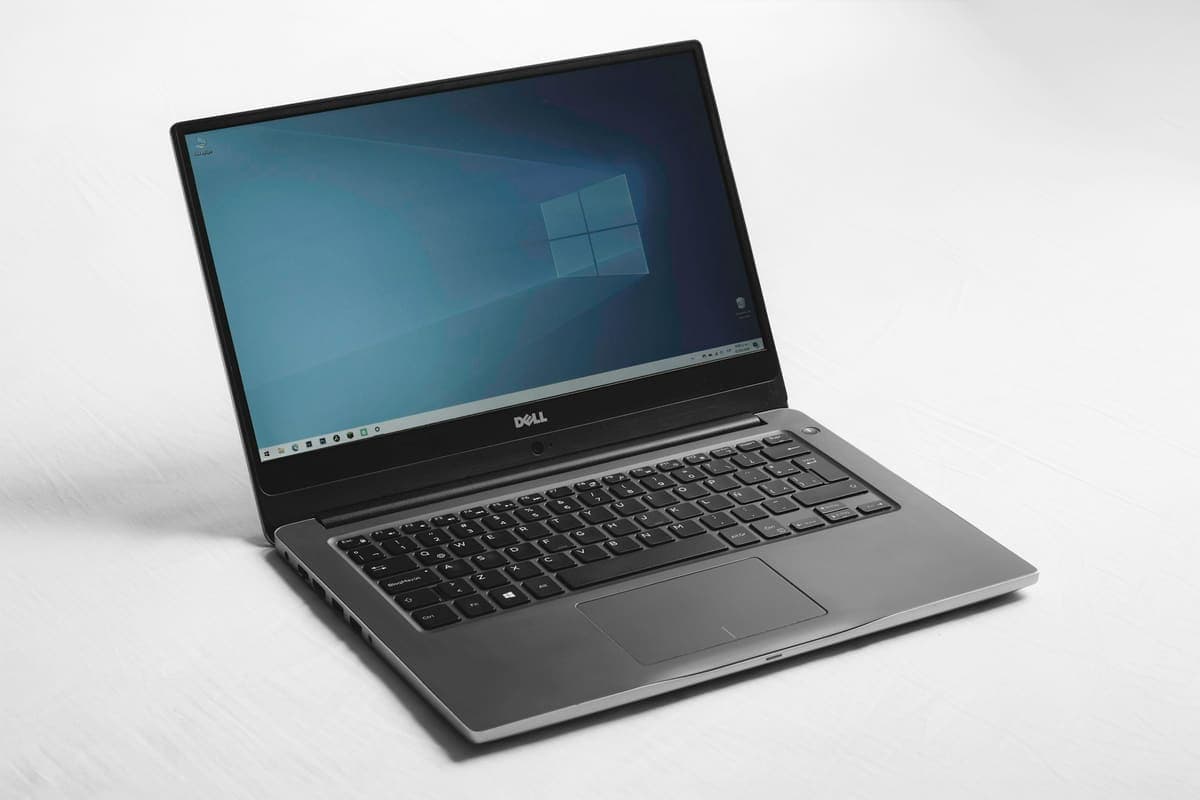
A blue screen is Windows stopping deliberately to avoid damage. The stop code it shows is the most useful clue you get, and most people scroll past it.
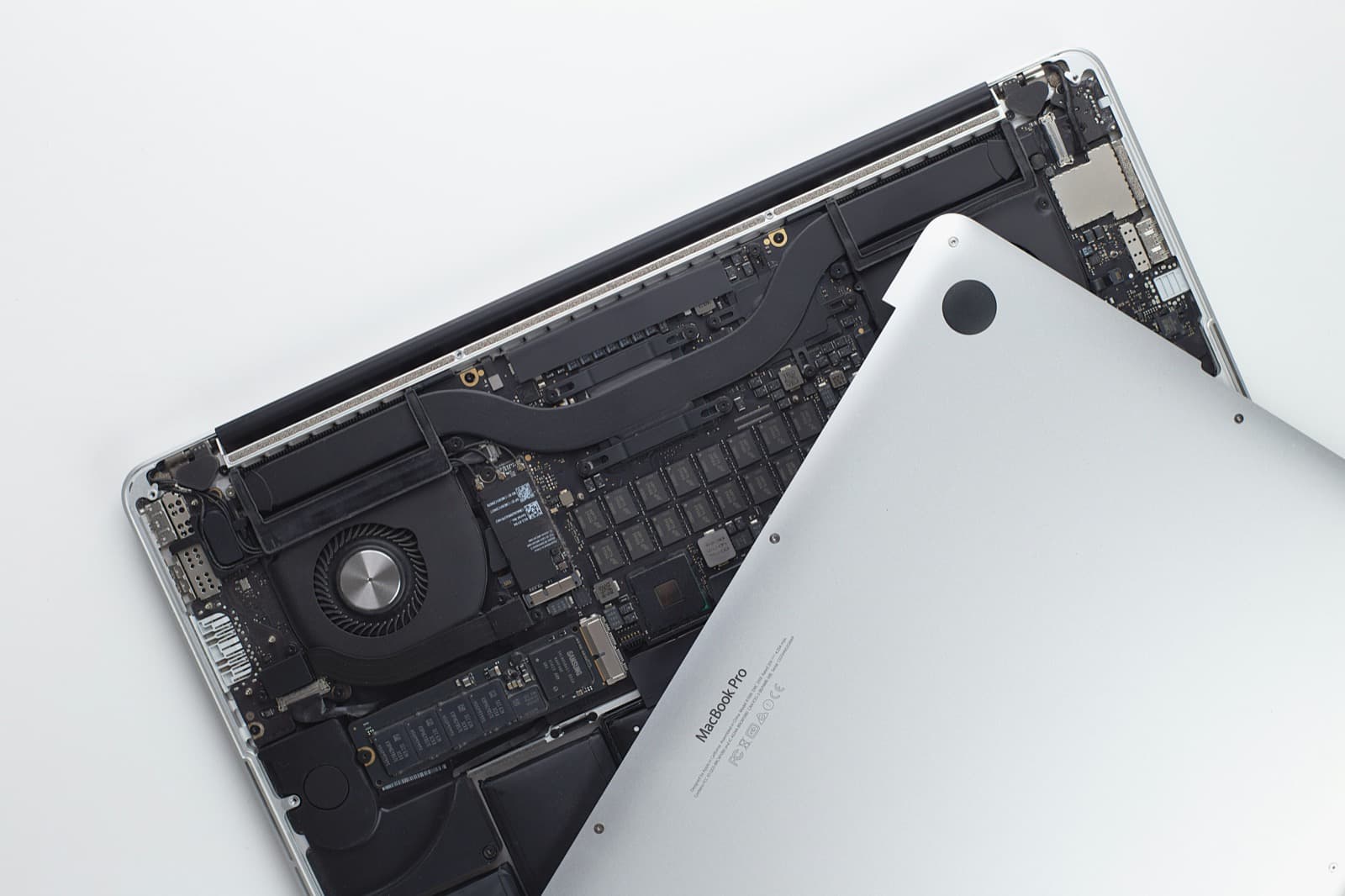
Windows 10 left support in October 2025. How to tell if your PC can move to Windows 11, when an upgrade is worth it, and how long you can safely wait.
Windows 10 reached end of support on 14 October 2025, but your PC has not stopped working and you do not have to replace it this week. Home users can still enrol in Microsoft’s consumer Extended Security Updates, which Microsoft has extended to 12 October 2027, and that buys time to decide properly. The decision itself comes down to one question: does your processor appear on Microsoft’s supported list for Windows 11? If it does, the upgrade is free and usually worth doing now. If it does not, no amount of extra memory or a faster drive will change that, and the honest plan is to use the ESU window to choose a replacement.
A Windows 10 PC that is not enrolled in ESU has received no security fixes since October 2025, and every month adds known, published holes that nobody is patching. That matters most on the machine you bank, shop and do email on. Enrolling takes minutes and closes that gap, but it is security fixes only: no new features and no help from Microsoft when something else goes wrong, so it is a bridge to Windows 11 or a new machine, not a place to stay.
Need help right now? Our Windows Support engineers can come directly to your home or office anywhere in Greater London to diagnose and fix this for you.
Most of the confusion about Windows 11 comes from mixing up two different kinds of “no”: a setting that is switched off, and a processor that is simply too old. Working out which one you have usually fits inside the one-hour minimum, at £120 an hour, with no callout charge on top.
The extension to 2027 removes the panic, not the deadline. A little planning now means the change happens when it suits you.
We come to your home or office anywhere in Greater London for Windows support.
A blue screen is Windows stopping deliberately to avoid damage. The stop code it shows is the most useful clue you get, and most people scroll past it.
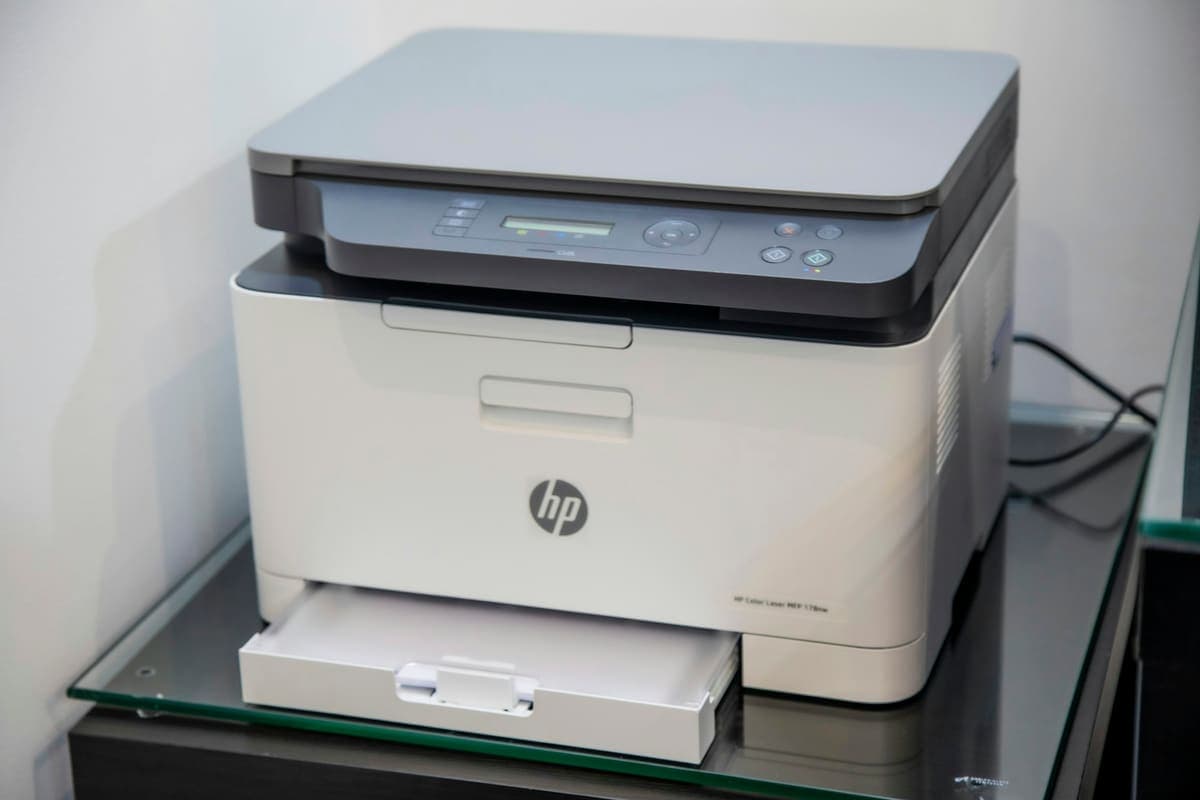
Reinstalling the driver a fourth time will not help if the printer never joined the network. Most wireless printer faults are really network faults.
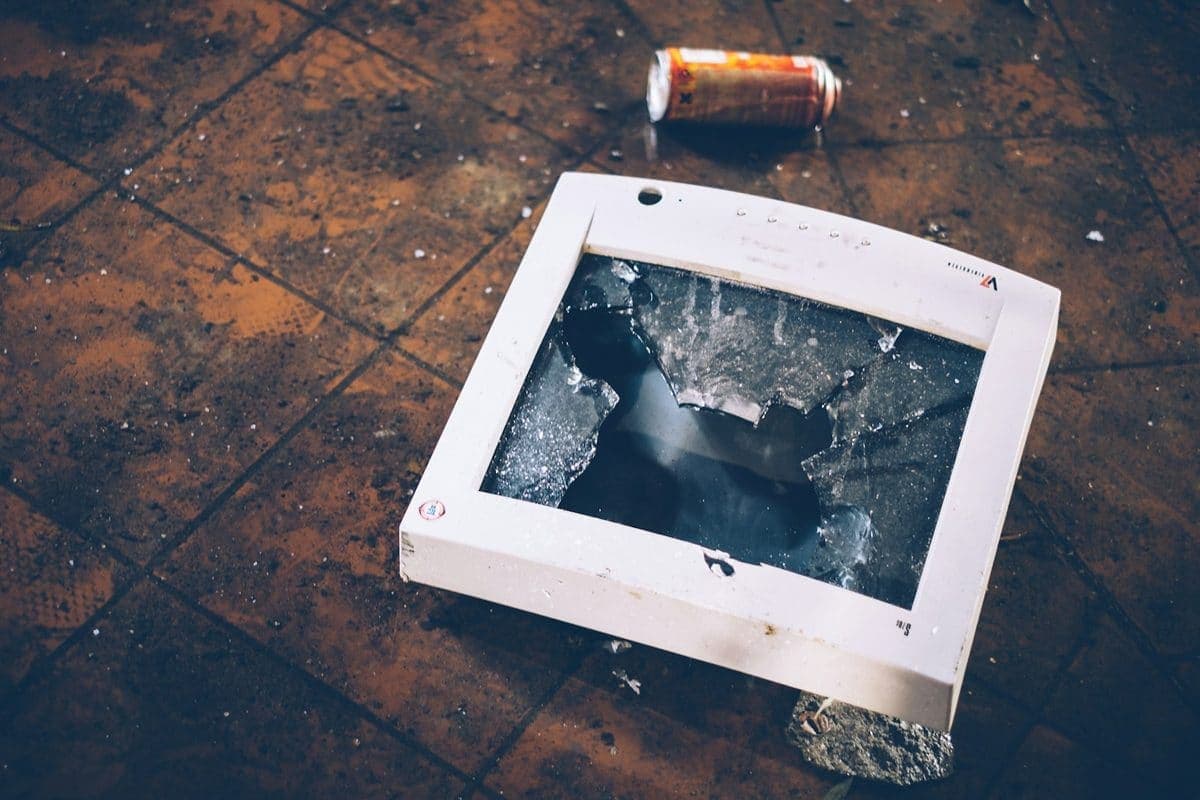
A cracked display looks expensive, but the screen is often the only part that needs attention. The key is confirming the rest of the laptop is healthy.