15 October 2026
Windows 10 Support Has Ended: Upgrade, Replace Or Keep Going?
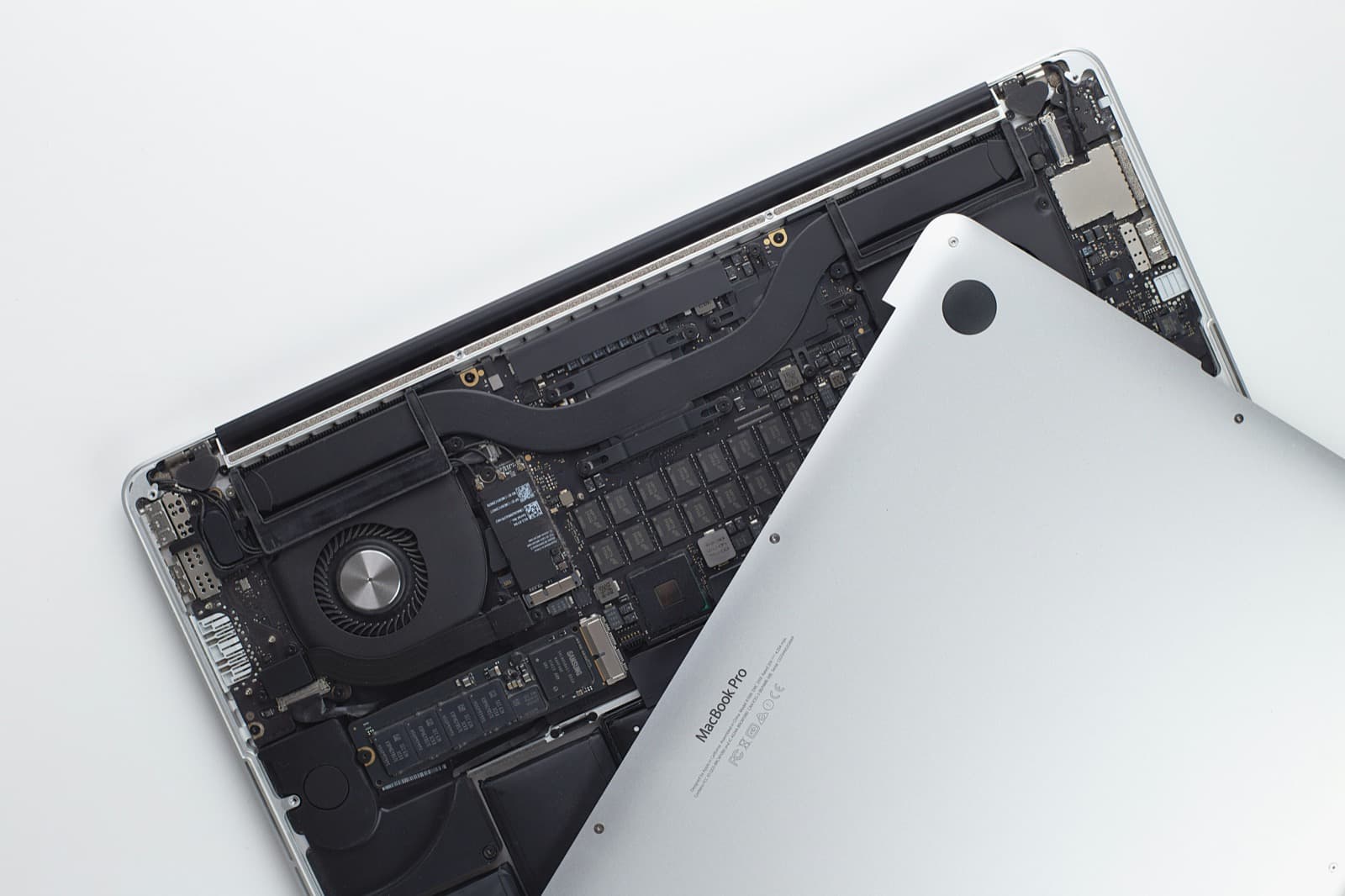
Windows 10 left support in October 2025. How to tell if your PC can move to Windows 11, when an upgrade is worth it, and how long you can safely wait.
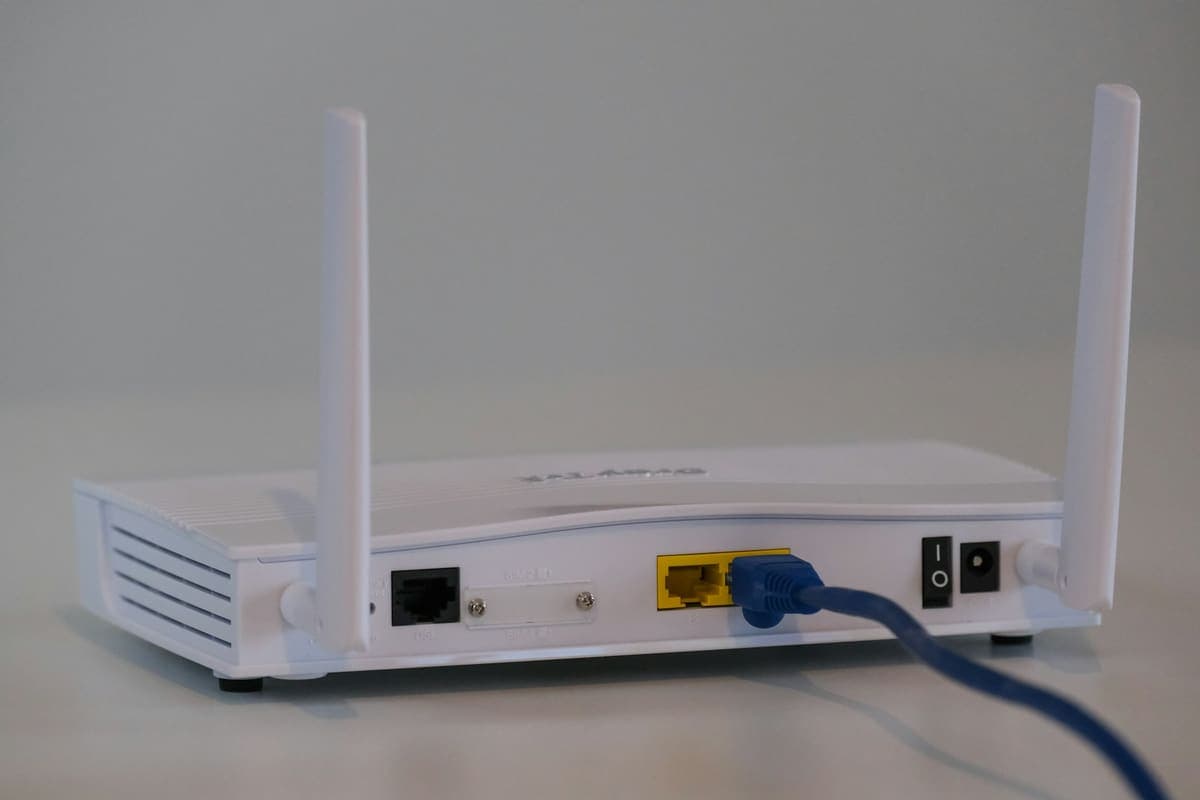
Wi-Fi that fails mid-call but tests fine afterwards is usually a fault between your device and the router, not on the broadband line itself.
The classic home-office complaint is that video calls freeze or drop while everything else seems fine, and a speed test five minutes later comes back perfect. That pattern points away from the broadband line and towards the Wi-Fi hop at the end of it. In a London flat or a terraced house you are usually sharing the airwaves with dozens of neighbouring networks, and a device that is clinging to a congested channel, or to a weak 5GHz signal it should have handed back, will stutter exactly when the connection is under load.
Intermittent faults are the ones that go unfixed for months, because every test run after the event passes. In the meantime the calls that matter are the ones that break. It is also the fault most often misdiagnosed as a slow line, which leads to paying for a faster package that changes nothing, because the bottleneck was never the line.
Need help right now? Our Networking Support engineers can come directly to your home or office anywhere in Greater London to diagnose and fix this for you.
The point of the visit is to catch the fault happening rather than to test the network once it has settled down, which is why we measure in the rooms you actually work in.
Most home networks are one or two placement decisions away from being reliable, and none of these cost anything.
We come to your home or office anywhere in Greater London for networking support.
Windows 10 left support in October 2025. How to tell if your PC can move to Windows 11, when an upgrade is worth it, and how long you can safely wait.
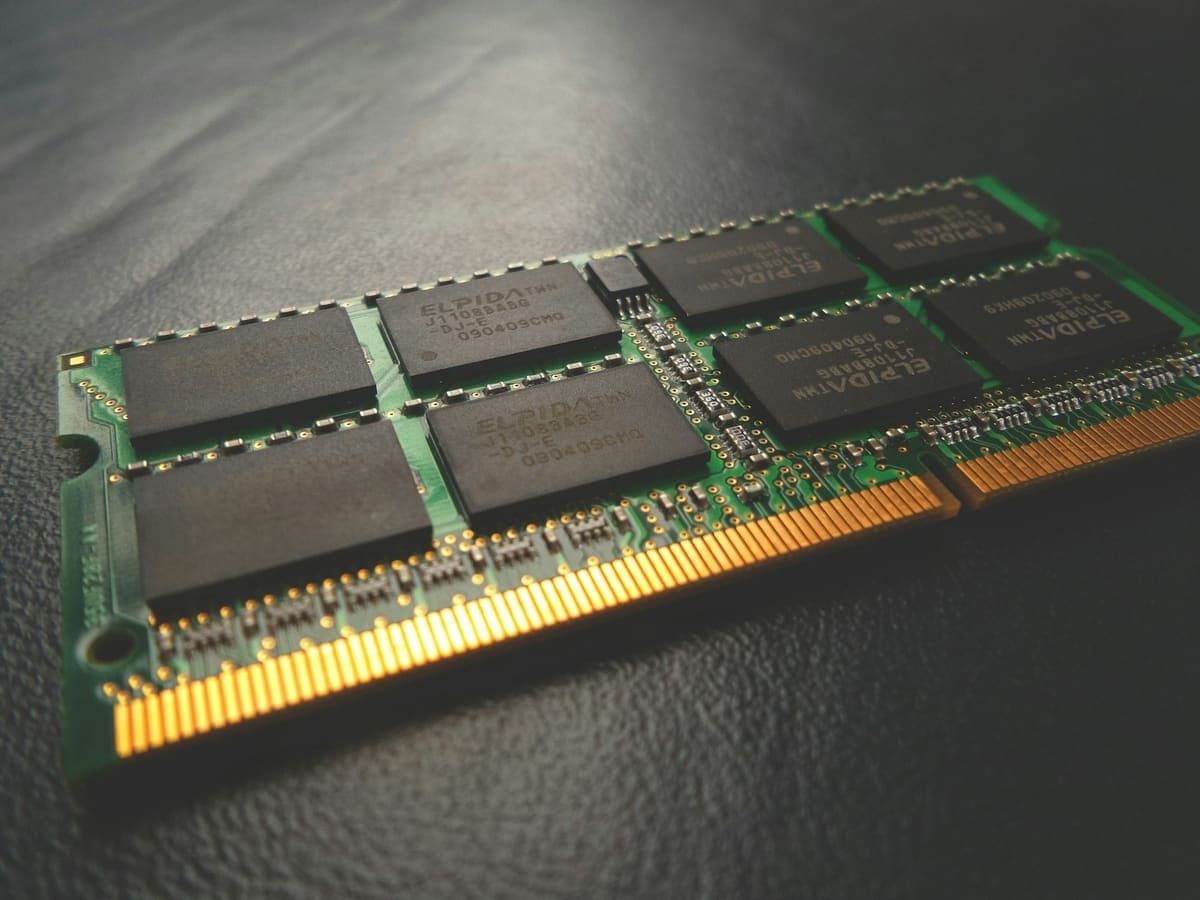
The two upgrades fix completely different problems, and buying the wrong one is the most common way to spend money on a slow computer and notice nothing.
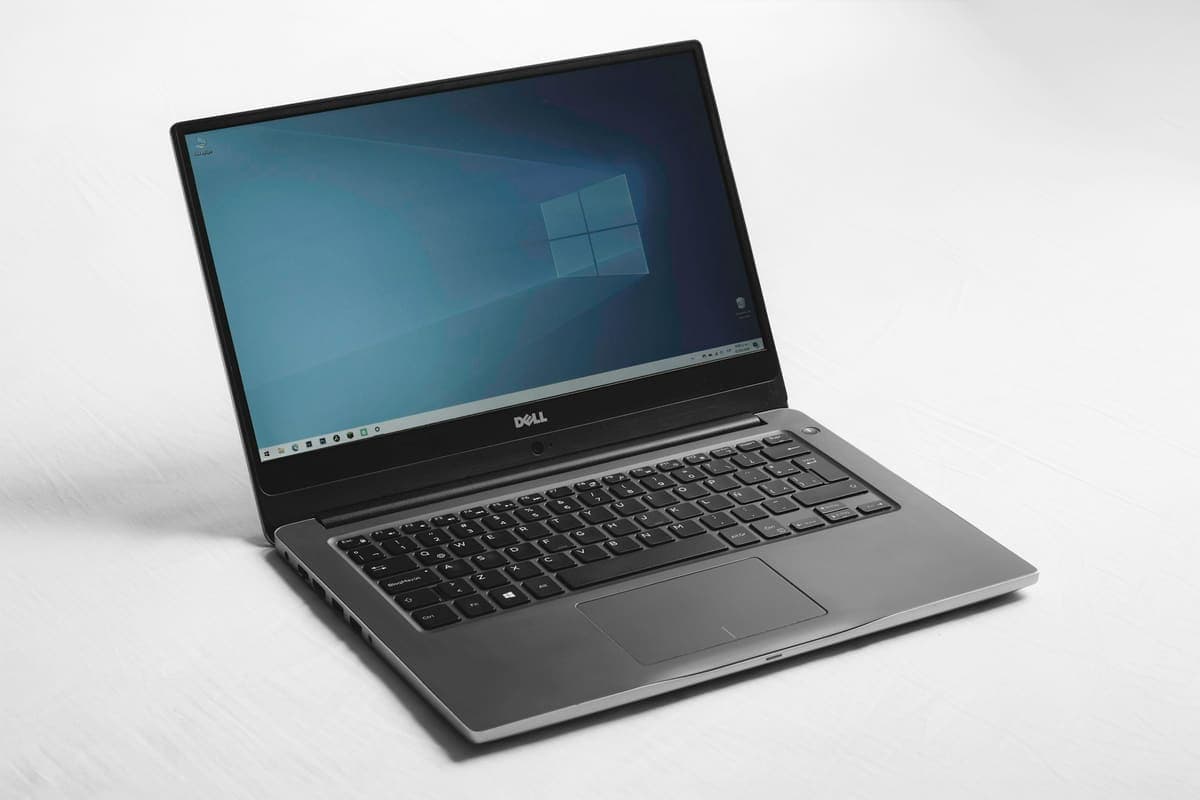
A blue screen is Windows stopping deliberately to avoid damage. The stop code it shows is the most useful clue you get, and most people scroll past it.