
5 August 2026
Spilled Water on Your Keyboard? Stop Doing These 3 Things
When liquid touches electronics, the first few minutes dictate whether the device survives. Stop reaching for the rice bag.
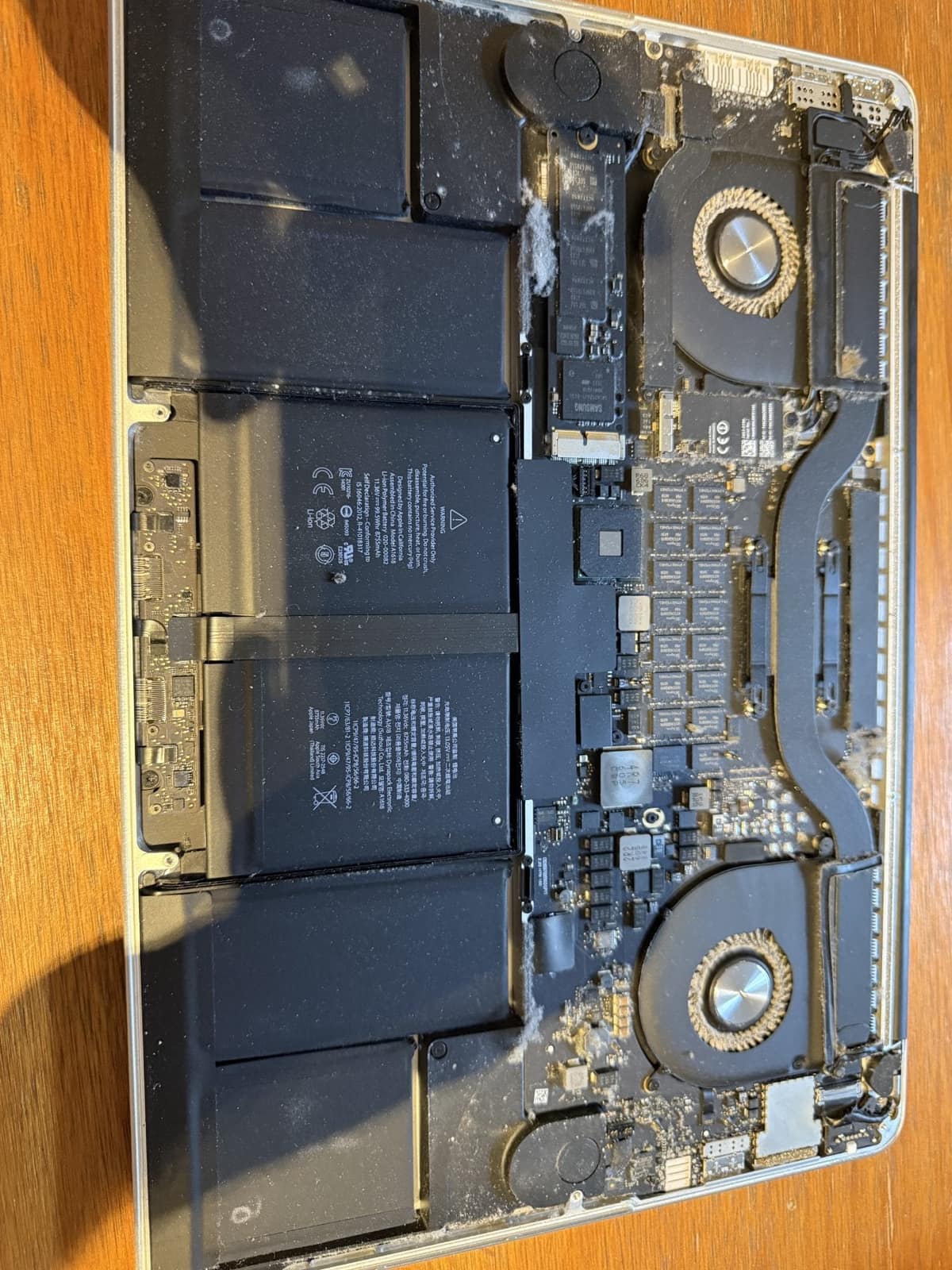
A logic board fault does not have to mean a new board or a new Mac. Board-level repair fixes the component that failed and keeps your data where it is.
When a MacBook has a logic board fault, the usual official answer is to swap the entire board, which often costs close to the value of the machine. Board-level repair takes a different approach: it traces the fault to the one component that has failed — very often a power chip, a fuse, a capacitor or a corroded connection — and replaces only that. Most faults are a single failed part on a board that is otherwise healthy, which is why repair is so often the better option.
On recent MacBooks the storage is soldered to the logic board and encrypted to it. If the board is swapped, the data on the old board goes with it. Repairing the original board is often the only way to get your files back as well as a working Mac, and with liquid damage the corrosion keeps spreading every day the board sits wet, so the sooner it is inspected the more of it can be saved.
Need help right now? Our MacBook Logic Board Repair engineers can come directly to your home or office anywhere in Greater London to diagnose and fix this for you.
Board work is done in our workshop after a free inspection, and it is quoted per fault rather than from a price list, because a blown fuse and a corroded power circuit are very different jobs. You get the price before any work starts.
Most boards we repair failed for a handful of avoidable reasons. These are the ones worth guarding against.
We come to your home or office anywhere in Greater London for MacBook logic board repair.
When liquid touches electronics, the first few minutes dictate whether the device survives. Stop reaching for the rice bag.

When a MacBook trackpad stops clicking or feels stuck, the trackpad itself is rarely at fault. It is usually the battery swelling underneath it.

Loud fans and a hot aluminum chassis can indicate thermal throttling. Here is how to keep your MacBook Pro cool.