
5 August 2026
Spilled Water on Your Keyboard? Stop Doing These 3 Things
When liquid touches electronics, the first few minutes dictate whether the device survives. Stop reaching for the rice bag.

A MacBook Air screen that cracks with no fall or knock was almost always closed on something small. What causes it and what the repair involves.
The MacBook Air has a very thin display, and the gap between the screen and the keyboard when the lid is closed is tiny. Closing it on something small — an earbud, a pen, a hair clip, even a grain of grit — presses that object straight into the panel, and it cracks from the inside. It can also happen when the Mac is carried in a packed bag or lifted by one corner of the lid. People are often sure it was never dropped, and they are right: it did not need to be.
A cracked panel usually gets worse, not better. The crack spreads as the lid is opened and closed, and glass splinters can work loose. Black patches or lines that grow over a few days are normal for this kind of damage. If you rely on the Mac, back up straight away while you can still see enough of the screen to do it.
Need help right now? Our MacBook Air Repair engineers can come directly to your home or office anywhere in Greater London to diagnose and fix this for you.
A cracked MacBook Air display is a straightforward repair once the right part is in hand. A typical MacBook screen replacement comes to £180–£450, and the Air sits towards the lower end of that range.
This kind of crack is almost entirely avoidable once you know what causes it.
We come to your home or office anywhere in Greater London for MacBook Air repair.
When liquid touches electronics, the first few minutes dictate whether the device survives. Stop reaching for the rice bag.
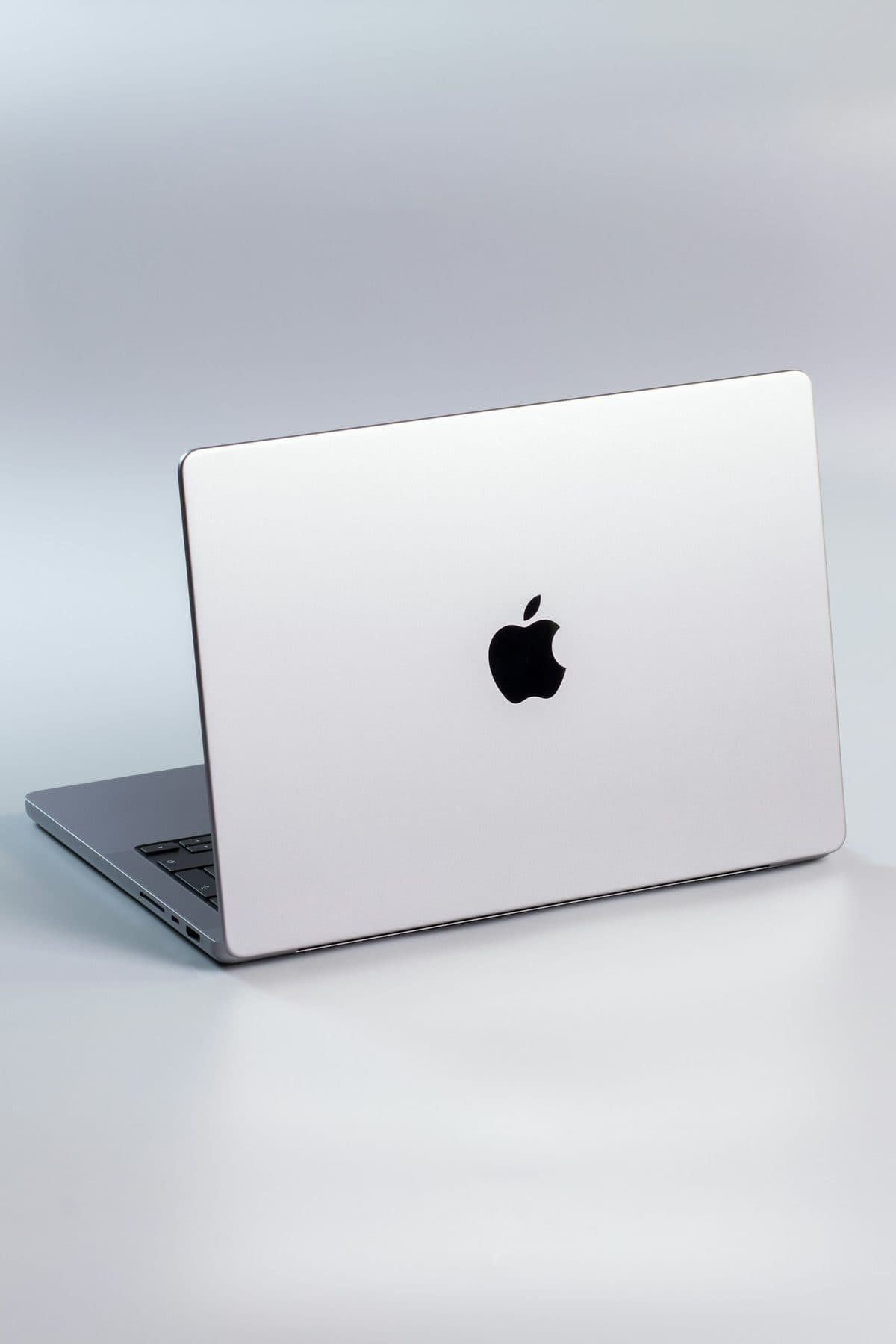
When a MacBook trackpad stops clicking or feels stuck, the trackpad itself is rarely at fault. It is usually the battery swelling underneath it.

Loud fans and a hot aluminum chassis can indicate thermal throttling. Here is how to keep your MacBook Pro cool.