27 May 2026
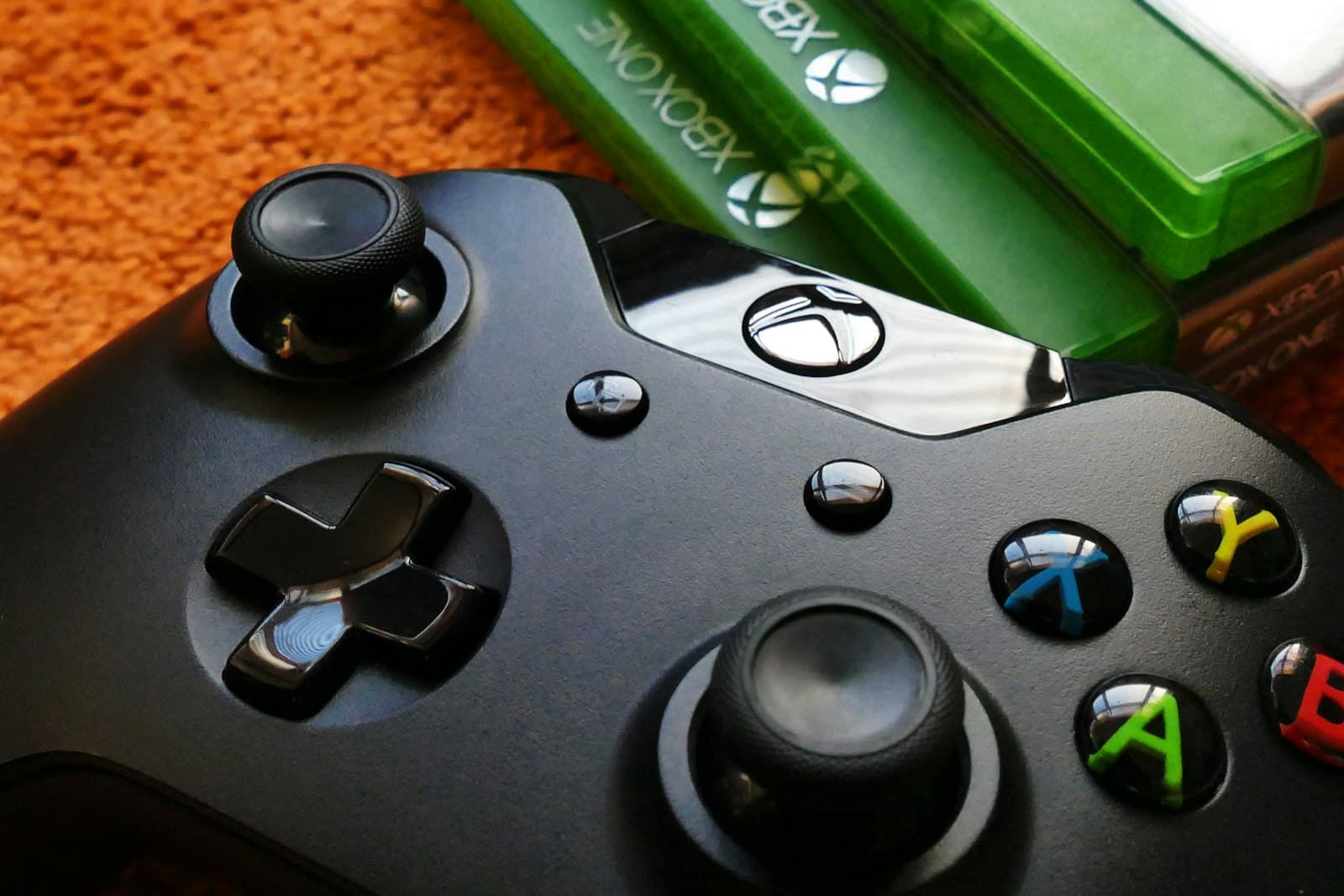
Xbox Series X No Display? The Most Common Causes
A black screen on an Xbox can be a cable issue, HDMI damage, resolution confusion, or a deeper board fault.
Charging issues on a Switch can come from the USB-C port, the battery, the dock, or the charging circuit itself.
A Nintendo Switch that charges intermittently or not at all needs careful diagnosis because the symptom can come from several different places, not just a visibly worn port.
Charging faults tend to worsen with continued cable movement, and repeated forcing can damage the port or surrounding board pads.
Need help right now? Our Console Repair engineers can come directly to your home or office anywhere in Greater London to diagnose and fix this for you.
A good repair visit should narrow the fault down quickly, explain what has failed, and tell you whether the problem is economical to repair before unnecessary work starts.
Even when the immediate problem is fixed, a few simple habits can help keep the same issue from returning.
We come to your home or office anywhere in Greater London for console repair.
A black screen on an Xbox can be a cable issue, HDMI damage, resolution confusion, or a deeper board fault.
Unexpected shutdowns, loud fans, and heat warnings are often a maintenance problem before they become a hardware failure.
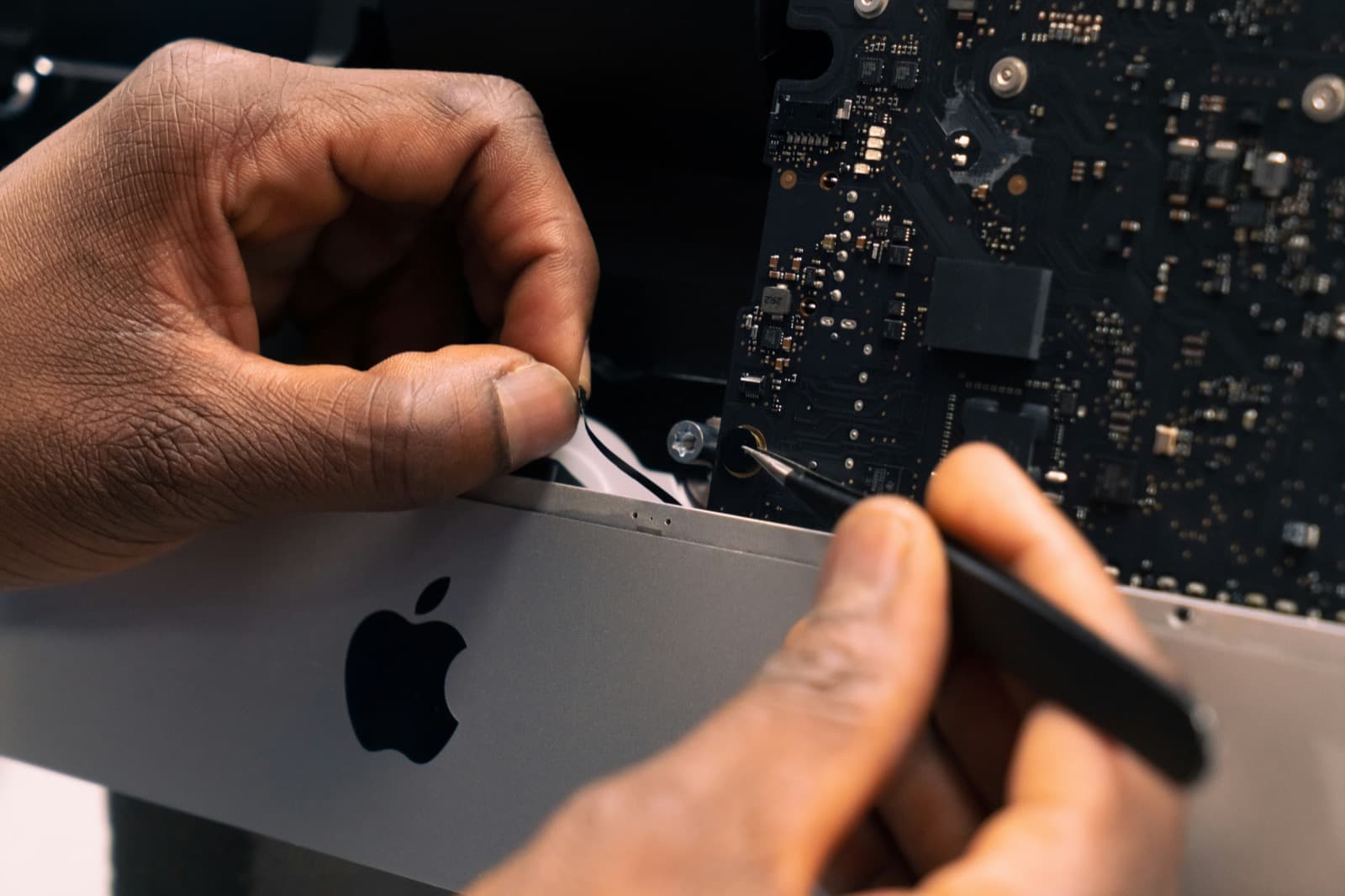
A sticky MacBook keyboard often points to trapped crumbs or dried liquid underneath the butterfly or scissor mechanisms.